
How to Animate a Portrait: Turn Any Photo Into a Talking Video
Learn how to animate a portrait and turn any still photo into a talking video using AI. Simple steps via WhatsApp, no app installation required.
- animate portrait
- talking photo
- AI video
- digital memories
- WhatsApp AI
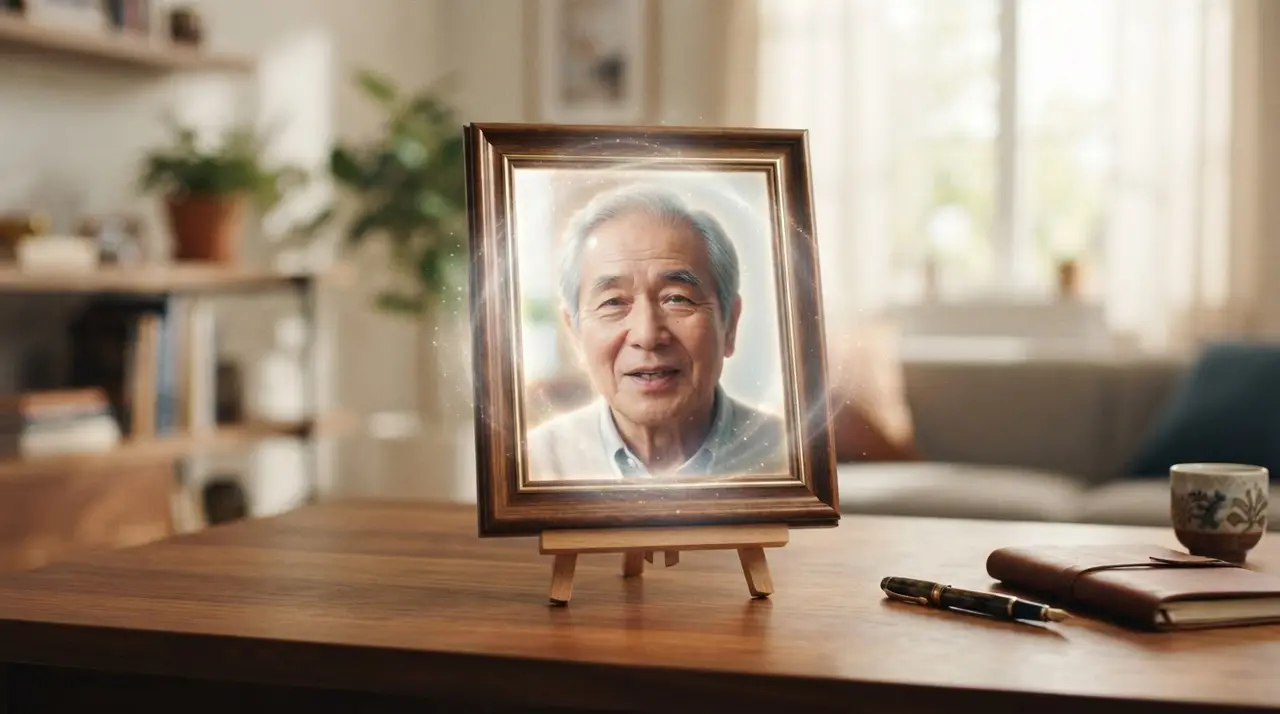
Transforming a static image into a talking video is achieved by using AI models that map complex facial movements to synchronized audio, creating the illusion of a living person. This process allows you to animate a portrait and effectively turn a photo into a video, making precious memories feel present and alive again.
For many, a photo is more than just an image; it is a frozen moment of love, history, and connection. With the power of AI, you can now take those cherished portraits and give them a voice. Whether you want to preserve the legacy of a grandparent or create a personalized message for a special occasion, our technology at Vídeo com IA makes this transformation simple and accessible.
Why Animate a Portrait?
Animating a portrait bridges the gap between memory and reality, providing an emotional experience that a static picture simply cannot match. When you make a photo talk, you aren't just editing an image; you are creating a bridge to the past, allowing loved ones to "speak" once more or delivering heartfelt messages through a familiar face.
This emotional impact is why so many families are turning to these tools to celebrate birthdays, weddings, or to honor those who have passed. It is a powerful way to keep stories alive for future generations.
Choosing the Perfect Photo for Animation
The quality of your result depends heavily on the input image you provide. For the best outcome when using AI to animate a photo, prioritize images that are:
- Front-facing: Photos where the person is looking directly at the camera provide the best facial mapping.
- Well-lit: Avoid images with heavy shadows or blurry facial features.
- High-resolution: Clearer photos allow the AI to detect nuances in expressions, resulting in a more natural animation.
If your cherished memory is currently in poor condition, you may want to restore your old family photos first to ensure the AI has a clean base to work with.
| Feature | Static Photo | AI Animated Portrait |
|---|---|---|
| Engagement | Low | High |
| Emotional Value | Nostalgic | Interactive |
| Complexity | None | Low (via WhatsApp) |
| Use Case | Display | Personalized Gift |
The Process: How It Works
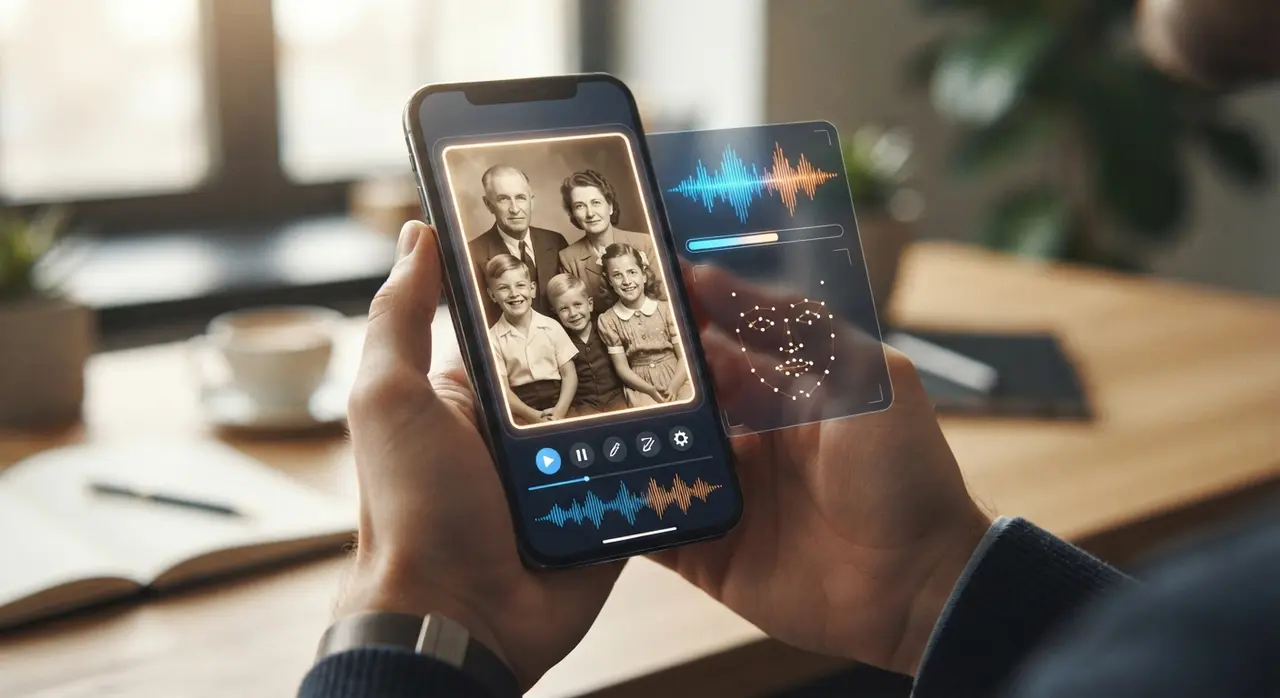
Our goal is to make the process of creating a talking photo as frictionless as possible. You do not need to be a tech expert or install heavy software. We utilize advanced AI to synchronize lip movements with your chosen audio, ensuring the animation looks natural and emotive.
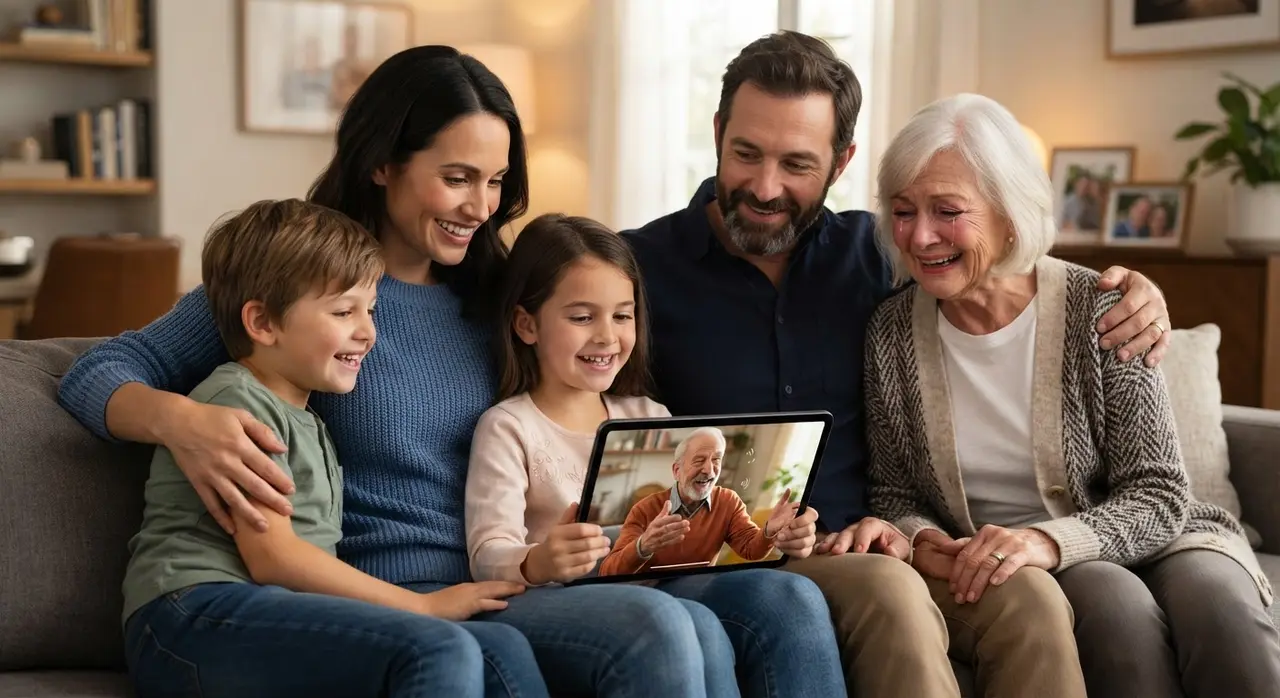
Consider the case of a client who used our service to create a birthday surprise for her mother. By taking a portrait of her late father and syncing it with a recorded greeting, she was able to present a touching gift that brought the whole family to tears. This is the power of turning a talking photo with AI into a lifelong treasure.
Frequently asked questions
What kind of photos work best for AI animation?
Photos where the subject is facing forward, has clear facial features, and is well-lit produce the most realistic results. Avoid photos where the face is obstructed by hair, glasses, or hands.
Do I need to install any apps to animate my photo?
No, you do not need to install any apps. Our process is fully accessible through WhatsApp, making it easy for anyone to use regardless of their technical skill level.
Can I use any audio for the talking photo?
Yes, you can provide the audio you want the portrait to say. Whether it is a heartfelt message, a poem, or a simple greeting, our AI will sync the lip movements to match the speech perfectly.
Is it possible to animate very old, damaged photos?
It is possible, but we highly recommend restoring the image first for better results. Clear, restored photos allow the AI to map facial expressions more accurately, resulting in a much higher quality video.