
How to Restore Old Family Photos: A Step-by-Step Guide
Learn how to recover old photos, fix damage, and create a beautiful family photo montage using AI. Restore your precious memories easily via WhatsApp today.
- restore old photos
- AI photo restoration
- family history
- photo montage
- digital memory preservation
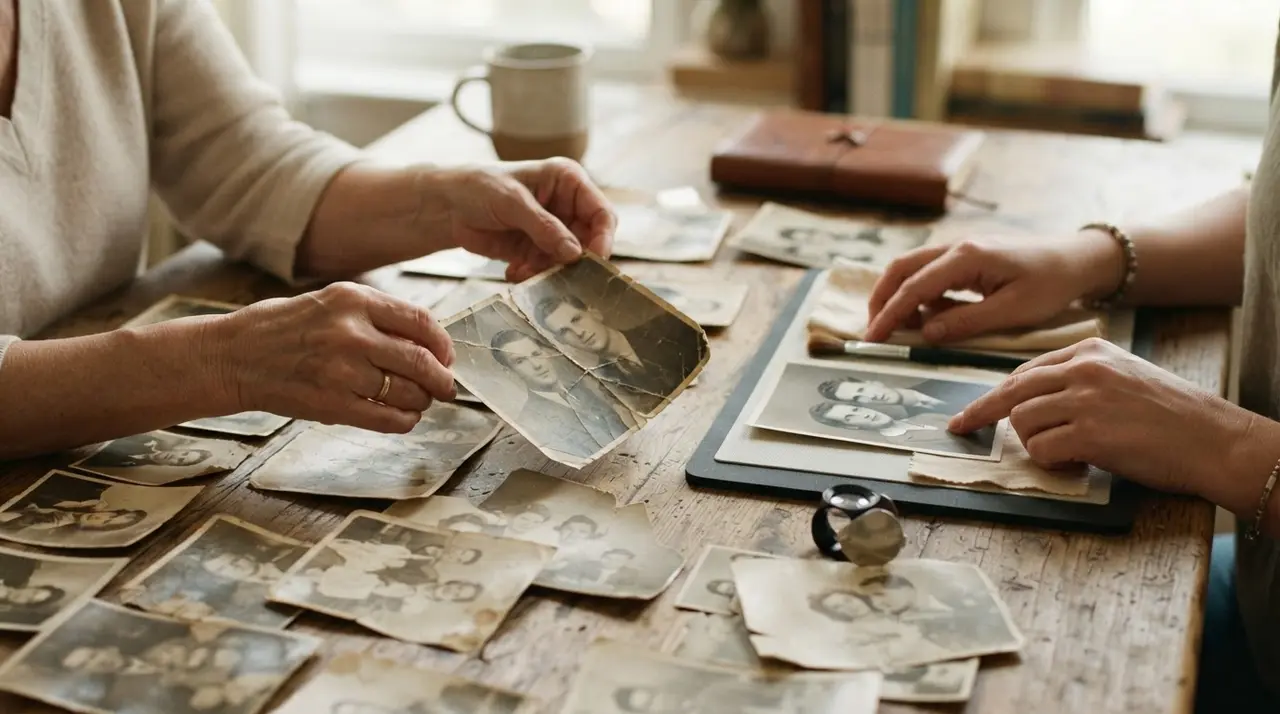
You can effectively recover old photos by using artificial intelligence to repair physical damage like tears, creases, and fading. This process transforms fragile, damaged prints into high-quality digital files that can be preserved for future generations.
Many families have shoeboxes filled with memories that are slowly deteriorating due to time, humidity, and improper storage. Fortunately, you no longer need expensive software or expert skills to restore these precious moments. By leveraging AI, you can breathe new life into your family history, turning a collection of scattered prints into a beautiful family photo montage.
Common Types of Photo Damage and AI Solutions
AI-powered restoration tools analyze damaged images pixel by pixel to reconstruct missing details and smooth out imperfections. Whether your photos are suffering from years of neglect or accidental damage, the technology works by identifying patterns to rebuild the original image integrity.
- Tears and Creases: The AI identifies the lines caused by folds and seamlessly fills them with surrounding texture.
- Fading and Discoloration: Algorithms adjust color balance and contrast to reveal details lost to time.
- Blurriness: Advanced sharpening tools enhance facial features, making faces look crisp even in old, low-quality snapshots.
- Dust and Scratches: Digital filters automatically detect and remove surface-level debris that makes a photo look aged.
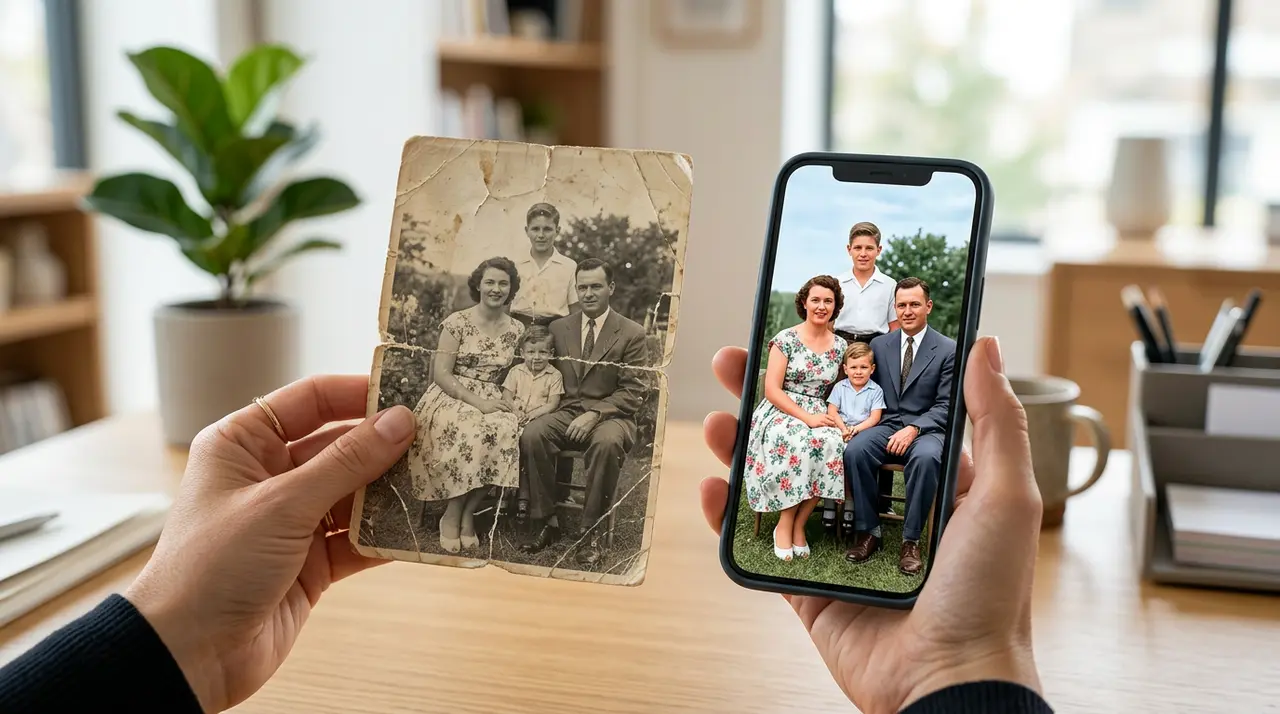
The Simple Workflow to Preserve Your History
Restoring an entire album is a straightforward three-step process that requires only your smartphone. You do not need to install complex software or learn professional editing tools to restore old photos effectively.
- Digitalization: Take a high-quality photo of your physical print in a well-lit area, ensuring there is no glare on the surface.
- Restoration and Colorization: Submit your digital file to an AI service, which will remove damage and add natural color to black and white images.
- Animation and Montage: Once restored, take your favorite portraits and animate them to create a moving tribute for a birthday or anniversary photo montage.
| Process Phase | Goal | Outcome |
|---|---|---|
| Digital Scan | Capture clarity | High-resolution base |
| AI Repair | Fix damage | Clean, sharp image |
| Colorization | Add life | Vibrant, realistic tones |
| Animation | Add emotion | Moving portrait video |
Why Professional AI Restoration Matters
Using a specialized service like Vídeo com IA ensures that your photos receive the highest level of care during the reconstruction process. We recently assisted a client who had a deeply damaged wedding photograph from the 1950s that was torn in half. By using our advanced AI algorithms, we not only repaired the physical tear but also restored the facial expressions of the couple, allowing the family to print a large, high-quality version for a 70th-anniversary celebration.

Frequently asked questions
Can AI really fix a badly torn photo?
Yes, modern AI can reconstruct missing sections of a photo by analyzing the surrounding context and texture. While extreme damage may still show subtle signs of repair, the results are typically professional-grade and perfect for printing or digital sharing.
Do I need to download an app to use your service?
No, you do not need to install any software or apps to work with us. We handle the entire restoration process directly through WhatsApp, making it accessible for everyone, regardless of technical skill level.
How should I prepare my photos for the best results?
For the best results, place your physical photo on a flat surface in natural, indirect light. Avoid using your camera's flash, as it will create glare, and ensure your camera is held parallel to the photo to prevent distortion.
Can you colorize old black and white portraits?
Absolutely, our AI-driven process is excellent at detecting skin tones and clothing colors to add realistic life to your historical black and white images. This adds a new layer of emotion to your retrospective photo montage projects.