
AI Video Duration: Choosing 4, 6, or 8 Seconds
Learn how to choose between 4, 6, and 8-second clip lengths when turning photos into emotional AI videos on WhatsApp for family memories and social media.
- AI video duration
- photo to video
- WhatsApp AI
- family memories
- AI video generator
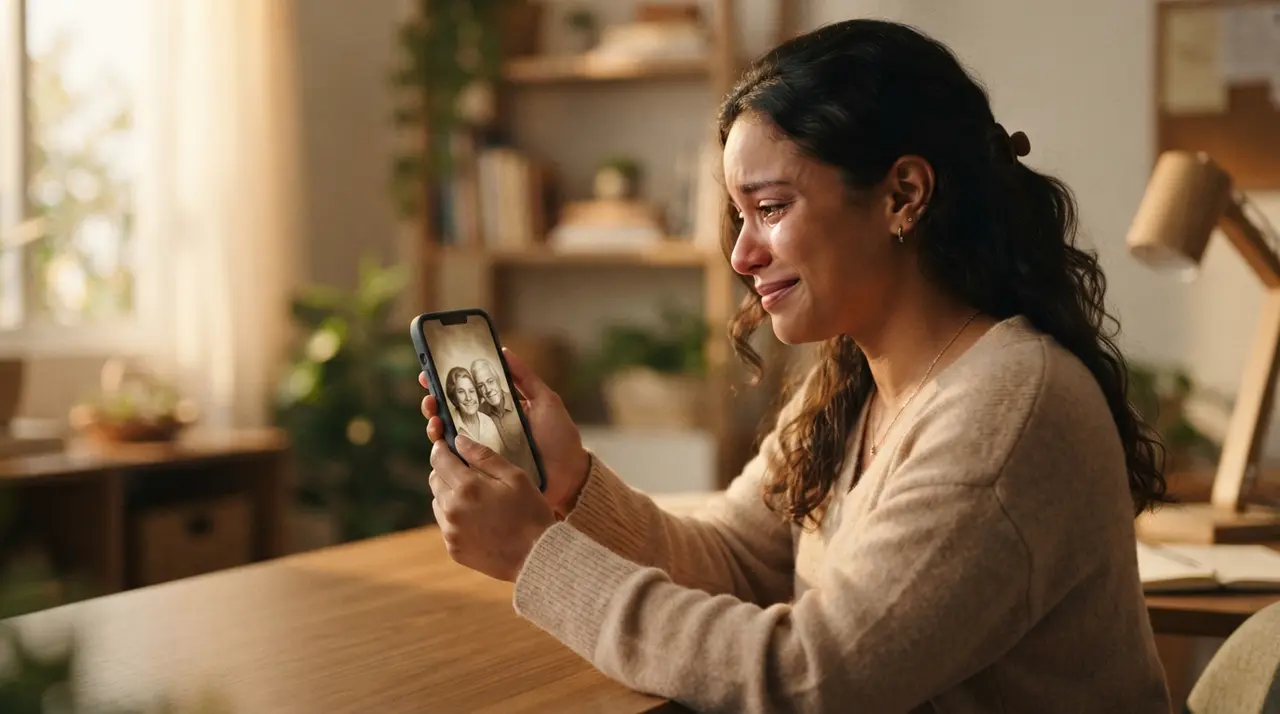
Choosing between 4, 6, and 8 seconds determines the pacing, visual detail, and movement smoothness when you transform photo into video using artificial intelligence. Selecting the correct duration ensures your digital memories look natural while optimizing rendering speed and video credits.
When generating an AI video through WhatsApp with Vídeo com IA, picking the right length is the key step between a quick social clip and a deeply emotional keepsake. Whether you want to restore old family portraits, celebrate an anniversary, or create a tribute to a loved one who passed away, this guide breaks down exactly which length fits your goal.
Why Video Duration Matters When You Create AI Videos
Video duration directly dictates how much motion and visual change an AI model can introduce to your image. Shorter clips focus on tight, high-energy actions, whereas longer clips allow gradual transitions, facial expressions, and complex camera movements.
When you create video with AI, duration also impacts visual stability and credit cost. Longer durations give the AI algorithm more frames to process, which creates softer, smoother transitions but consumes slightly more generation resources.
- 4 Seconds: Snappy, subtle movements ideal for quick social media clips and simple dynamic portraits.
- 6 Seconds: Balanced timing perfect for nostalgic family scenes, natural smiles, and subtle environmental shifts.
- 8 Seconds: Extended length designed for talking photos, multi-image blends, and deep emotional tributes.
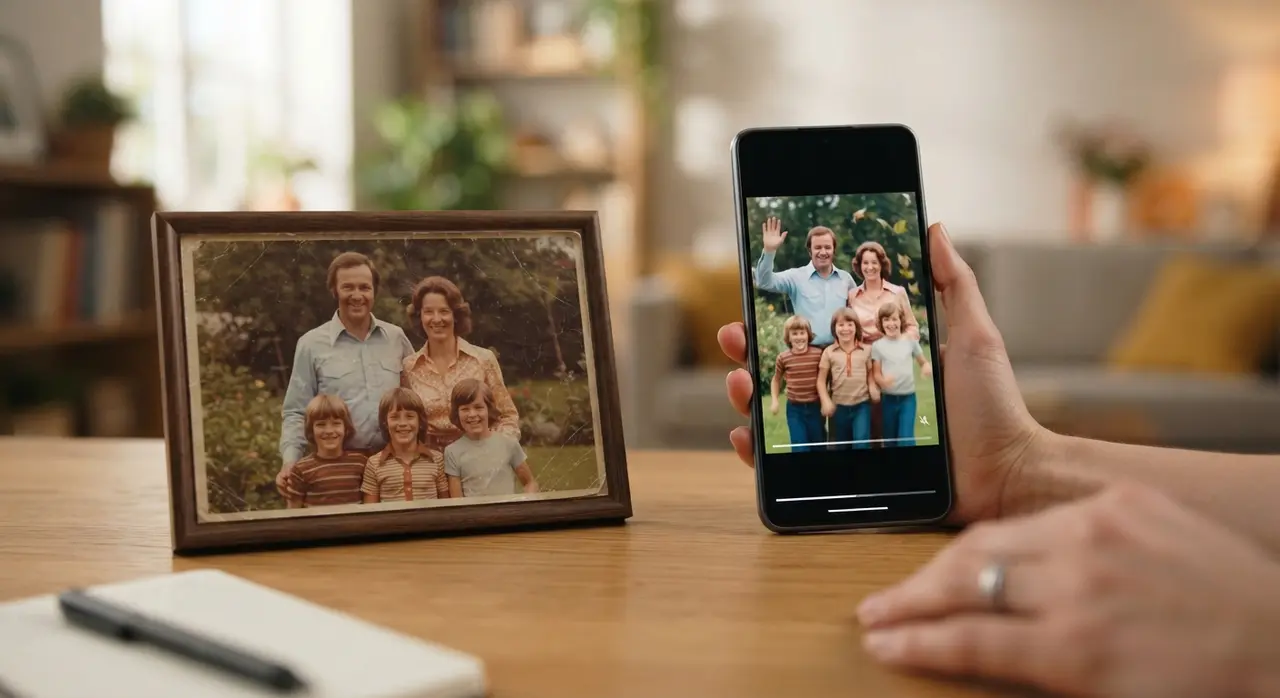
Comparing AI Video Lengths: 4 vs 6 vs 8 Seconds
Every photo transformation objective benefits from a specific video length. The comparative table below outlines how each duration option behaves across key visual metrics.
| Duration | Best For | Motion Complexity | Reference Images | Primary Advantage |
|---|---|---|---|---|
| 4 Seconds | Reels, Status, subtle blinks | Fast, subtle, localized | 1 photo | Fastest render time & lower cost |
| 6 Seconds | Family retrospectives, hugs | Smooth, continuous, moderate | 1 photo | Most natural human movements |
| 8 Seconds | Talking portraits, image blends | High detail, complex, speech | 2 to 3 photos | Maximum emotional depth |
When to Choose 4 Seconds for Quick Clips
Four-second videos excel at producing brief, captivating moments without cluttering the scene. This length works best when you want to make small adjustments, such as making a person smile, opening their eyes, or adding background movement like blowing wind or flicker lights.
If you are planning to post a quick update on Instagram Stories or share a brief clip in a family group chat, 4 seconds is ideal. It keeps the viewer engaged immediately and provides a fast generation turn-around time inside WhatsApp.
For creators looking to post short nostalgic reels, this option provides an easy way to show quick social media videos from still photos with minimal processing wait.
When to Choose 6 Seconds for Balanced Storytelling
Six seconds offers the ideal balance between fluid movement and realistic motion speed. This duration gives the artificial intelligence enough space to render human actions—such as a gentle embrace, turning a head towards the camera, or shedding a subtle tear—without distorting facial features.
When working on a family photo montage video, 6-second segments allow viewers to absorb the emotion of the image. The camera movement feels cinematic, giving your cherished moments a dreamlike quality that captures the viewer's heart.
When to Choose 8 Seconds for Talking Photos and Transitions
Eight seconds is required whenever you want to render intricate facial expressions, full sentences, or seamless transitions between multiple pictures. It provides sufficient timeline space for voice synthesis and audio lip-syncing to complete naturally.
There are two key technical scenarios where 8 seconds is automatically applied or strongly recommended:
- Multi-Image Reference Animations: When you upload 2 or 3 reference pictures to show a person growing from childhood to adulthood, or to merge two distant relatives into a single frame, the system uses an 8-second timeline to guarantee a seamless transition.
- Talking Photos: If you want to turn a still portrait into a talking video delivering an audio message, 8 seconds provides the time necessary for clear articulation and natural head nods.
Additionally, if you ever need to extend an existing clip to keep the story going, our AI video extension feature adds a fixed +7 seconds to your current clip, expanding your storytelling capacity seamlessly.
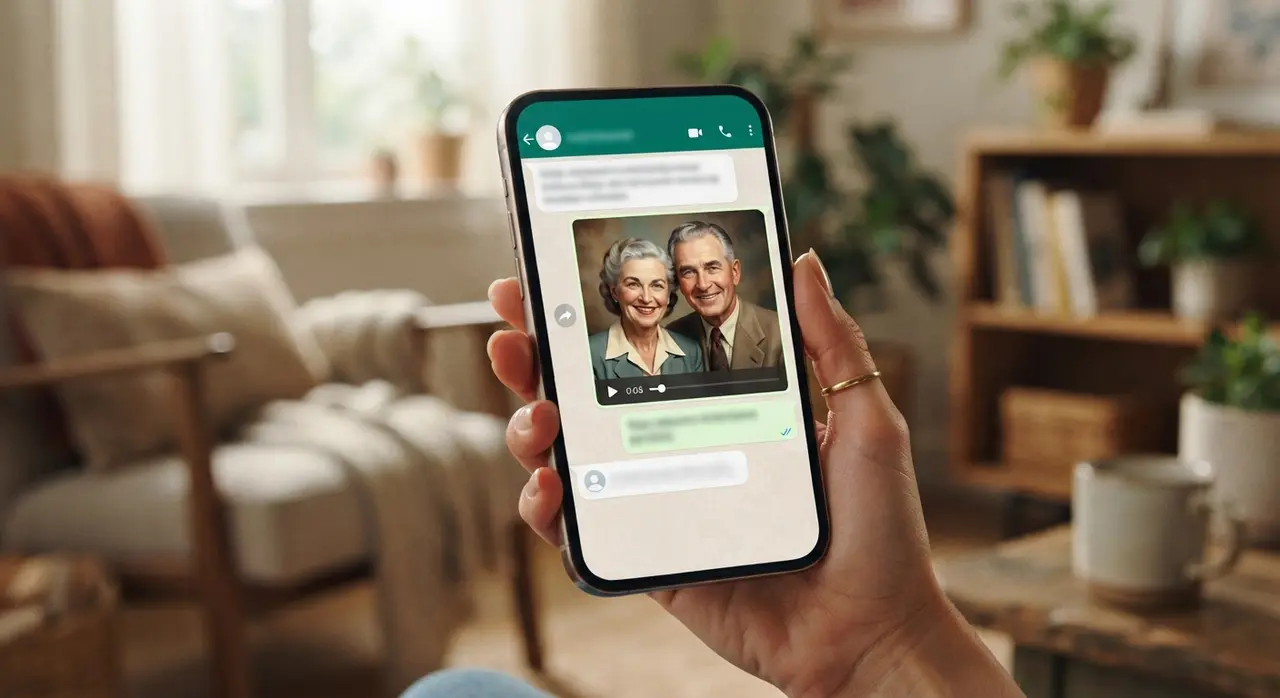
Mini-Case Study: Honoring a Family Heritage on WhatsApp
A user named Mariana wanted to prepare a special tribute for her grandmother's 80th birthday. She possessed a black-and-white wedding portrait from 1954 and wanted to share a moving video with her family's WhatsApp group.
Using Vídeo com IA directly on WhatsApp, she initially tested a 4-second clip. While beautiful, she wanted her grandmother to turn her head and wave gently. She switched to an 8-second voice-synced generation, adding a recorded voice message of her grandfather's favorite greeting.
The result was an emotional 8-second video that moved her entire family to tears. By picking the longer duration, the AI had enough frames to render realistic eye contact and accurate lip movement, making it the star highlight of the celebration.
Conclusion: Selecting Your Ideal Duration
Choosing the right clip length comes down to your emotional goal and where you intend to share your video. Short 4-second clips work wonderfully for quick social updates, 6-second generations deliver cinematic human motion, and 8-second timelines unlock talking portraits and multi-photo transitions.
You can review practical examples of AI video creation to see how each timing feels before making your choice. Try starting with a 6-second clip for general photos, or jump straight to 8 seconds if you are bringing a loved one's voice back to life.
Frequently Asked Questions
What is the best AI video duration for Instagram Reels or WhatsApp Status?
A 4-second or 6-second duration works best for Instagram Reels and WhatsApp Status. These shorter formats render quickly, keep viewer attention high, and allow effortless looping on social media feeds.
Can I combine multiple photos into a single video?
Yes, you can upload 2 or 3 reference images to create seamless photo-to-photo transitions. When using multiple photos, the system automatically uses an 8-second duration to allow enough time for smooth morphing and natural blending.
How does extending an AI video work?
If your initial video clip feels too short, you can use the video extension feature inside WhatsApp. Extending a video adds a fixed duration of 7 seconds to your original file, continuing the smooth movement seamlessly.
Does an 8-second video cost more credits than a 4-second video?
Yes, generating an 8-second video consumes slightly more computing resources and credits than a 4-second video because the AI must render double the amount of individual frames. However, the extra length is necessary for talking portraits and multi-image blends.