
Creating a Heartfelt Family Photo Montage Video
Learn how to turn your cherished family memories into a stunning, emotional photo montage video easily. Preserve your history with AI-powered tools via WhatsApp.
- family photo montage
- photo to video
- AI video restoration
- nostalgia
- digital memories
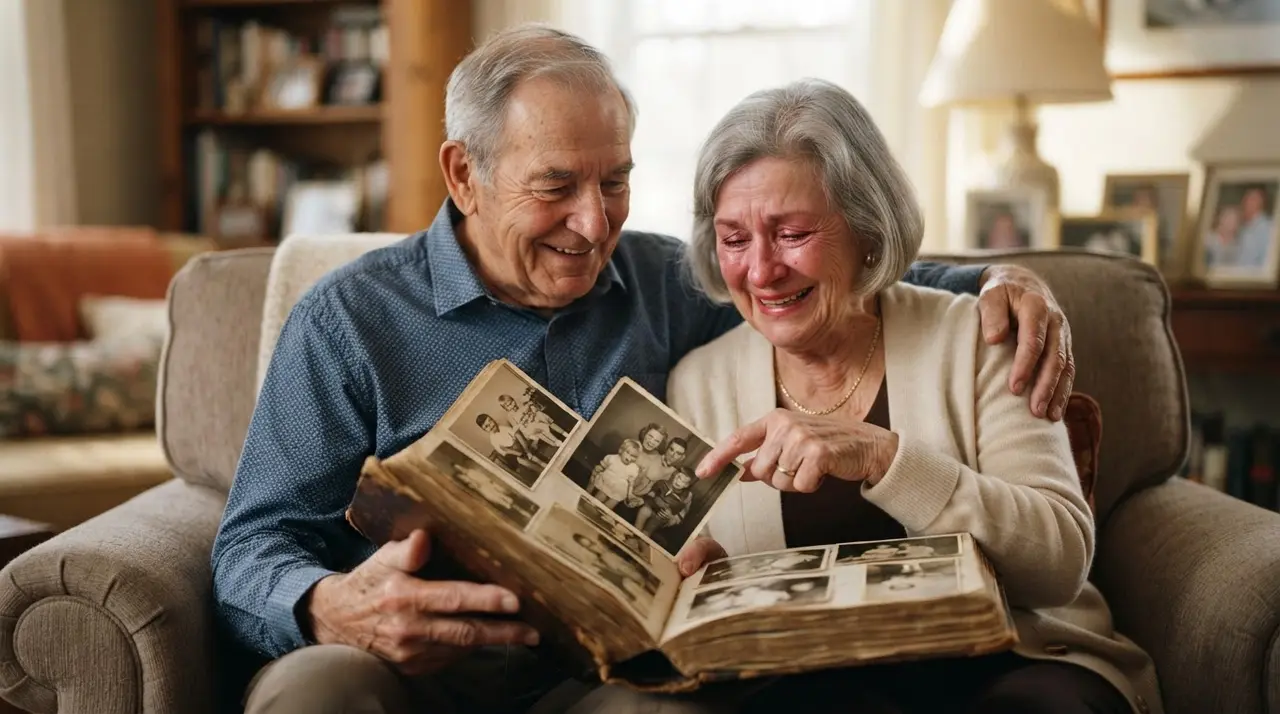
Transforming Memories into a Family Photo Montage
A family photo montage is a sequence of curated images set to music and movement, designed to tell a unique story of your loved ones. By joining photos into a video, you transform static, forgotten files into an emotional narrative that can be easily shared during special moments.
Creating a retrospective photo montage doesn't require expensive software or professional editing skills. With the right AI tools, you can easily breathe new life into your family albums and create a professional-grade video montage in minutes.
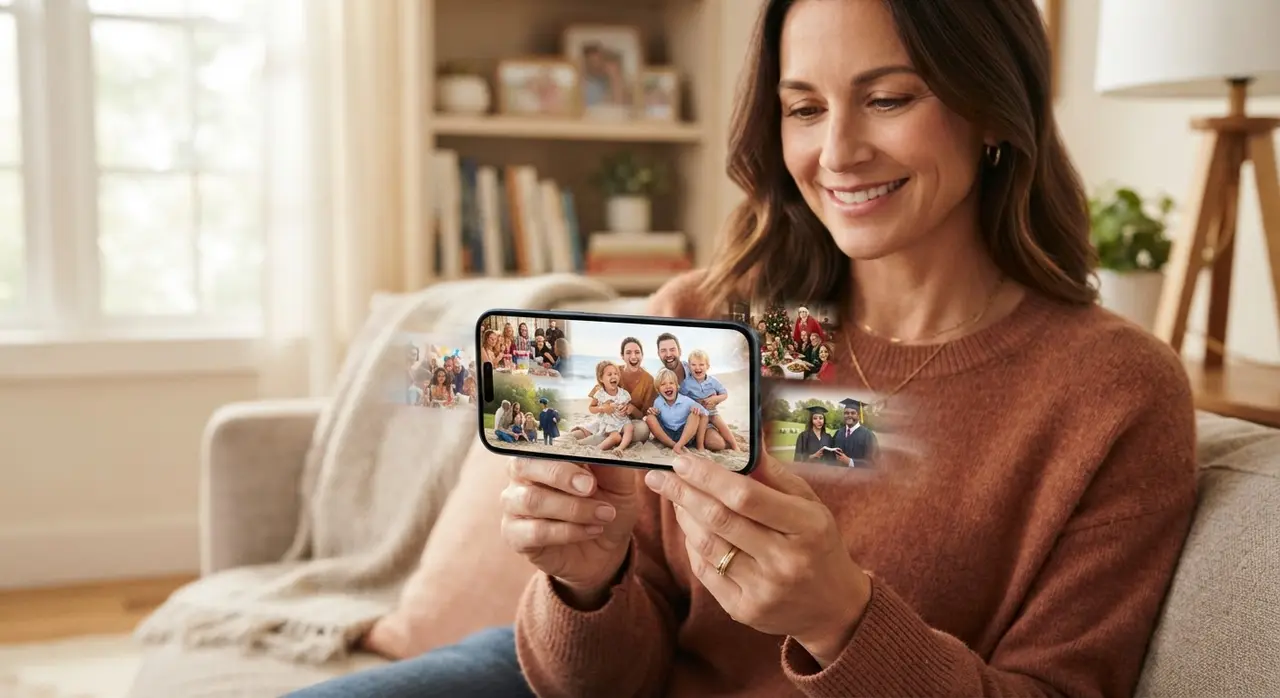
Why a Photo Montage is the Perfect Family Keepsake
A video montage serves as a living document of your family's history, preserving precious moments that might otherwise stay buried in a digital folder or a physical box. Whether it is for a birthday photo montage or a Christmas photo montage, the impact of seeing faces from the past move and smile is truly profound.
These videos act as a bridge between generations, allowing younger family members to connect with ancestors they may have never met. By using AI to enhance clarity and color, you ensure these memories remain vibrant for years to come.
How to Organize Your Family Photos
Organizing your album montage starts with a clear plan to ensure the story flows logically. Follow the steps below to prepare your collection for the best result:
| Phase | Activity | Goal |
|---|---|---|
| Curating | Select sharp, meaningful photos | Emotional impact |
| Sequencing | Organize chronologically | Coherent storytelling |
| Restoration | Fix faded or damaged scans | Visual clarity |
| Refining | Add motion and transitions | Engaging experience |
| Finalizing | Select fitting background music | Set the emotional tone |
Remember that a well-structured photo-to-video montage benefits from variety. Mix close-up portraits with wider group shots to create a balanced visual rhythm that keeps the viewer engaged from start to finish.
Enhancing Memories: Restoration and AI Animation
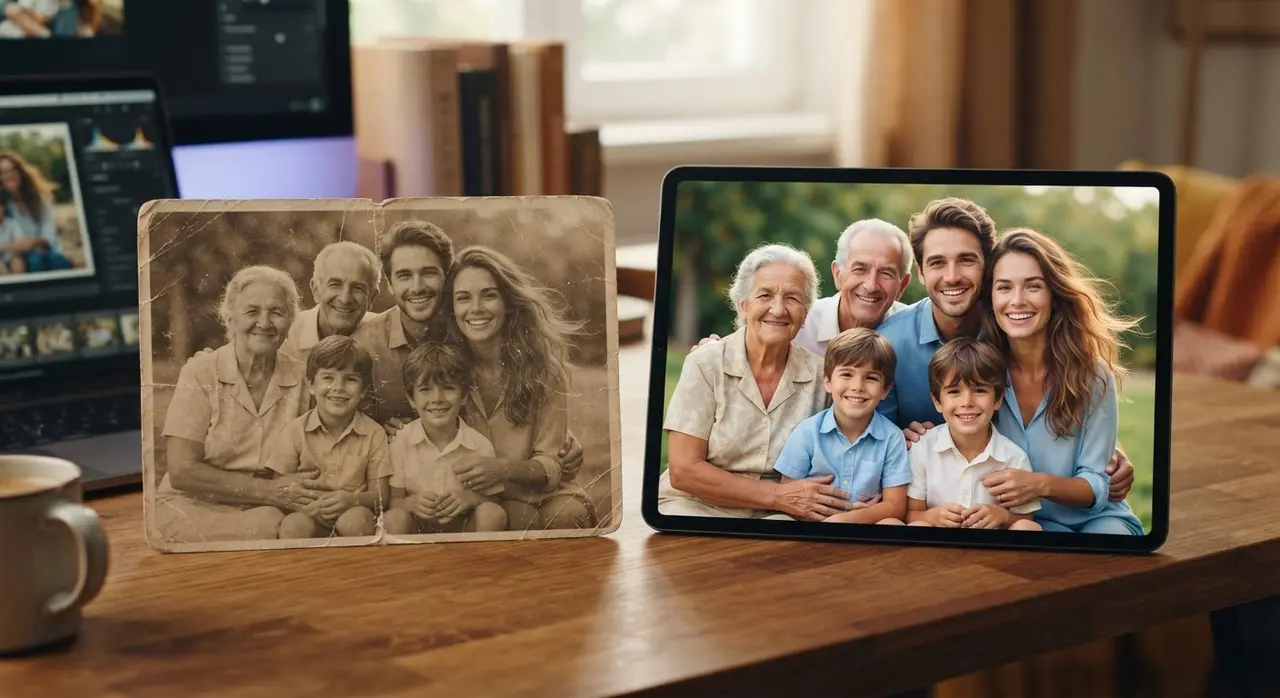
Not every photo is perfect, but AI technology allows us to fix the common issues that come with aging prints. You can restore colors, sharpen faces, and even animate still portraits to make them feel alive.
If you are interested in how this works, you can explore our examples of how AI can transform a simple portrait into a talking or moving memory. This is particularly effective for honoring those who have passed, providing comfort and joy to grieving families.
Creating a Narrative: From Childhood to Today
Every great story has a beginning, a middle, and an end. When creating a childhood-to-today transition video, think about the milestones that define a person's life journey.
Mini-Case Study: A family recently used Vídeo com IA to surprise their grandmother for her 80th birthday. They took dozens of old, torn, and faded photos from the 1950s and 60s and turned them into a high-definition video. The result was a tearful, joyous celebration that became the highlight of the event, showcasing the power of a personalized gift that costs very little to produce but offers immense emotional value.
Bringing Your Montage to Life via WhatsApp
The beauty of modern AI is that you don't need to be a tech expert to achieve professional results. You can send your photos directly via WhatsApp to our AI, which handles the restoration, colorization, and video assembly for you.
This simplicity makes it the perfect solution for busy families who want to share memories without the headache of editing apps. Just send your images, specify the theme, and receive a professional-quality video ready to be shared in your family group chat.
Frequently asked questions
What is the best way to organize photos for a montage?
The best way is to group them chronologically to tell a story or by theme, such as specific family holidays or milestones. Ensure you pick the clearest photos available to get the best results from the AI restoration process.
Can I fix old, faded black-and-white photos?
Yes, modern AI can automatically restore colors and repair physical damage on old photos. Our service at Vídeo com IA specializes in bringing these vintage images back to life with high-definition clarity.
Do I need to install an app to create the video?
No, you do not need to install any complex software. The entire process of creating your family video happens through WhatsApp, making it accessible even for those who are not tech-savvy.
How long should a family photo montage be?
A good rule of thumb is to keep the video between 2 to 4 minutes long. This allows enough time for an emotional journey without losing the viewer's attention, especially when shared on social media or in family groups.