
7 Emotional Video Ideas Made From Photos Using AI
Discover 7 creative video ideas made from photos using AI. Restore old pictures, add natural motion, and share emotional memories on WhatsApp instantly.
- AI Video
- Photo Animation
- Family Memories
- WhatsApp AI
- Photo Restoration
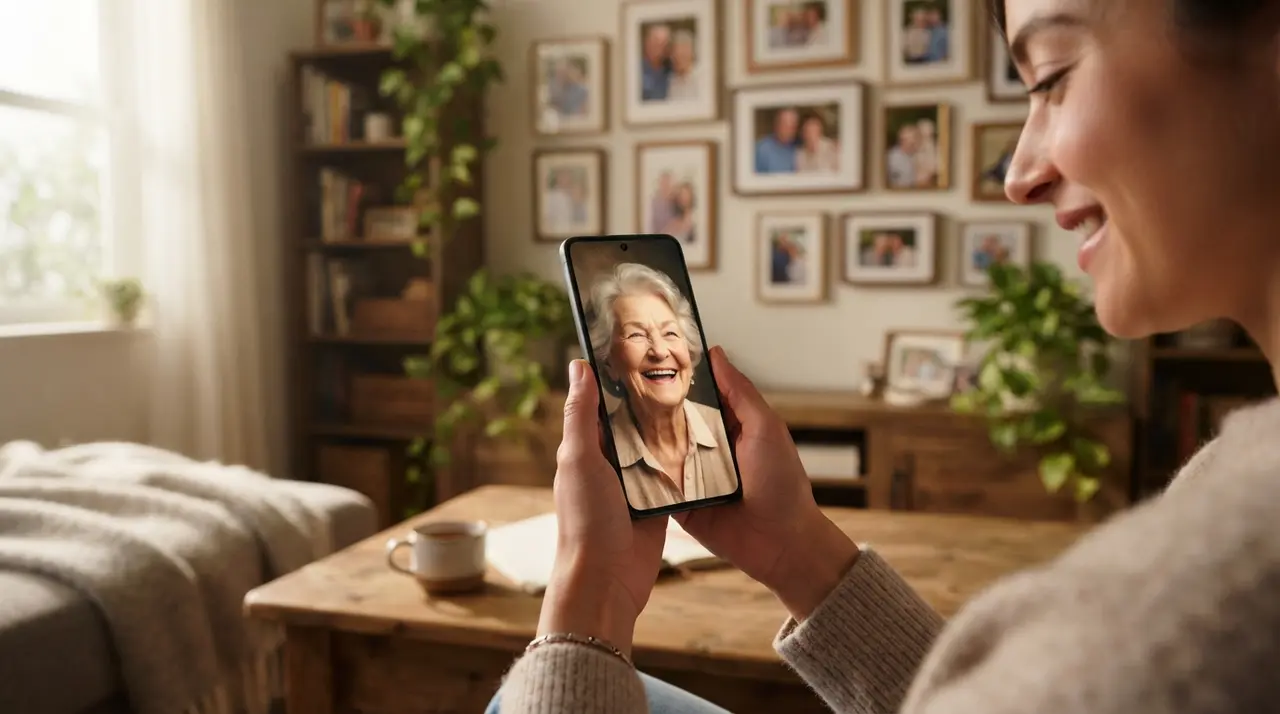
Transforming still photographs into dynamic AI videos is one of the most effective ways to preserve family history and create emotional digital keepsakes. Learning how to create a video from photos allows anyone to restore old pictures, add natural facial movement, and share heartwarming moments directly through WhatsApp without installing complex editing software.
1. Animate a Portrait of a Departed Loved One
Animating a single portrait of a missed family member creates a profound emotional link to the past. Using modern AI facial realistic movement models, a still picture gently smiles, blinks, and tilts its head, bringing comforting realistic warmth to cherished memories.
This service allows families dealing with loss to feel closer to ancestors or recently departed relatives. It turns static portraits tucked away in dusty photo albums into active, living mementos that can be rewatched anytime on your phone.
2. Comprehensive Family Retrospective Video
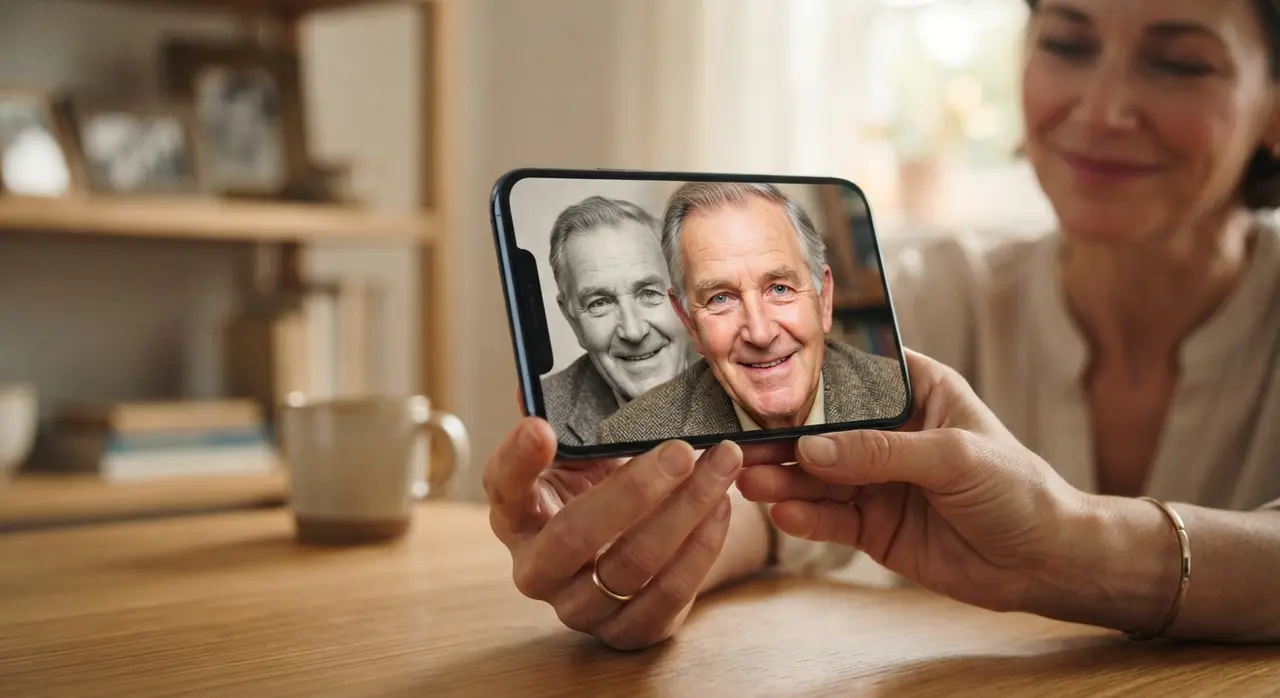
A family retrospective video unites generations by merging vintage historical portraits with current photos. Gathering images across decades produces a continuous narrative of your family's heritage for reunions, anniversaries, or holiday gatherings.
By combining old black-and-white portraits with recent digital snapshots, the AI harmonizes photo quality, smooths transitions, and brings dynamic depth to every frame. It is an ideal centerpiece for family reunions and milestone celebrations.
3. Baby to Adult Growth Transition
Creating a time-lapse growth video illustrates the incredible journey of growing up in just a few seconds. By combining childhood portraits with present-day photos, artificial intelligence crafts a fluid physical transformation.
This format is extremely popular for 18th birthdays, graduations, and wedding montages. You can learn more about crafting these seamless transitions in our guide to creating a baby to adult time-lapse video.
4. Talking Photo with a Personal Message
A talking photo combines AI facial animation with custom audio narration to give speech to static pictures. You can upload an old portrait alongside a voice recording or typed message to make the photo recite meaningful words.
This application works wonderfully for sending unique birthday greetings, holiday wishes, or preserving oral histories where grandparents read stories to their grandchildren in their own digital likeness.
5. Colorize and Animate Vintage Black-and-White Photos
Restoring faded or black-and-white photographs reveals vibrant colors and realistic texture hidden for generations. AI algorithms automatically repair scratches, improve sharpness, add accurate skin tones, and introduce subtle motion.
If you have damaged prints stored in old shoeboxes, learning how to restore old photos with AI is the fastest and most affordable way to revive your family's visual heritage before physical prints deteriorate completely.
6. Special Celebration Tributes for Holidays and Birthdays
Personalized video tributes turn standard holiday greetings into unforgettable emotional gifts. Whether designing a Mother's Day video, Father's Day tribute, or a personalized Christmas slideshow, motion-enhanced photos convey far more affection than a traditional paper card.
These custom montages combine sentimental photos with festive background music and motion, making them perfect for surprising parents, grandparents, or partners on key life dates.
7. Nostalgic Then and Now Comparisons
The "Then and Now" concept recreates classic childhood photos in the modern day and connects them with fluid AI morphing. Matching the original poses, lighting, and expressions produces a captivating contrast between past and present.
These short, engaging clips perform exceptionally well on social media. If you want to increase engagement on your profile, using nostalgic edits is an established strategy to publish dynamic videos for Instagram Reels and TikTok.
Comparing AI Photo Video Concepts
Choosing the right format depends on the occasion and the emotional impact you wish to achieve. Below is a simple comparison of popular video concepts:
| Video Concept | Best Occasion | Primary AI Effect | Emotional Impact |
|---|---|---|---|
| Animated Portrait | Memorials & Rememberance | Facial motion & blinking | High Comfort & Nostalgia |
| Baby to Adult | Birthdays & Graduations | Age transformation morphing | Joyful & Astonishing |
| Talking Photo | Holiday Greetings & Gifts | Voice sync & facial animation | Personal & Surprising |
| Vintage Restoration | Family Heritage & Archives | Colorization & scratch repair | Heartwarming & Educational |
| Then and Now | Anniversaries & Social Media | Side-by-side morphing | Fun & Engaging |
How to Create Your Animated Video via WhatsApp
Generating animated videos from still pictures does not require editing expertise or downloading software. Using the Nostalgia AI service on WhatsApp simplifies the entire process into four basic steps:
- Open WhatsApp: Send a text message to our official Nostalgia AI WhatsApp number (+1 555 990-4415).
- Send Your Photo: Upload a clear image directly into the chat window from your phone gallery.
- Select Your Effect: Choose whether you want to animate, colorize, restore, or add voice to your photo.
- Receive Your Video: The AI processes your image and sends a downloadable HD video clip back to your chat in minutes.
Case Study: Preserving Four Generations with Vídeo com IA
A family historian wanted to surprise her grandmother on her 80th birthday by bringing old family photos to life. Her collection included scratched black-and-white portraits from the 1940s that had lost their original color and sharpness.
Using the WhatsApp interface provided by Vídeo com IA, she restored three generations of photographs and added gentle facial movement within minutes. The resulting video tribute brought her grandmother to tears during the party, proving how accessible technology can bridge generation gaps and preserve priceless memories without technical hurdles.
Frequently asked questions
Do I need to install any mobile app to create these videos?
No external mobile apps or desktop editing programs are required. The entire creation process happens directly inside WhatsApp by interacting with our AI assistant.
Can I restore and colorize damaged old photos before animating them?
Yes, the AI automatically enhances image quality by sharpening blurred details, removing scratches, and adding realistic color to black-and-white pictures prior to animation.
How fast do I receive my finished video on WhatsApp?
Processing usually takes only a few minutes from the moment you send your image and select your desired video effect. Your completed video file is delivered straight back into your WhatsApp conversation.
Can these AI videos be shared on social media platforms?
Yes, all generated videos are formatted for easy sharing. You can post them directly to Instagram Reels, TikTok, YouTube Shorts, or forward them in family WhatsApp groups.
Conclusion: Bring Your Memory Album to Life
Transforming static photos into moving, emotional videos is no longer restricted to professional video editors. With simple WhatsApp automation, anyone can preserve family stories, honor departed loved ones, and surprise friends with unique digital gifts.
Pick your favorite photo idea, send your photo to Nostalgia AI on WhatsApp (+1 555 990-4415), and experience the magic of seeing your memories come back to life in seconds.