
From Baby to Adult: Creating a Time-Lapse Evolution Video
Learn how to create a moving baby-to-adult evolution video. Transform two photos into a smooth, emotional transition using AI on WhatsApp. Perfect for gifts!
- evolution video
- AI transition
- before and after
- photo montage
- personalized gift
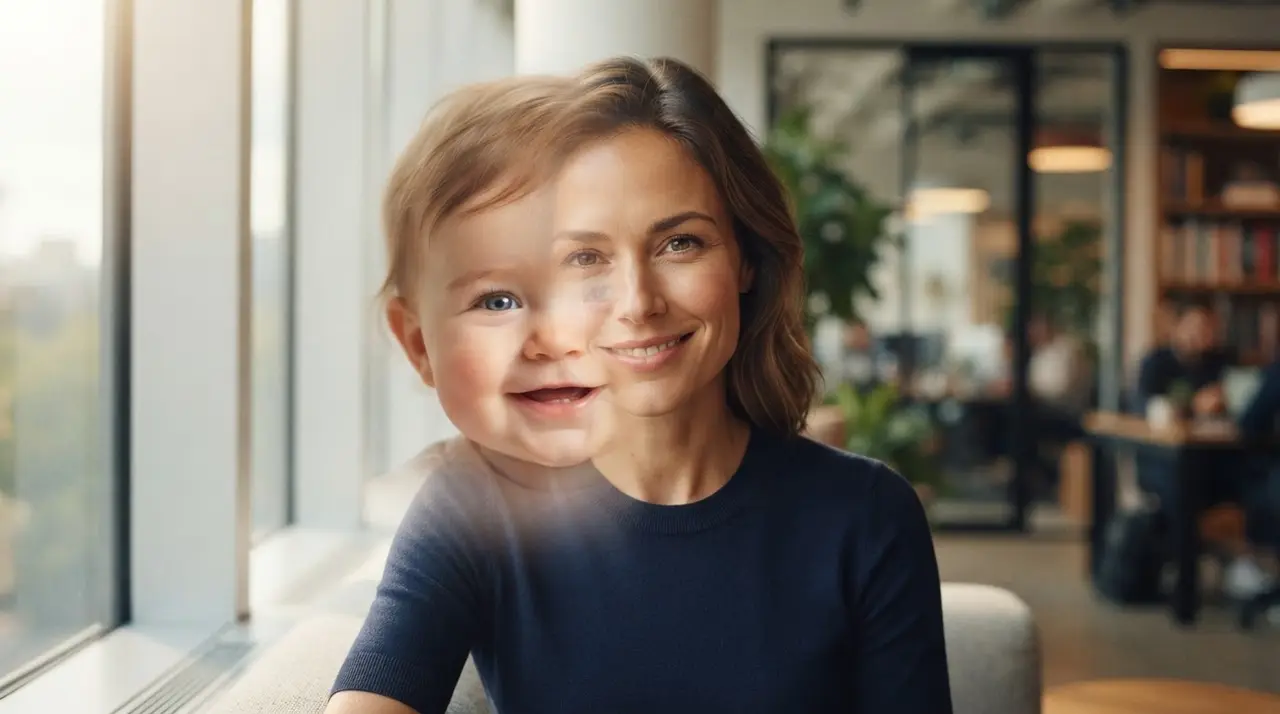
Mastering the Before and After Transition
A baby-to-adult evolution video is a powerful visual montage that uses AI to morph two photos into a seamless time-lapse sequence. This type of transition video captures the essence of growing up, turning static memories into a touching narrative that bridges the gap between childhood and adulthood.
Creating a before and after transition is more than just editing; it is about telling a life story in a few seconds. By using AI to unite two photos, you can create a fluid metamorphosis that highlights the unique traits that remain constant throughout the years.
The Emotional Power of Evolution Videos
Evolution videos serve as the ultimate emotional anchor for birthdays, graduations, and family reunions. Because they visually demonstrate the passage of time, they allow viewers to relive the growth of a loved one in a way that static photos simply cannot achieve.
At Vídeo com IA, we have seen countless families use this technique to surprise parents or grandparents with gifts that celebrate their family history. Whether it is a cheap personalized gift or a heartfelt tribute for a milestone, the impact of a professional-grade transition is undeniable.

How to Prepare Your Photos for a Perfect Transition
The secret to a flawless montage before and after lies in the alignment of your chosen images. For the best result, select a baby photo and an adult photo where the subject is facing the same direction, preferably with a similar head angle and eye level.
When the framing matches, the AI can perform a much smoother transition with IA, ensuring the facial features blend naturally without distortion. If your photos are old or slightly damaged, you might want to consider AI photo restoration before starting the video process to ensure the highest quality output.
| Duration | Best For | Pacing |
|---|---|---|
| 4 Seconds | Social Media Reels | Fast and energetic |
| 6 Seconds | Family Presentations | Balanced and clear |
| 8 Seconds | Emotional Tributes | Slow and contemplative |
Step-by-Step: Creating Your Video via WhatsApp
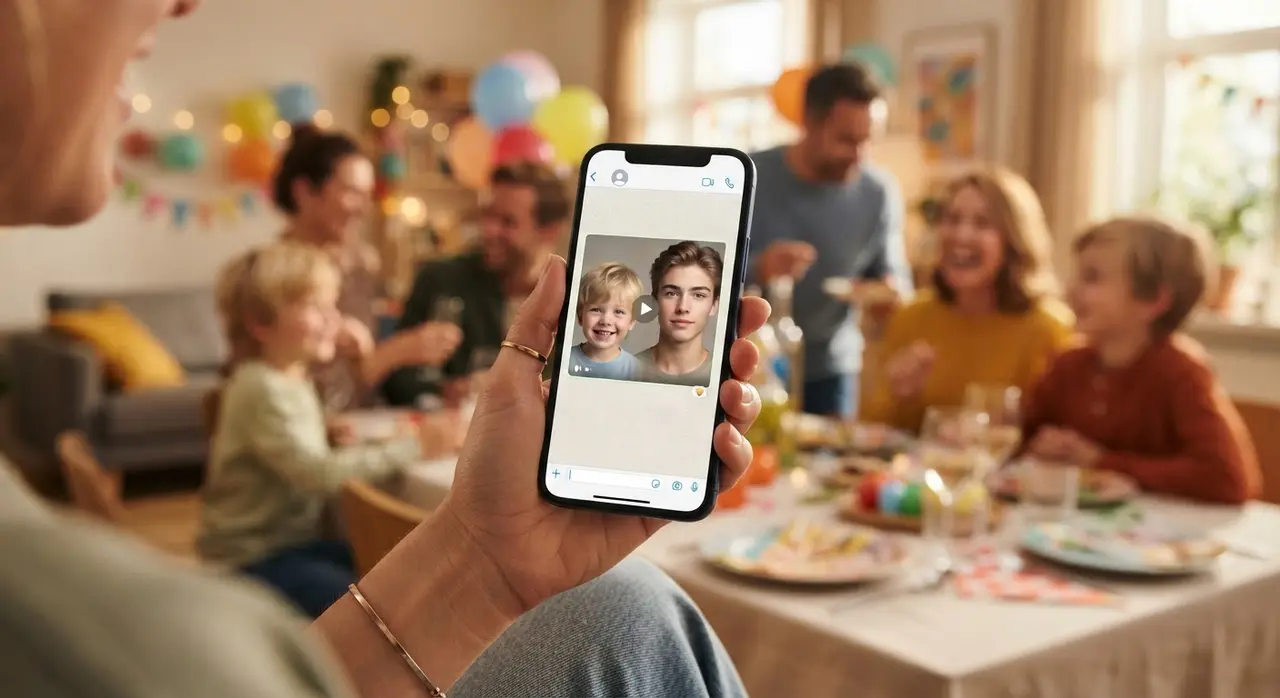
We have simplified the process so that anyone, regardless of technical skill, can create a professional-looking video without installing complex software. You simply send your files through WhatsApp, and our system handles the heavy lifting.
- Choose your two favorite photos (baby and adult).
- Ensure the faces are clearly visible and well-lit.
- Send them to our WhatsApp number: +1 (555) 990-4415.
- Specify your preferred duration (4, 6, or 8 seconds).
- Receive your finished, emotionally resonant video file back in minutes.
Frequently asked questions
What are the best photos to use for an evolution video?
The best photos are those where the baby and the adult are looking directly at the camera with similar head angles. Consistent lighting and a clear view of the eyes will provide the most fluid and realistic transition result.
Can I add music to my transition video?
Yes, our service allows for the integration of emotional background tracks that enhance the nostalgia of your video. You can specify the mood of the music when you send your photos to our team via WhatsApp.
How long does the AI take to process the video?
Most videos are processed and returned within a few minutes of receiving your files. The simplicity of using WhatsApp means you get your emotional memory back almost immediately without needing complex editing software.
Do I need to install any apps to use the service?
No installation is required, as our entire workflow is managed through WhatsApp. You simply upload your photos as regular attachments and our AI processes them for you.