
How to Make a Video from a Photo That Talks
Discover how to make a video from a photo using AI. Turn any still portrait into an animated talking video effortlessly on WhatsApp in minutes.
- AI video
- talking photo
- photo to video
- photo animation
- WhatsApp AI
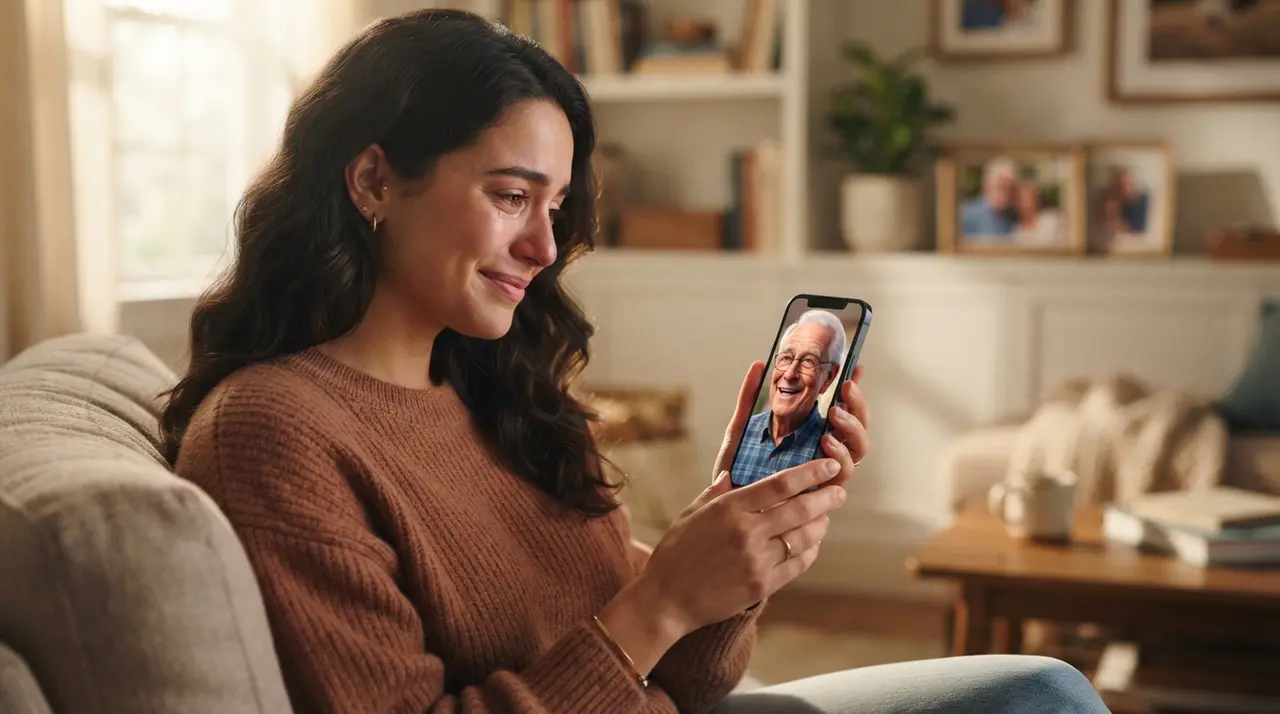
Understanding How AI Animates Still Photos
Creating a talking video from a still image involves using generative artificial intelligence to synchronize facial movements and lip expressions with custom spoken audio or text. To learn how to make a video from a photo, users simply upload a clear portrait to an AI processing service like Vídeo com IA via WhatsApp, type their desired script, and receive an animated video with realistic lip synchronization within minutes.
Artificial intelligence models analyze key facial landmarks such as the eyes, mouth, jawline, and nose. By mapping these points, the algorithm creates micro-expressions and natural head turns that match the phonemes of the provided text. This technology makes it simple to animate a portrait into a talking video without needing complicated video editing software or expensive production tools.
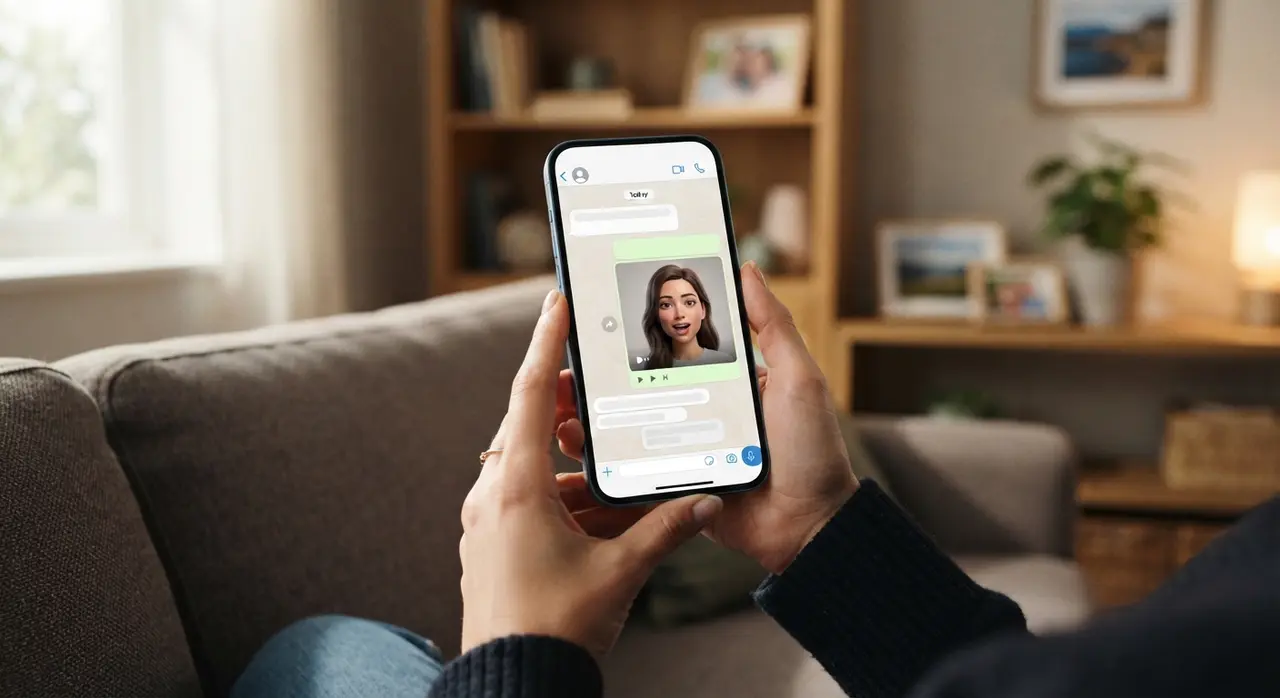
Step-by-Step: How to Make a Video from a Photo on WhatsApp
Producing a personalized talking video requires only three quick steps directly within your standard messaging app. Eliminating complex software downloads allows anyone to turn cherished images into moving, vocal keepsakes in moments.
- Send Your Portrait: Choose a clear, front-facing photograph of yourself, an ancestor, or a loved one, and message it directly to the WhatsApp AI assistant.
- Write the Script: Type out the message you want the photo to speak. You can write greetings, poems, nostalgic memories, or fun announcements in Portuguese, English, or other supported languages.
- Receive Your AI Video: Select your preferred resolution and duration settings. The AI processes the image and returns a high-quality video file with the face naturally speaking your script.
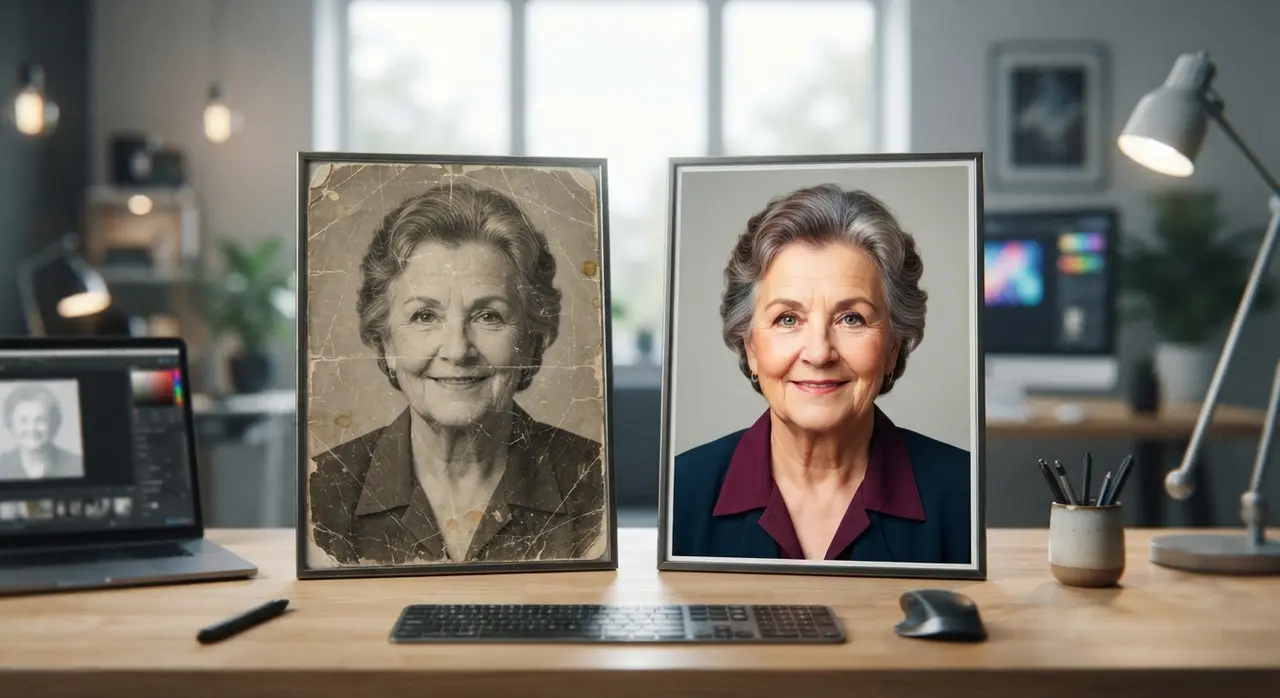
If you are working with faded or damaged pictures, it is helpful to restore old photo details first so the AI accurately detects facial features. Enhancing lighting and sharpness ensures the generated speech animation looks crisp and natural.
Optimizing Photo Quality for the Best Animation Results
The visual quality of your source photograph directly dictates how realistic the resulting video animation will appear. High-contrast images with centered facial features yield the smoothest lip synchronization and most convincing eye movements.
| Photo Feature | Recommended Standard | What to Avoid |
|---|---|---|
| Facial Angle | Directly front-facing, looking at camera | Extreme side profiles or severe angles |
| Lighting | Even, soft light on both eyes and lips | Harsh directional shadows or dark scenes |
| Expression | Neutral or subtle smile with closed mouth | Broad open-mouthed laughter or grimacing |
| Image Clarity | Crisp facial detail and sharp focus | Heavy motion blur, noise, or compression |
Taking a minute to improve photo with ai tools prior to generating speech prevents artificial distortion around the mouth. When the input image has sharp contours, the AI can seamlessly generate lip motion without blurring surrounding background elements.
Emotional and Practical Uses for Talking Photos
Transforming static portraits into speaking videos provides unique emotional keepsakes and engaging content for modern digital platforms. From family celebrations to social media marketing, talking images capture viewer attention far faster than still graphics.
- Personalized Gifts: Surprising relatives with an animated greeting card from a loved one makes a unforgettable holiday or birthday gift. You can create a meaningful personalized gift video that preserves family heritage.
- Memorials and Tributes: Hearing a beloved grandparent's favorite quote or story delivered through a vintage portrait offers comfort during remembrance events.
- Social Media Engagement: Content creators use talking historic figures or self-portraits to deliver captivating storytelling on Instagram Reels and TikTok.
Consider a real-world application: A daughter wanted to surprise her mother for her 60th birthday with a greeting from her late grandfather. Using Vídeo com IA on WhatsApp, she submitted a scanned 1970s photograph. The platform restored the picture's clarity and generated a tender 15-second birthday message in his voice style, creating a deeply moving moment for the whole family without needing any editing skills.
Setting Expectations: Realism vs. AI Artifacts
Modern AI lip-sync technology delivers impressive realism, though subtle artificial cues remain visible upon close inspection. Setting practical expectations ensures you get the best outcome from your animated videos.
Short, clear text scripts produce far more believable speech dynamics than long, complex monologues. Keeping spoken messages under 30 seconds maintains strong facial coherence and prevents unnatural eye blinking or awkward head tilting. By combining clear photos with focused scripts, you can easily create video with ai that feels genuine and heart-warming.
Frequently asked questions
Do I need to install any editing software to create a talking video?
No, you do not need to install software or complex editing apps. Through services like Vídeo com IA on WhatsApp, you can complete the entire process directly inside your messaging application by sending your photo and text script.
What type of photo works best to make a video from a photo?
Front-facing portraits with good lighting and clear facial features produce the best animation results. If you are using an older or damaged picture, enhancing the clarity before animating ensures much higher output quality.
How long does it take to generate a talking photo video?
Most AI talking videos are generated within a few minutes after submitting your photo and text script. Processing speed depends slightly on the selected video length and resolution settings.
Can I write the speech script in different languages?
Yes, the AI tool can pronounce text scripts in multiple languages, including English, Portuguese, and Spanish. The algorithm automatically synchronizes the lips to match the phonetic rhythm of your chosen language.