
See Departed Loved Ones Smile Again: Photo to AI Video
Transform still photos of departed loved ones into moving AI videos. Discover how to safely give life to old photos directly through WhatsApp.
- AI Nostalgia
- Photo Animation
- WhatsApp AI
- Family Memories
- Old Photo Restoration
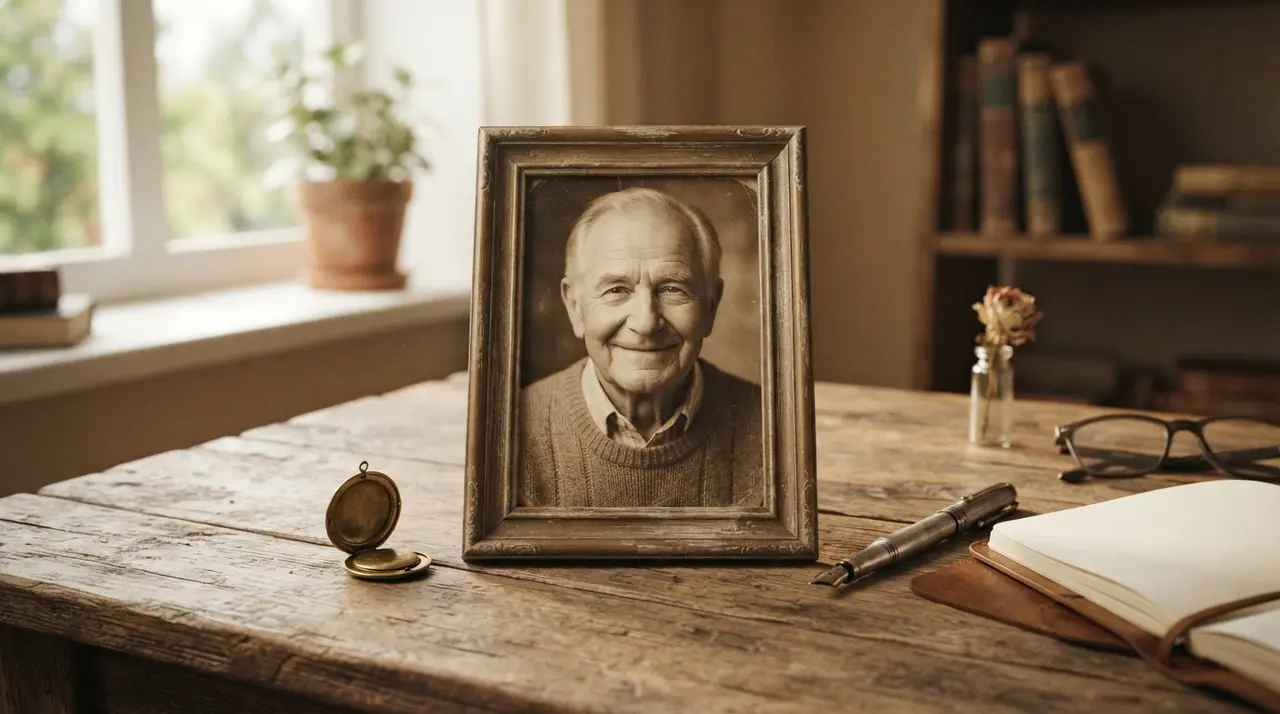
Converting a still portrait into a moving AI video allows families to see the gentle smile of a departed loved one once again. Using advanced motion synthesis, artificial intelligence can dar vida a foto antiga by animating natural micro-expressions without altering genuine facial traits.
A smile carries deep affective memory. When someone we love passes away, static photographs often serve as our primary visual connection to their history. However, human memory naturally recalls people in motion—the gentle tilt of a head, the softening of eyes, or the subtle curve of a welcoming smile. Transforming a cherished static portrait into a subtle, emotional video clip brings back those familiar gestures in a respectful, comforting way.
AI motion technology preserves facial authenticity without distortion
Modern artificial intelligence generates subtle facial movements from a single photograph without inventing fake features or uncharacteristic expressions. Unlike generic social media filters, specialized nostalgia motion synthesis analyzes the existing contours, eye position, and lip shape of a portrait to recreate genuine gestures like light blinking and gentle smiling. This process allows you to dar movimento a foto while completely respecting the authentic physical traits of your loved one.
It is important to distinguish between gentle memory animation and invasive deepfakes or heavy facial replacements. When you animar foto antiga using dedicated nostalgia tools, the underlying technology works strictly within the boundaries of the original image. It does not replace facial structures or force unnatural expressions that never existed in life.
Instead, the algorithms focus entirely on micro-motions that evoke emotional warmth. The primary goal is not to try and replace the reality of a person's absence, but to offer a living visual tribute that honors their legacy and keeps their warm memory vivid for family members.
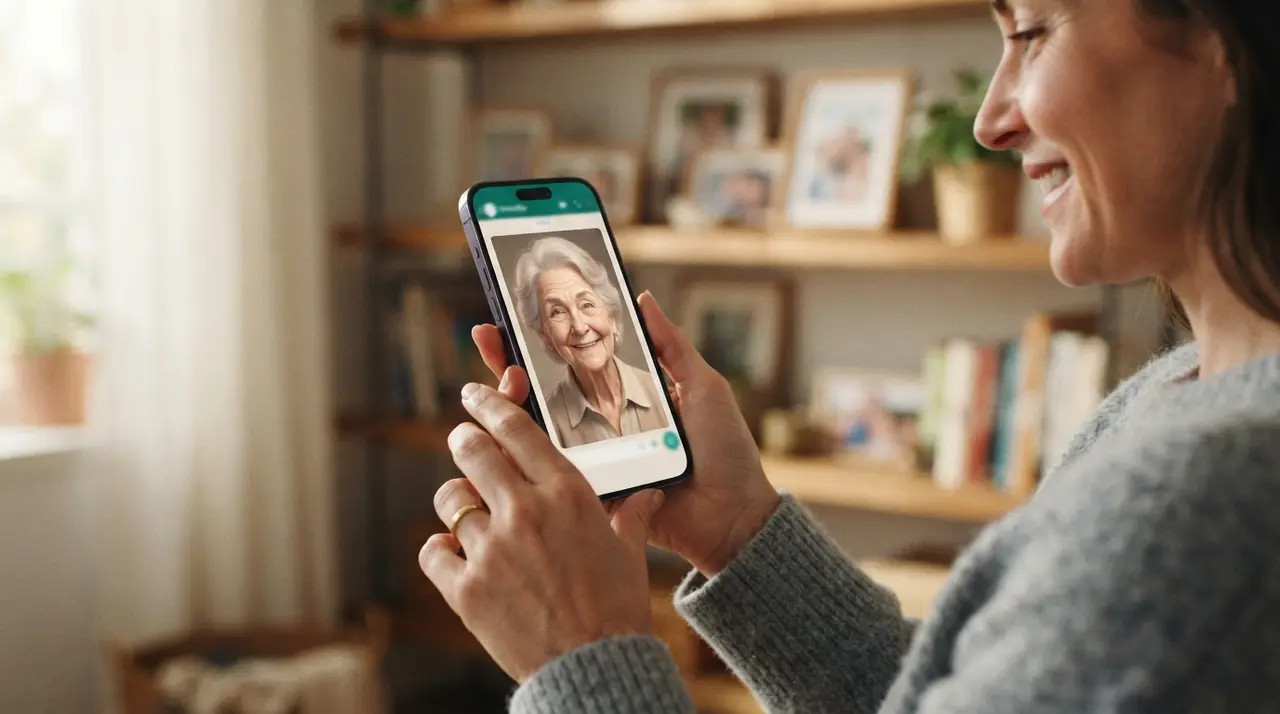
Restoring damaged portraits ensures high quality AI animation
Starting with a sharp, high-resolution original photograph yields the smoothest and most realistic motion video results. If your favorite portrait is scratched, faded, or torn after decades in an album, knowing how to restore old family photos affordably prior to generating video animation will significantly enhance the final result.
When software attempts to dar vida a fotos antigas that suffer from heavy paper creases, water stains, or severe shadows across the facial features, the algorithm might mistake those artifacts for natural contours. Therefore, taking a preliminary step to recuperar foto antiga or melhorar foto antiga creates a clean digital foundation for motion synthesis.
Clear, front-facing portraits where the eyes and mouth are unobscured consistently produce the highest fidelity motion. The table below outlines how different portrait conditions influence the quality of an animated video output:
| Photo Condition | Detail & Clarity | Animation Quality | Recommended Action |
|---|---|---|---|
| Clear, high-res portrait | High | Optimal natural movement | Ready for direct video generation |
| Faded or slightly blurry | Medium | Moderate clarity | Enhance lighting and contrast first |
| Scratched or creased print | Low | Risk of motion artifacts | Digital restoration recommended prior to video |
| Group photo with small faces | Variable | Lower facial precision | Crop to individual facial portrait first |
Simple WhatsApp steps to create emotional AI memorial videos
Creating a moving memorial clip does not require complicated editing software or specialized computer skills. Through intuitive chat interfaces, you can create AI videos without installing apps, making the whole process effortless for anyone with a smartphone.
To convert your favorite static photo into a moving video tribute, follow these simple steps:
- Select a clear photo: Choose a well-lit picture where the person's face is clearly visible and centered.
- Send via WhatsApp: Upload the picture directly into the conversation without downloading external editing tools.
- Set parameters: Choose your desired clip settings after reviewing advice on choosing the ideal AI video duration.
- Receive your video: Get your rendered video clip sent straight back to your chat, complete with optional background audio or spoken messages.
In a typical memorial scenario, a family preparing for an anniversary gathering wants to honor their late grandmother. They hold a single printed portrait from her youth but wish to share a dynamic visual moment with younger grandchildren who never met her in person. By relying on Vídeo com IA, the family uploads the scanned photograph through WhatsApp, enhances its overall image clarity, and receives a short video where the grandmother softly looks up and smiles. This simple visual connection creates a shared emotional moment across generations during the event.
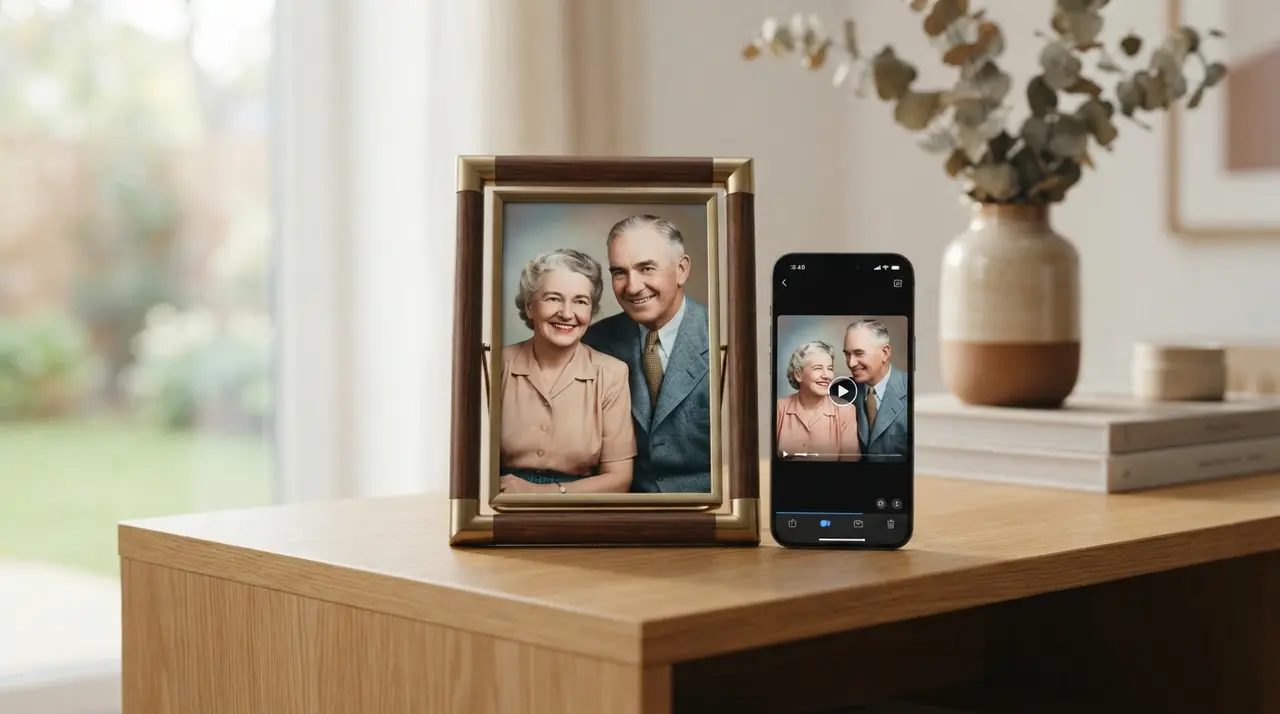
Preserving warmth and affection through digital keepsakes
Digital motion creation serves as an emotional bridge connecting historical family archives with present comfort. Seeing a foto antiga em movimento often sparks rich storytelling among relatives, encouraging elder family members to share forgotten anecdotes about the person in the video.
While technology can never replace a person's physical presence, preserving their smile in motion offers comfort during times of longing, holidays, or memorial dates. Whether preparing a personalized gift for Mother's Day, Father's Day, or a holiday family gathering, these short motion videos serve as lasting keepsakes that keep family affection vibrant across generations.
Frequently asked questions
How does AI animate a still photo of a departed loved one?
AI analyzes the facial geometry in your uploaded picture to identify landmarks like eyes, cheeks, and lips. It then applies subtle motion algorithms that simulate natural human micro-expressions, such as blinking and gentle smiling, while strictly preserving the person's real facial features.
Do I need to install any apps to animate a photo?
No installation of heavy applications or editing software is required. You can send your photo directly through WhatsApp and receive the rendered animated video back inside your chat window.
What type of photo works best to dar vida a foto?
Clear, front-facing portraits with good lighting and sharp facial details yield the best animation quality. Images where the face is free of heavy physical scratches, glares, or deep shadows allow the motion algorithms to work with higher precision.
Can I add background audio or voice narration to the video?
Yes, optional background music, soft instrumentals, or audio voice clips can be integrated alongside the generated motion video. This adds an extra layer of warmth to emotional memorial tributes created for special occasions.