
Create AI Videos Without Installing Apps: Simple Guide
Learn how to turn old photos into moving AI videos directly on WhatsApp without installing heavy apps or editing software. Quick, simple, and emotional.
- WhatsApp AI
- AI Video Generator
- Photo Animation
- Family Memories
- No App Needed
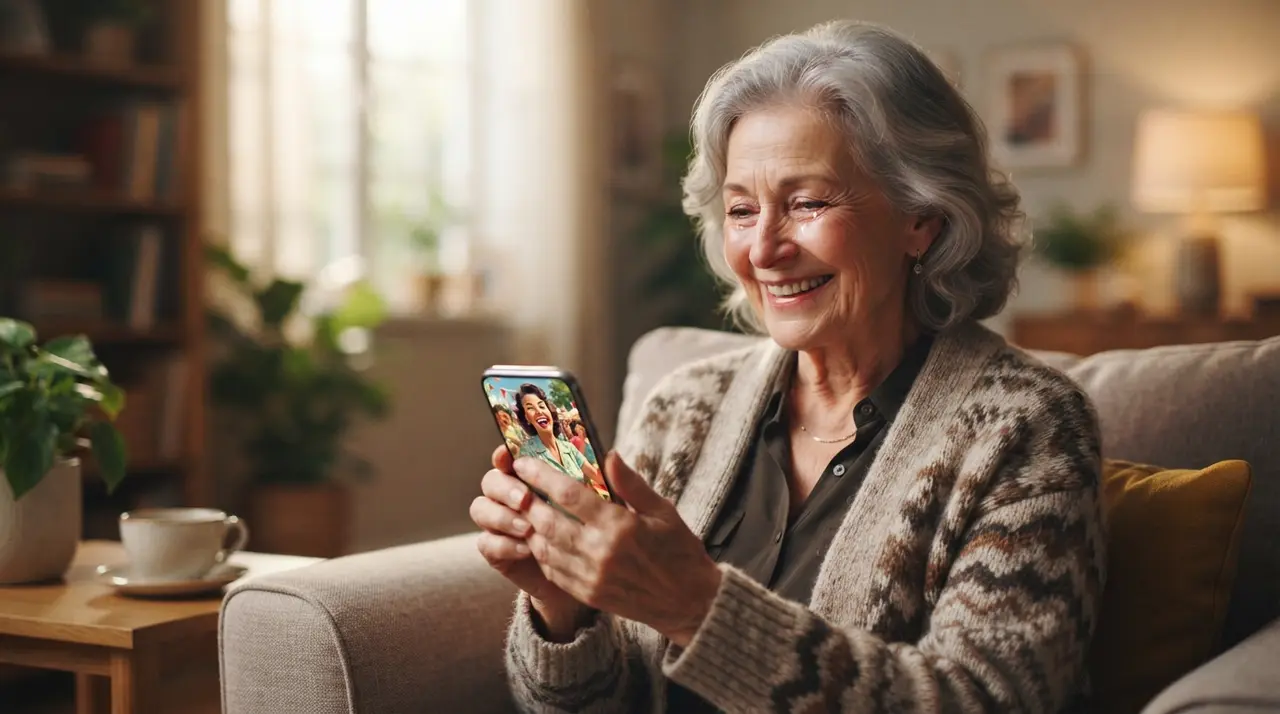
Creating an AI video without installing an app is possible by sending your photos directly to an automated artificial intelligence assistant on WhatsApp. This method allows anyone to animate old photos, colorize family portraits, and generate high-quality vídeo para whatsapp without technical knowledge or device storage limitations.
Why Creating AI Videos on WhatsApp Eliminates App Hassles
Generating videos directly inside chat platforms eliminates complex software installations, account sign-ups, and steep learning curves. Traditional video editing applications often demand gigabytes of storage space, constant updates, and confusing timeline interfaces that intimidate non-technical users.
By leveraging ia no whatsapp, the heavy cloud computing happens entirely on remote servers. You simply send a image as a regular message and receive a beautifully rendered animation directly in your chat history.
Comparing WhatsApp AI Video Generation with Traditional Apps
Sending photos to a cloud-powered chat bot requires zero phone memory while delivering quick animated memory clips. Here is how creating a vídeo pelo whatsapp compares to downloading traditional editing tools:
| Feature | WhatsApp AI (Vídeo com IA) | Traditional Mobile Apps |
|---|---|---|
| Storage Needed | 0 MB extra space required | 200 MB to 2 GB required |
| Learning Curve | Instant (Just send a message) | High (Timelines, layers, renders) |
| Device Requirements | Works on any smartphone | Requires high processing power |
| Sharing Speed | Direct sharing on status or chats | Exporting, saving, then re-uploading |
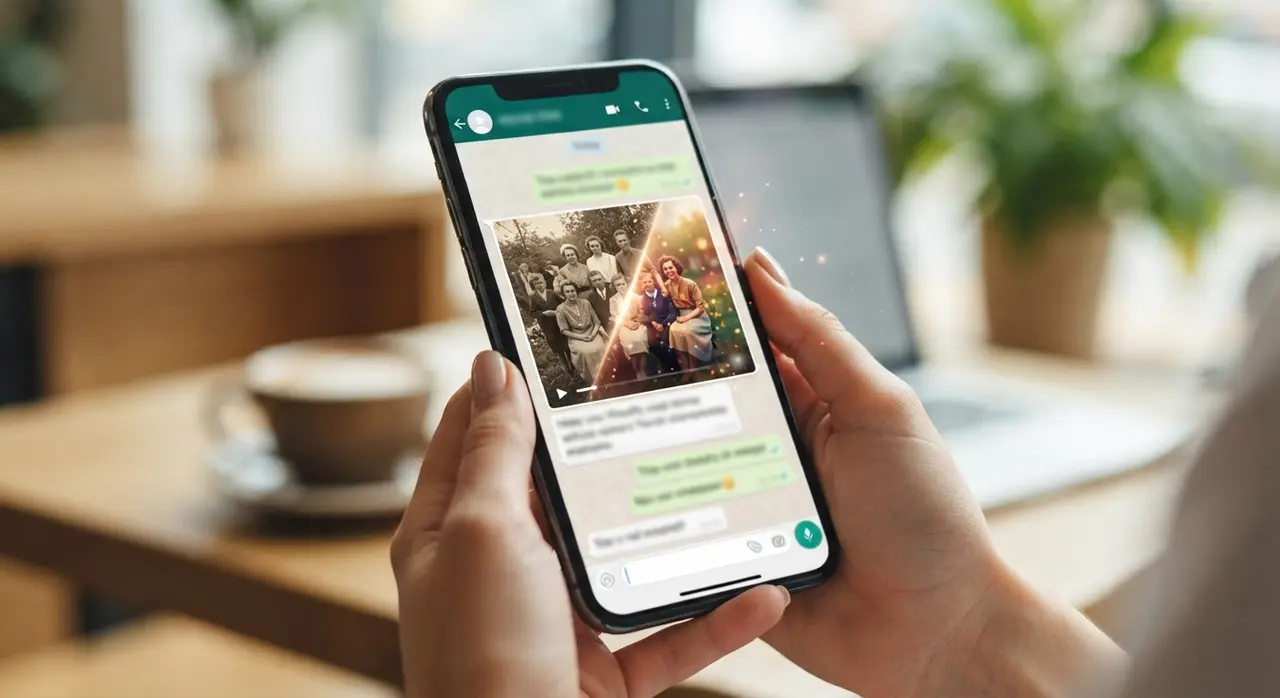
Step-by-Step Guide: How to Make an AI Video Directly in WhatsApp
Creating a personalized photo animation requires only three quick steps inside your existing messaging app. You do not need to register on complicated websites or remember new passwords.
- Open the Chat: Save the AI service number or click the WhatsApp start link on your device.
- Send Your Photo: Select a vintage portrait, wedding picture, or childhood photo from your gallery and send it in the chat.
- Receive and Share: The AI restores or animates your picture within moments, delivering a ready-to-share file ideal as a vídeo para status do whatsapp or family group tribute.
If you wish to explore restoration options before animating, check out our guide on how to restore old family photos affordably or learn how to turn static photos into talking videos.
Real-World Example: Honoring Family Memories Effortlessly
Non-technical users are turning fading black-and-white family portraits into moving tributes for anniversaries and memorials using WhatsApp AI. This seamless interaction makes nostalgic video creation accessible to grandmas, parents, and busy content creators alike.
For instance, Maria wanted to present a retrospectiva no whatsapp for her parents' 50th wedding anniversary. Having no video editing skills or extra storage space on her phone, she used Vídeo com IA directly in WhatsApp. Within two minutes, three restored black-and-white photos of her parents were converted into a moving, emotional clip that was ready to compartilhar vídeo no whatsapp with her entire family.
Frequently asked questions
How do I make an AI video without installing any app?
You can create AI videos by sending your photos directly to an AI assistant inside WhatsApp. The assistant processes the image in the cloud and sends back the finished video in your chat window without downloading extra software.
Is it safe to send personal photos to AI on WhatsApp?
Yes, photos uploaded to the WhatsApp AI assistant are handled securely and processed solely for image animation or restoration. Your original files and rendered videos remain private and protected.
Can I post the generated video directly to my WhatsApp status?
Yes, the output video files are formatted in standard mobile formats. You can immediately post them as a vídeo para status do whatsapp or forward them to family chats with one tap.
Do I need an expensive smartphone to generate AI videos?
No, any basic smartphone capable of running WhatsApp works perfectly. All the complex video processing takes place on cloud servers, so your phone hardware performance does not affect video quality.