
How to Create AI Videos Directly on WhatsApp (No Apps Needed)
Learn how to create AI videos directly on WhatsApp without downloading apps. Restore old photos, animate portraits, and share emotional status videos easily.
- WhatsApp AI
- AI Video Generator
- Photo Restoration
- Nostalgia Videos
- WhatsApp Status
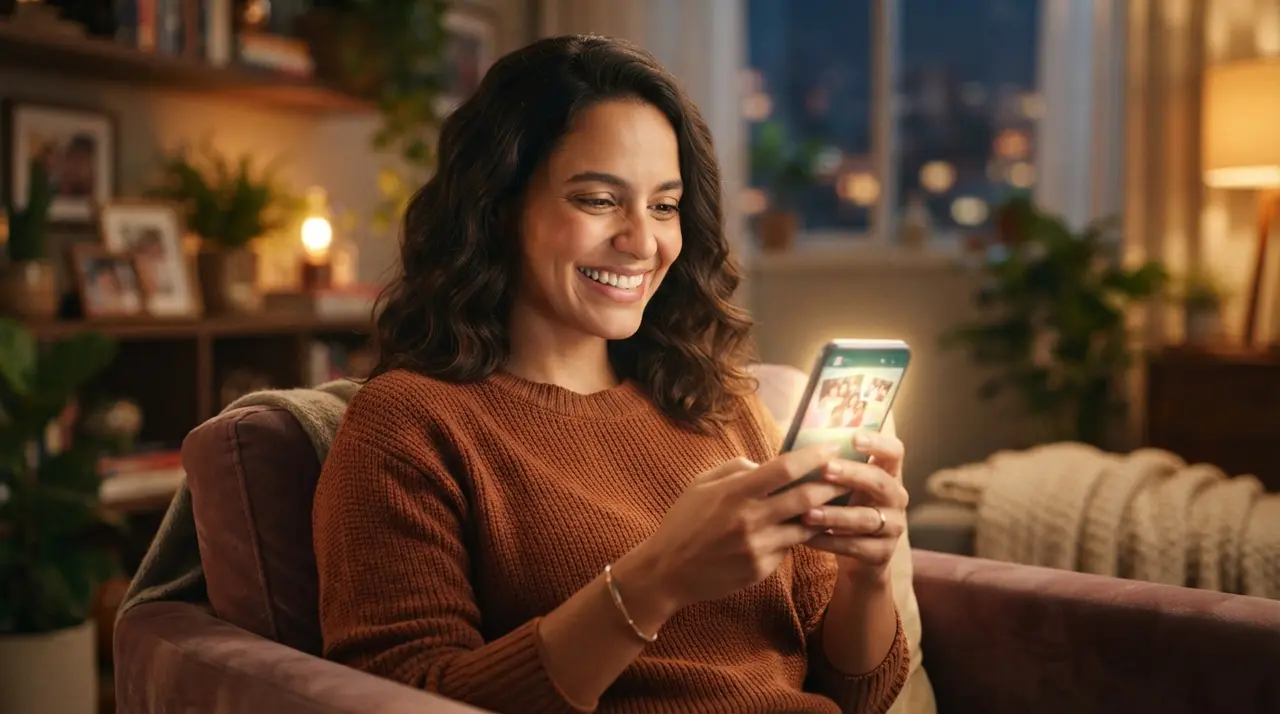
Creating AI videos directly on WhatsApp enables users to restore, animate, and transform static family photos into emotional moving pictures without installing complex editing software. By simply sending a message to a specialized service like Vídeo com IA, anyone can generate personalized video clips for messaging and social media instantly.
For decades, keeping memories alive meant storing paper photographs inside dusty albums or buried deep in cloud drives. Today, artificial intelligence allows you to bring those forgotten moments back to life. You do not need technical knowledge, expensive computers, or editing apps. Everything happens inside your regular WhatsApp chat window in a matter of minutes.
How AI Video Generation Works Directly inside WhatsApp
Generating an AI video inside WhatsApp requires no editing skills and operates completely through simple text and image messages. You interact with an automated, intelligent assistant that guides you step by step through the process.
The workflow is designed for maximum simplicity so that anyone, from tech-savvy creators to grandparents, can create stunning videos effortlessy:
- Choose your service: Open the chat and select what you want to do, such as animating a portrait, generating a photo transition, or restoring an old photo.
- Send your media: Upload the photo or video directly into the conversation.
- Define parameters or speech: Type any specific instructions, such as adding a customized voice script or selecting motion intensity.
- Confirm and process: Review the brief summary and cost, then confirm to start generation.
- Receive your result: Get your finished high-definition video directly in the chat, ready to download or share.
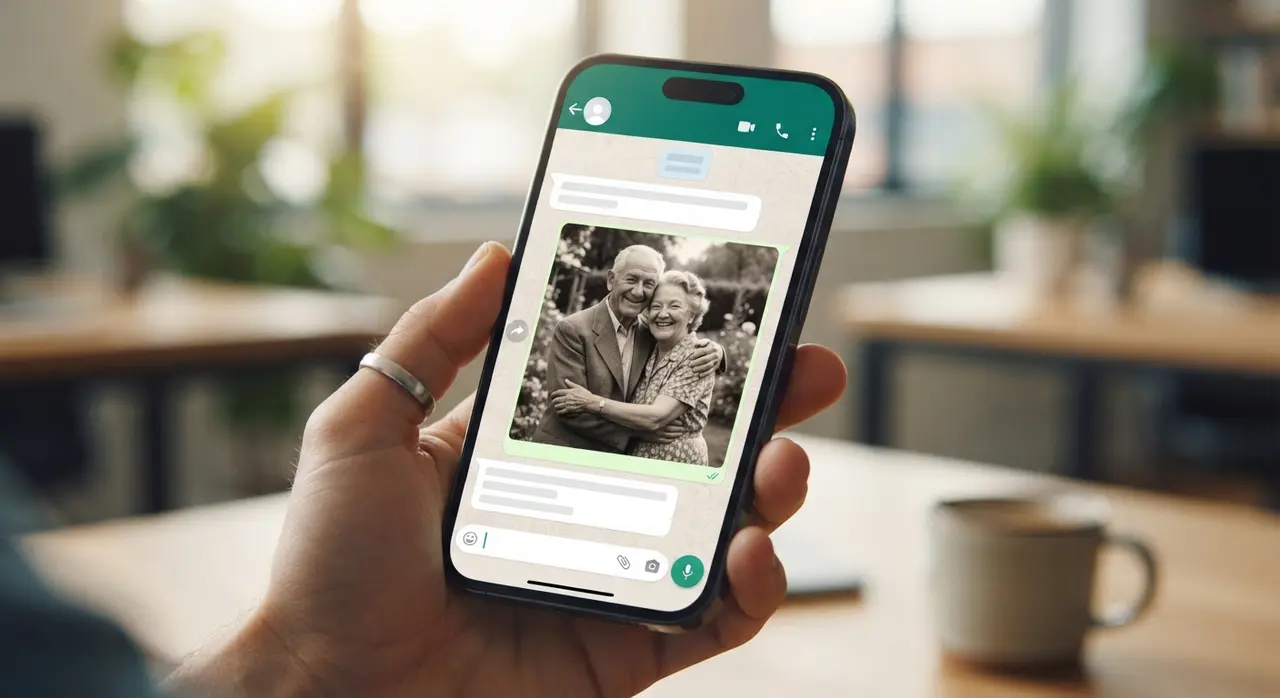
Comparing Traditional Editing Apps vs. WhatsApp AI Generation
Using artificial intelligence inside messaging apps changes how people create emotional digital media. Most people prefer avoiding heavy editing software that requires registration, tutorials, and subscription fees.
| Feature / Criteria | Traditional Video Editing Apps | WhatsApp AI (Vídeo com IA) |
|---|---|---|
| Software Installation | Requires App Store/Play Store download | Zero installation required |
| Learning Curve | Complex timelines, layers, and keyframes | Simple conversational interface |
| Processing Device Impact | Drains battery and consumes phone storage | Cloud-processed; saves local storage |
| Turnaround Time | Hours of manual adjustments | Delivered in minutes inside chat |
| Sharing Convenience | Manual export and file transfer steps | Instant sharing to contacts or status |
Whether you want to animate portraits into talking videos or build simple nostalgic clips, chat-based tools eliminate technical friction completely.
Available AI Video Tools in WhatsApp Chat
WhatsApp AI video tools offer a complete range of media capabilities including portrait animation, photo restoration, and dynamic visual transitions. You can turn almost any cherished picture into a moving tribute.
- Portrait Animation: Adds subtle facial movement, realistic eye blinks, and gentle smiles to still photos of loved ones.
- Before-and-After Transitions: Smoothly morphs an old childhood picture into a modern photo to show life evolution over time.
- Photo Restoration & Colorization: Cleans scratch marks, improves clarity, and adds realistic colors to vintage black-and-white portraits.
- Talking Photo Generation: Gives a voice to still images using custom text prompts or audio files for special announcements.
- Retrospective Montages: Combines multiple memory photos into cohesive, emotional video reels perfect for family celebrations.
If you are planning an anniversary or memorial, you can also create before-and-after visual transitions to surprise your guests with dramatic photo evolutions.
Real Application Case: Honoring Family History easily
Consider the case of Maria, a teacher who wanted to create a surprise gift for her parents' 50th wedding anniversary. She had dozens of faded paper photos from 1974 but lacked video editing experience and had very little free time.
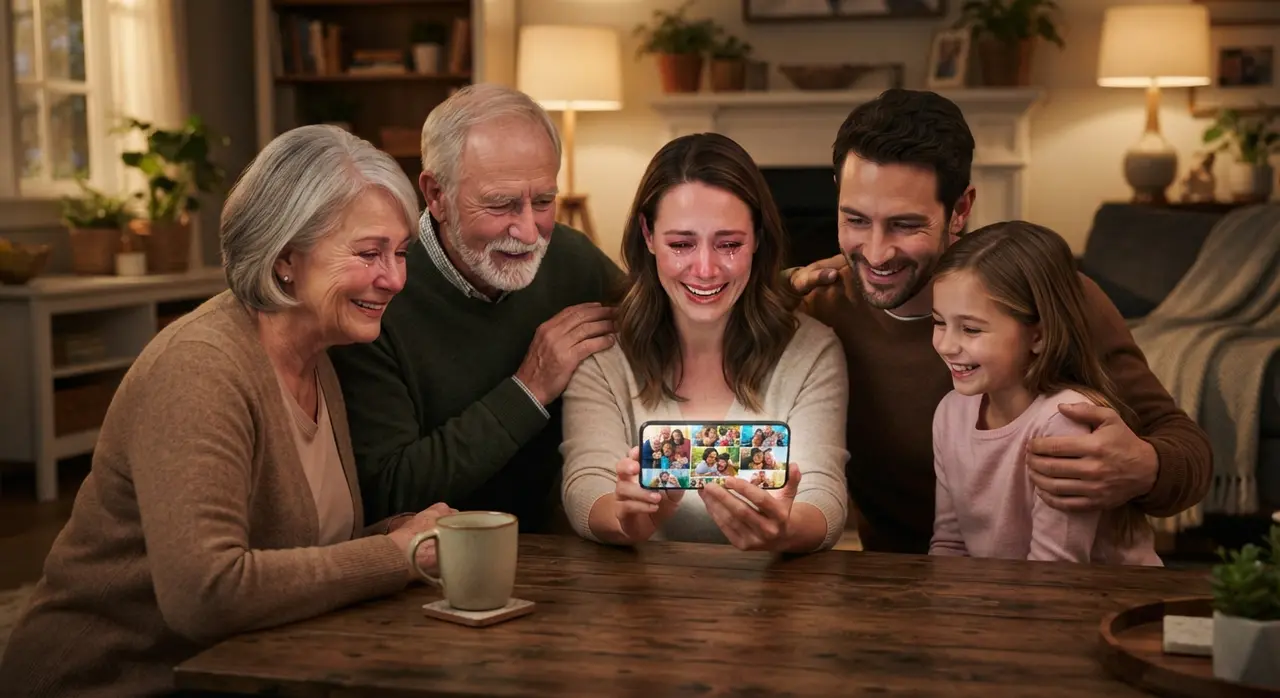
Using Vídeo com IA directly on WhatsApp, Maria snapped photos of her parents' original wedding pictures using her phone camera. She sent them to the WhatsApp bot, chose the restoration and subtle animation service, and within minutes received high-definition videos showing her parents smiling and moving in natural detail. She shared the generated clip in her family group, creating an unforgettable emotional moment for the entire family without touching a complex video editing timeline.
Key Benefits of Producing AI Videos via Messaging
Creating videos via chat eliminates software installation barriers while drastically reducing the time needed to produce heartfelt media. It opens advanced creative tools to everyone regardless of technical background.
People frequently search for terms like ia no whatsapp, vídeo para whatsapp, and vídeo para status do whatsapp because messaging platforms are where digital memories naturally live. When you generate content directly inside the platform, sharing it requires just a single tap.
- Instant Accessibility: Accessible on any smartphone capable of running WhatsApp.
- Affordable & Direct: Pay only for what you create without recurring software fees.
- Perfect for Emotional Gifts: Easily create personalized emotional gifts for Mother's Day, Father's Day, or birthdays.
- Immediate Sharing: Easily post videos directly to your status or send them in group chats without exporting files.
Managing Visual Quality Expectations for Old Photos
Original photo resolution directly influences the sharpness and realistic fidelity of the final AI video render. Understanding how input quality affects output helps you achieve the best possible results.
While modern AI algorithms perform remarkable enhancements on faded or damaged photos, clear photos always produce smoother face movements. When digitizing old physical prints, ensure you capture them in bright, indirect sunlight without harsh room lights creating glare on the glossy paper surface.
How to Share and Preserve Your WhatsApp AI Creations
Once your video arrives in your WhatsApp chat, saving and sharing it across platforms takes only seconds. You can instantly set it as a WhatsApp status or send it directly to relatives across the world.
For popular features like retrospectiva no whatsapp or compartilhar vídeo no whatsapp, downloading the generated video file directly to your phone library ensures you maintain a permanent backup. You can then re-upload it to Instagram Reels, TikTok, or photo storage services anytime you wish.
Conclusion: Start Bringing Memories to Life Today
Transforming static photographs into vibrant video clips no longer requires technical skills or software installs. By taking advantage of AI tools built directly into WhatsApp, you can restore old family heritage, build emotional tributes, and create personalized gifts in minutes. Start your first creation right now by messaging Nostalgia AI on WhatsApp at +1 (555) 990-4415 and bring your favorite memories back to life.
Frequently asked questions
Do I need to install any app to create an AI video?
No, you do not need to download or install any external application. The entire creation process happens directly inside your existing WhatsApp chat interface.
How long does it take to get my AI video back in WhatsApp?
Most AI videos are processed and sent back to your WhatsApp conversation within 2 to 5 minutes. High-demand periods or complex animation tasks may occasionally take slightly longer.
Can I turn old, damaged photos into moving videos?
Yes, the AI service can restore, colorize, and animate old or damaged physical photos. Capturing a clear, glare-free picture of the physical photo with your smartphone camera ensures the best final quality.
How do I share my generated AI video to my WhatsApp Status?
Once the video is delivered to your chat, tap the forward or share icon and select 'My Status'. You can also save the media file directly to your phone gallery for posting on other platforms.