
Transform Old Photos Into Moving AI Videos on WhatsApp
Discover how AI turns old family photos into emotional moving videos. Restore, colorize, and animate precious memories easily on WhatsApp without apps.
- AI Photo Animation
- Restore Old Photos
- WhatsApp AI Video
- Family Memories
- Emotional Video Gift
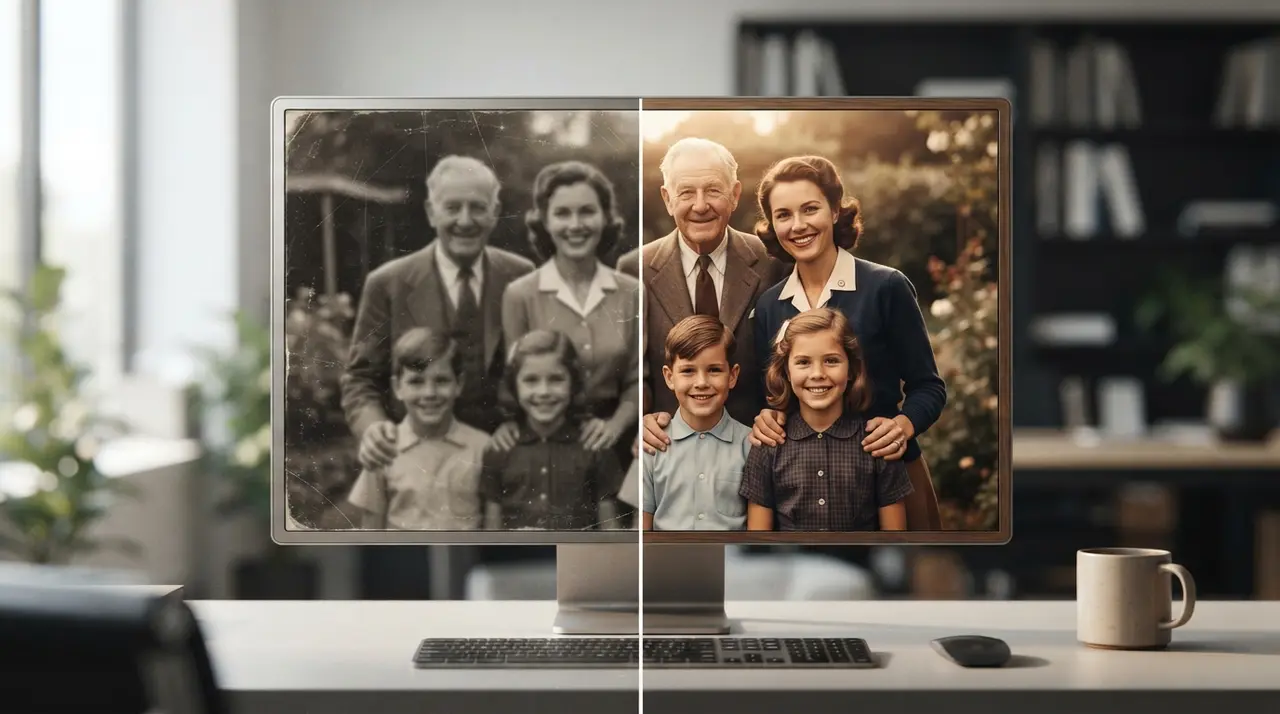
AI photo transformation converts still, vintage, or faded photographs into vibrant, animated videos that preserve precious human memories. Using advanced deep learning, platforms like Vídeo com IA restore lost detail, add natural color, and introduce realistic facial movement to still portraits directly through chat applications.
Photographs are more than paper or digital pixels; they are frozen fragments of time. Whether it is a black-and-white portrait of a great-grandparent, a faded childhood snapshot, or a cherished wedding day moment, these images hold profound personal history. Today, modern technology allows us to break the silence of static pictures and turn them into moving tributes that touch hearts.
Restoring vintage photographs recreates lost facial details and vivid colors
Restoring vintage photographs recreates lost facial details, removes scratches, and adds natural colors to black-and-white images. Over time, physical paper photos suffer from sun damage, creases, moisture, and fading colors that dull our visual connection to the past.
Artificial intelligence analyzes the texture, shading, and context of an old photograph to recreate missing information intelligently. Instead of basic filtering, the system recognizes facial features—such as eyes, smiles, and skin tones—and reconstructs them with remarkable crispness. To explore affordable ways to refresh your heritage library, check our guide on how to restore old family photos affordably.
- Colorization: Brings realistic hues to black-and-white clothes, hair, and backgrounds.
- Scratch removal: Cleans up dust marks, paper tears, and water stains automatically.
- Facial sharpening: Enhances blurry eyes and soft expressions into high-definition clarity.
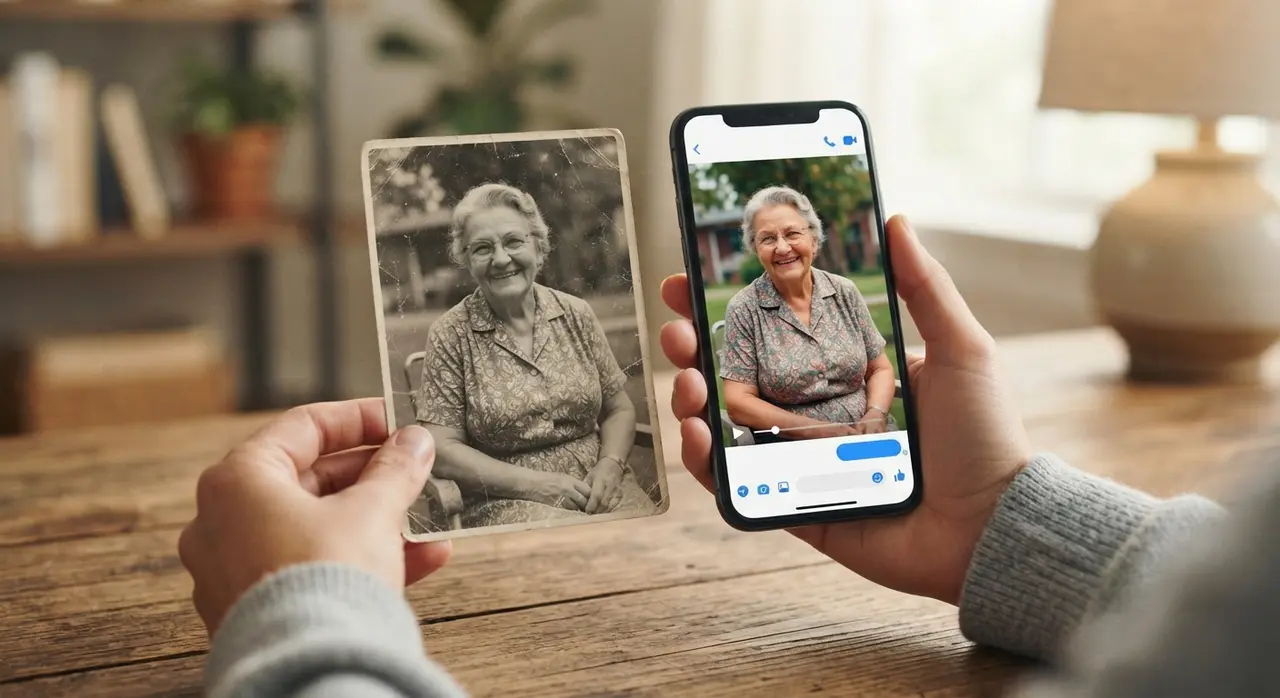
Animating still portraits of loved ones builds deep emotional connections across generations
Animating still portraits of loved ones builds deep emotional connections across generations by recreating subtle physical expressions. Seeing a late grandparent blink, turn their head, or break into a soft smile creates a powerful feeling of presence that static images cannot match.
For families coping with loss or celebrating nostalgia, moving portraits provide comforting tributes during holidays, anniversaries, and memorial dates. The animation process respects the dignity of the photo, applying natural physics to movement so the result feels intimate rather than artificial.
When shared in family group chats, these short videos spark conversations between generations, encouraging younger family members to ask about ancestors they never had the chance to meet in person.
Time-lapse AI transitions bridge the past and present into a unified visual narrative
Time-lapse AI transitions bridge the past and present into a unified visual narrative by morphing two photos taken decades apart. This photo transformation style allows viewers to watch a child grow into an adult or a newlywed couple age gracefully together across decades of marriage.
These visual journeys make unforgettable personalized gifts for milestone birthday parties, retirement celebrations, or wedding retrospectives. You can learn how to build your own growth visual by reading our walkthrough on turning a baby to adult time-lapse video.
| Transformation Type | Input Needed | Emotional Impact | Best Occasion |
|---|---|---|---|
| Colorization & Restoring | Faded / B&W photo | Nostalgic, high clarity | Family archives, heritage books |
| Portrait Animation | Single clear portrait | Deep personal connection | Memorials, Mother's/Father's Day |
| Then-and-Now Morph | Childhood + modern photo | Surprising, inspiring | Birthdays, graduations, anniversaries |
| Family Retrospective | Multiple photos | Heartwarming, unifying | Christmas, family reunions, weddings |
Case study: Bringing a 50th wedding anniversary to life
Consider the story of the Silva family during their grandparents' golden wedding anniversary. The family possessed only a single damaged, black-and-white photograph from the couple's 1974 wedding day in a rural town.
Using Vídeo com IA, the grandchildren submitted the picture via WhatsApp. Within seconds, the AI restored the missing contrast, colorized the bride's bouquet into vibrant roses, and added a gentle, smiling head movement to both newlyweds. When displayed on a projector during the party, the emotional impact brought tears of joy to three generations of guests.
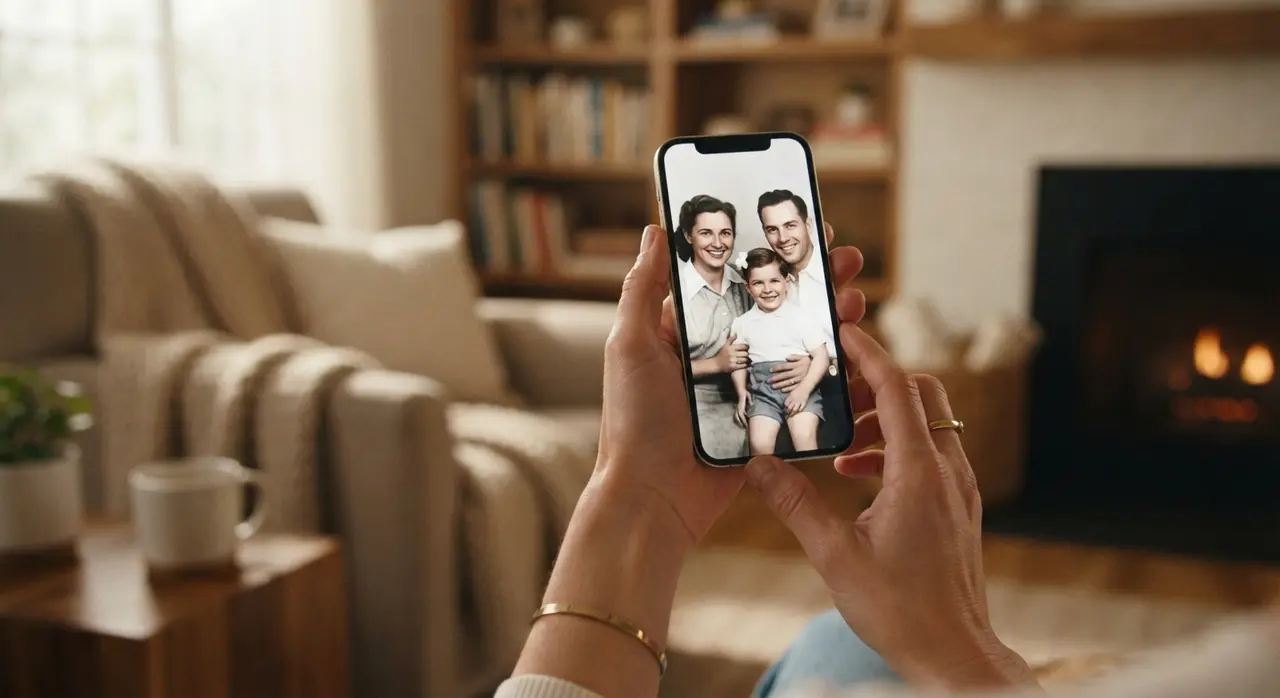
Creating an emotional AI video requires no technical editing skills or software downloads
Creating an emotional AI video requires no technical editing skills, complex prompts, or heavy software installations. Anyone who knows how to send a photo in a messaging application can generate a professional video in minutes.
By shifting video creation directly into standard chat tools, technical barriers disappear completely for non-tech-savvy users, senior citizens, and busy parents. For a full breakdown of this app-free approach, view our guide to create AI videos without installing apps.
- Send your photo: Open WhatsApp and send a photograph to the AI assistant.
- Select your effect: Choose whether you want to colorize, restore, or animate the image into motion.
- Receive and share: Get your generated MP4 video back in seconds, ready to save or forward to loved ones.
Conclusion
Preserving family heritage no longer means leaving old photographs tucked away inside dark albums. With artificial intelligence, vintage portraits turn into living, colorful visual stories that can be shared instantly across the world. Start transforming your favorite family photos today, and give your memories the vibrant motion they deserve.
Frequently asked questions
How long does it take to turn a photo into a video on WhatsApp?
The entire process takes less than two minutes from start to finish. Once you send your photo to the WhatsApp AI assistant, the automated restoration and animation processing finishes within seconds.
Do I need to install any mobile apps to restore my photos?
No, you do not need to download or install any external mobile apps or software. Everything happens natively inside your existing WhatsApp application on smartphone or desktop.
Can AI restore extremely damaged or torn black-and-white photos?
Yes, advanced AI algorithms specialize in detecting facial geometry and context even in severely aged, torn, or faded images. The system intelligent reconstructs missing details, removes scratches, and adds natural color.
How do I send my photo to start the video creation?
You simply send your chosen photo directly to our WhatsApp service number at +1 (555) 990-4415. The assistant guides you through selecting the transformation style immediately.