
Is It Safe to Send Photos to Create AI Videos?
Discover if sending photos to create AI videos is safe. Learn key rules for AI and privacy to protect family memories when creating videos on WhatsApp.
- AI and privacy
- create video with AI
- photo animation
- WhatsApp AI
- family memories
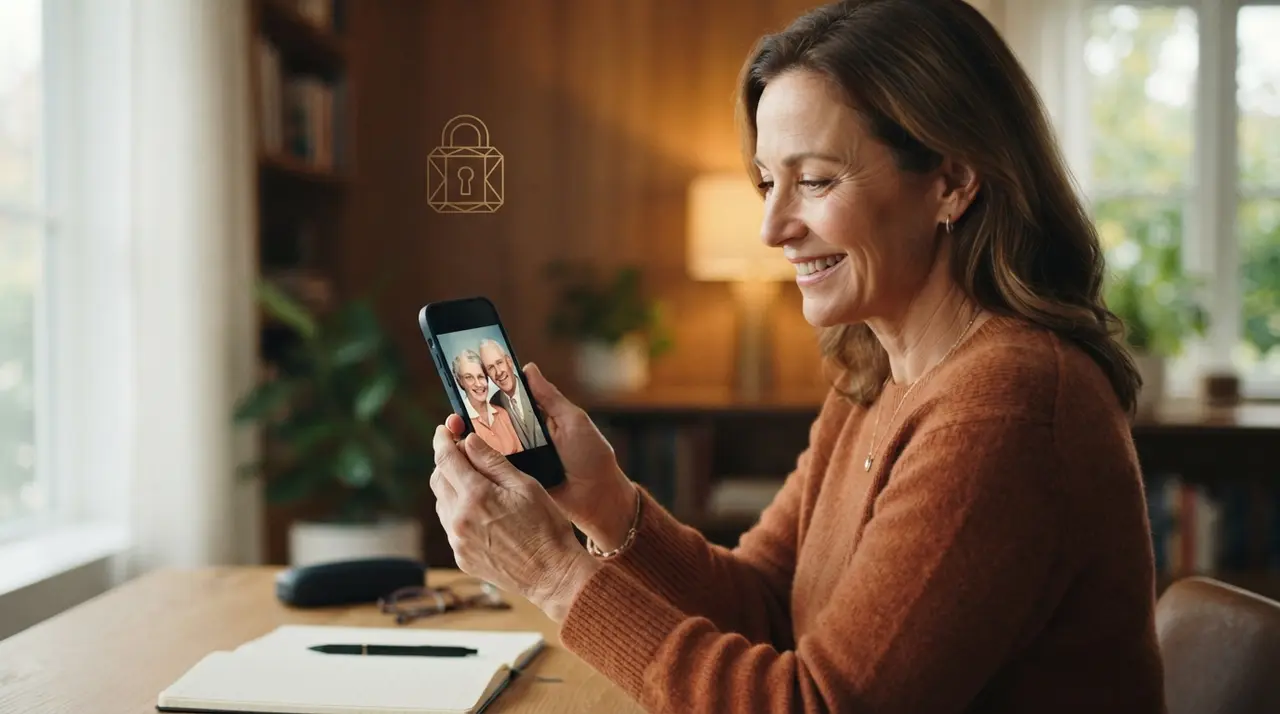
Sending photos to create AI videos is safe as long as you use trusted, official platforms that process images strictly for media generation without making your private files public. Understanding how modern platforms handle data privacy helps you protect personal family memories while bringing old pictures to life.
When you decide to create video with AI using cherished pictures—such as vintage portraits of grandparents, childhood memories, or tributes for loved ones who have passed—it is completely natural to ask where your data goes. The good news is that reputable services prioritize user security and treat your images with strict confidentiality.
Official messaging channels provide encrypted and controlled image processing
Using established communication channels like WhatsApp offers built-in security through end-to-end encryption during data transmission. When you share a photograph with a dedicated automated system on WhatsApp, your file moves through a protected environment designed solely to render your requested animation or video edit.
Unlike random third-party web apps that require full account creation or access to your phone's entire gallery, sending photos through WhatsApp means you retain full control over what you send. You do not need to download questionable software, which drastically reduces your exposure to malware or unauthorized data collection. If you prefer a seamless experience without installing extra applications, you can learn more about how to create AI videos without installing apps.
Understanding how AI processes your uploaded photos for video creation
An artificial intelligence system requires access to image pixels exclusively to calculate motion, reconstruct facial features, and render video frames. During this pipeline, the AI model analyzes visual landmarks—such as eyes, smile, and lighting—to generate realistic movement.
Important principles of photo processing include:
- Temporary rendering: The image is loaded into the server environment specifically to build the motion sequence.
- Single-purpose intent: Trusted tools process the file to output your requested video and do not publish or distribute your private content.
- No public exposure: Your uploaded photos are not posted to public galleries or search engines without explicit permission.
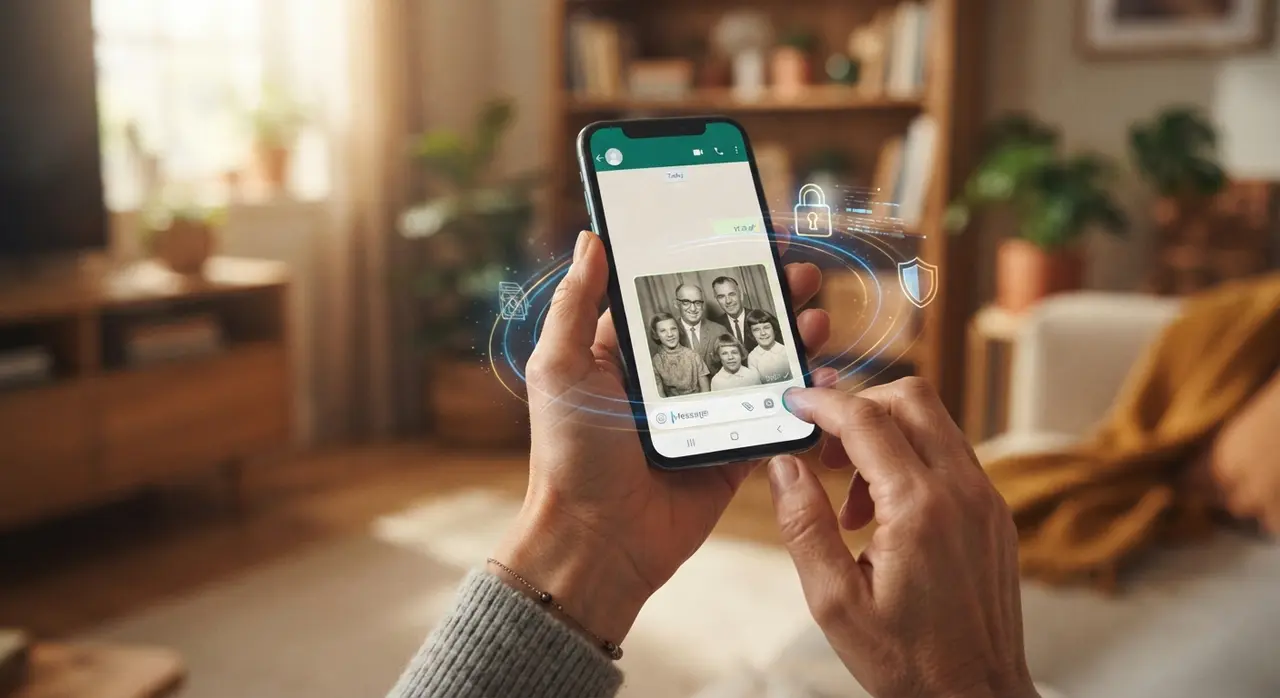
Essential privacy rules before sending photos to an AI service
Protecting your personal digital history requires a few proactive habits before uploading sensitive visual material. Following simple guidelines ensures that your experience remains both safe and memorable.
First, ensure you have the right to use the photos you upload. Using your own family portraits, self-portraits, or personal vacation photos guarantees compliance with personal copyright and consent expectations. Second, always verify that you are chatting with an official, authorized contact standard rather than unverified third-party bots.
The table below summarizes best practices for evaluating whether an AI service is safe for your personal photos:
| Safety Criterion | Safe AI Workflow | Unsafe / Risky Practice |
|---|---|---|
| Access Permissions | Only requests the specific photo you send. | Demands full camera roll access. |
| App Installation | Works inside official tools like WhatsApp. | Requires installing unknown executable files. |
| Data Usage | Processes image solely to produce the requested output. | Vague terms that allow public sharing of photos. |
| User Control | You choose individual files one by one. | Automatic background syncing of your gallery. |
Case study: Preserving family history safely with Vídeo com IA
Consider the story of Sarah, who wanted to organize a sentimental tribute for her parents' 40th wedding anniversary. She had stacks of fragile, original photographs from the early 1980s that she wanted to digitize and transform into a emotional moving retrospective.
Sarah was hesitant to upload these irreplaceable heirlooms to unfamiliar websites. By choosing Vídeo com IA, she was able to send selected digitized pictures directly through WhatsApp. Within moments, the AI restored clarity and introduced natural facial motion. The process allowed her to restore old family photos with peace of mind, knowing her private moments remained confidential and accessible only to her family.
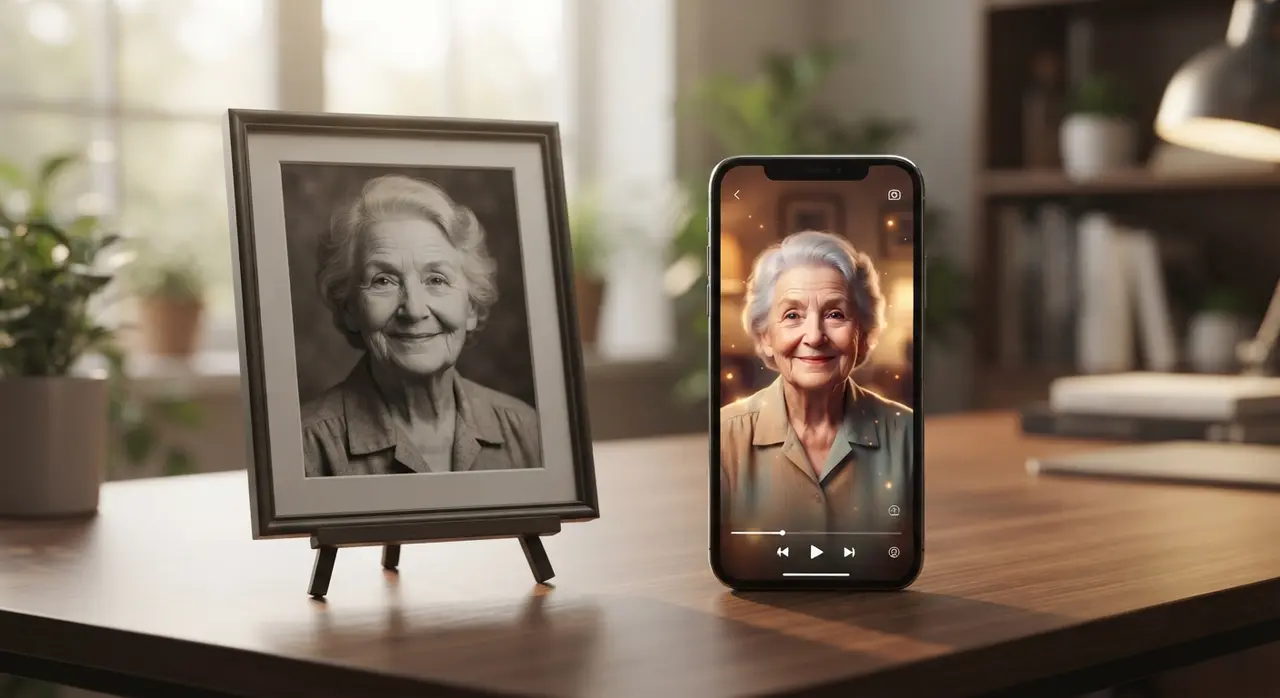
What happens to your photos after the AI video is generated?
Once your video output is generated and delivered back to your chat, the processing cycle is complete. Standard protocols focus on returning the finalized MP4 file directly to your private conversation so you can download or share it with loved ones.
If you ever plan to create a family photo montage or social media reel, operating through direct chat gives you immediate access to saved media right on your phone. You retain full ownership of both your original photo and the new video file.
Clear steps to take if you have privacy questions
Responsible technology providers encourage transparency and invite users to ask questions before sending sensitive images. If you are unsure about how data handling works, reaching out directly before sending pictures is always recommended.
- Check official channels: Make sure you are interacting with verified phone numbers or domain links.
- Ask questions first: Inquire about how your images are processed prior to submitting sensitive pictures.
- Start with non-sensitive images: Test the service using a landscape or generic photo to review the quality and speed.
Frequently asked questions
Is it safe to send photos to create AI videos on WhatsApp?
Yes, sending photos through official AI tools on WhatsApp is safe because transmission is protected by end-to-end encryption. Reputable services process your photos solely to construct the requested video and deliver it directly back to your private chat.
Are my uploaded photos published on the internet?
No, trusted AI photo-to-video services do not publish your private photographs or generated videos online. Your media files remain private to your conversation unless you choose to download and share them yourself.
Do I need to grant access to my phone's entire photo gallery?
No, when using chat-based tools on WhatsApp, you select and send only the specific photo you want to animate. The system never gains access to your remaining camera roll or personal device storage.
Who owns the video created by the AI?
You retain full ownership of both your original photos and the generated AI video. You are free to save, share, or post your animated videos on social media platforms or keep them as personal keepsakes.