
How to Restore a Torn Old Photo Online Using WhatsApp
Learn how to restore a torn old photo using AI directly via WhatsApp. Recover your precious memories, fix tears, and improve quality in just a few minutes.
- AI photo restoration
- restore old photos
- fix torn photos
- AI image enhancement
- WhatsApp AI
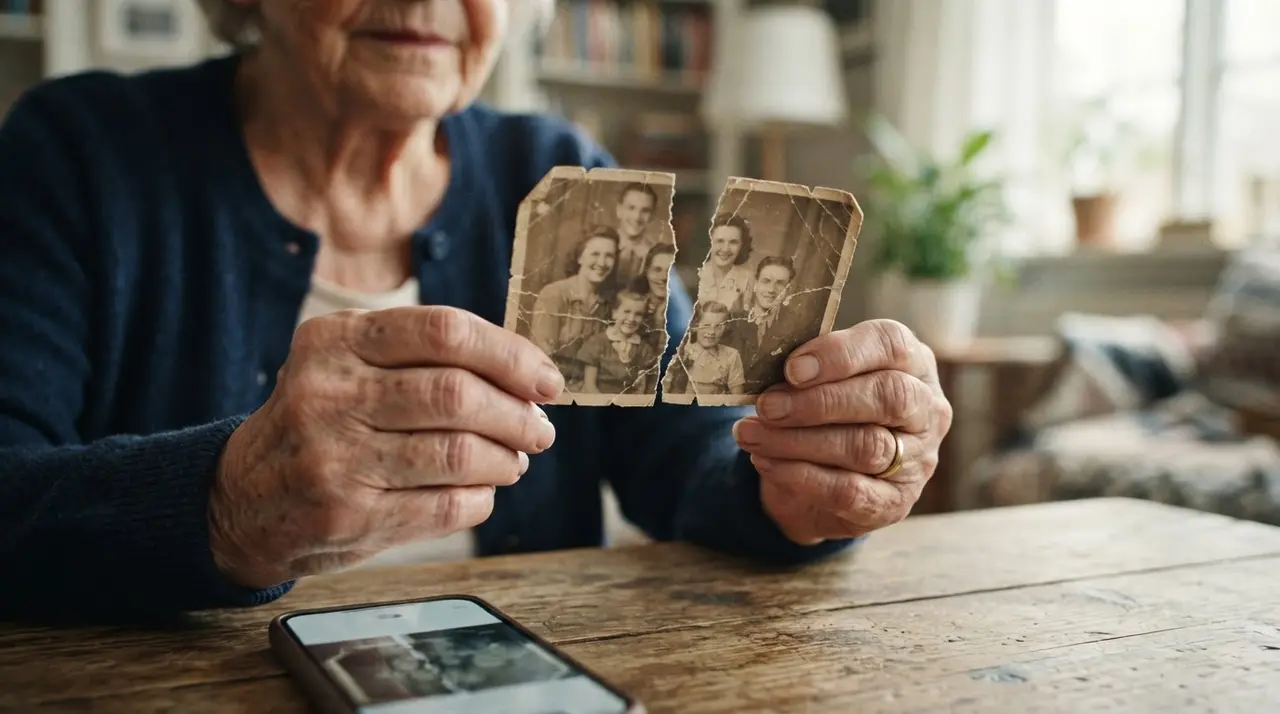
Restoring your torn memories is easier than you think
Restoring a torn old photo is a simple process that can be performed directly through WhatsApp using advanced AI technology. By sending your damaged image to an AI-powered service, you can recover lost details, remove deep tears, and preserve the emotional value of your family history in mere minutes.
Over time, physical photographs suffer from moisture, improper storage, folding, and the natural degradation of printing materials. These factors often lead to permanent damage that seems impossible to fix. However, the AI restoration process works by intelligently analyzing the surrounding pixels, reconstructing missing parts of the face, and effectively removing creases or rips.
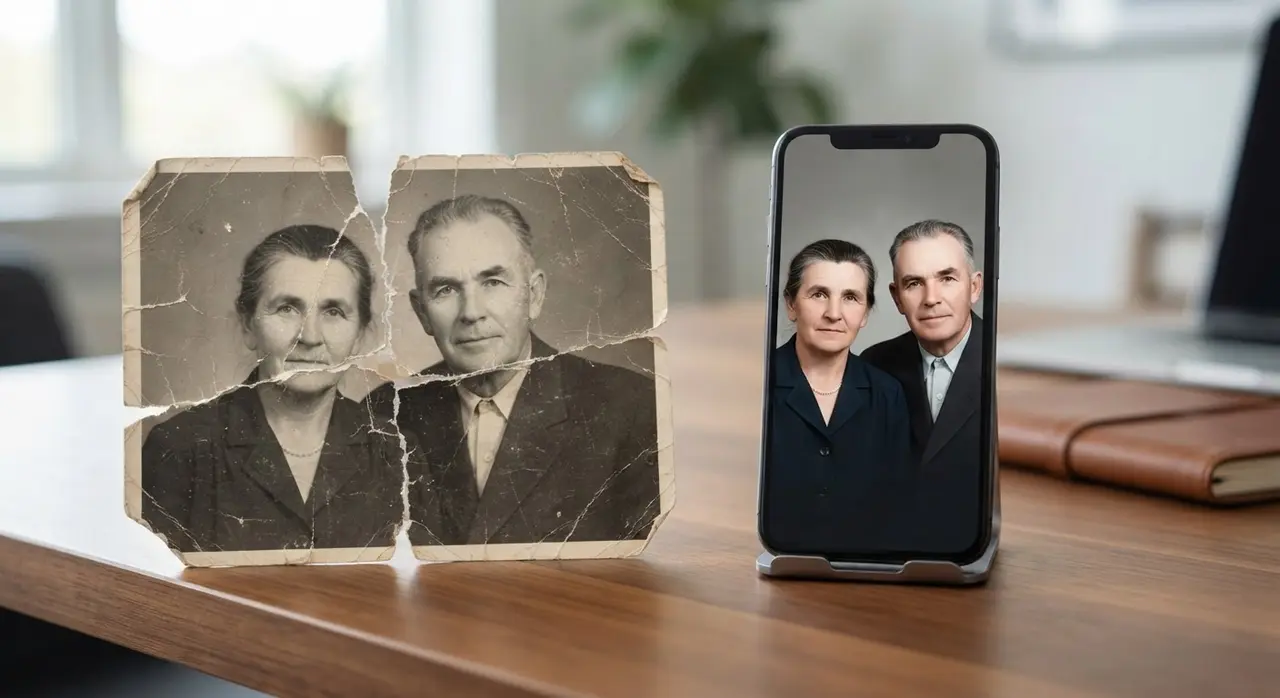
Why old photos degrade and how we fix them
Physical photos fade and tear because they are organic materials exposed to environmental stressors like humidity and UV light. When you decide to restore a torn old photo, the AI scans the image to identify what is missing and what needs correction. It essentially 're-imagines' the damaged areas based on context, resulting in a clean, sharp, and often colorized version of your original memory.
This technology is not just about fixing rips; it is about bringing clarity to faces that were once blurred by time. Whether you have a wedding portrait or a childhood snap, the AI fills in the gaps to ensure the final result looks as natural as the day it was taken.
Simple steps to recover your images
You do not need to be a professional editor or install complex software to achieve high-quality results. Follow these simple steps to ensure the best outcome for your restoration project:
- Choose a well-lit area: Natural, indirect light is best to avoid harsh glares.
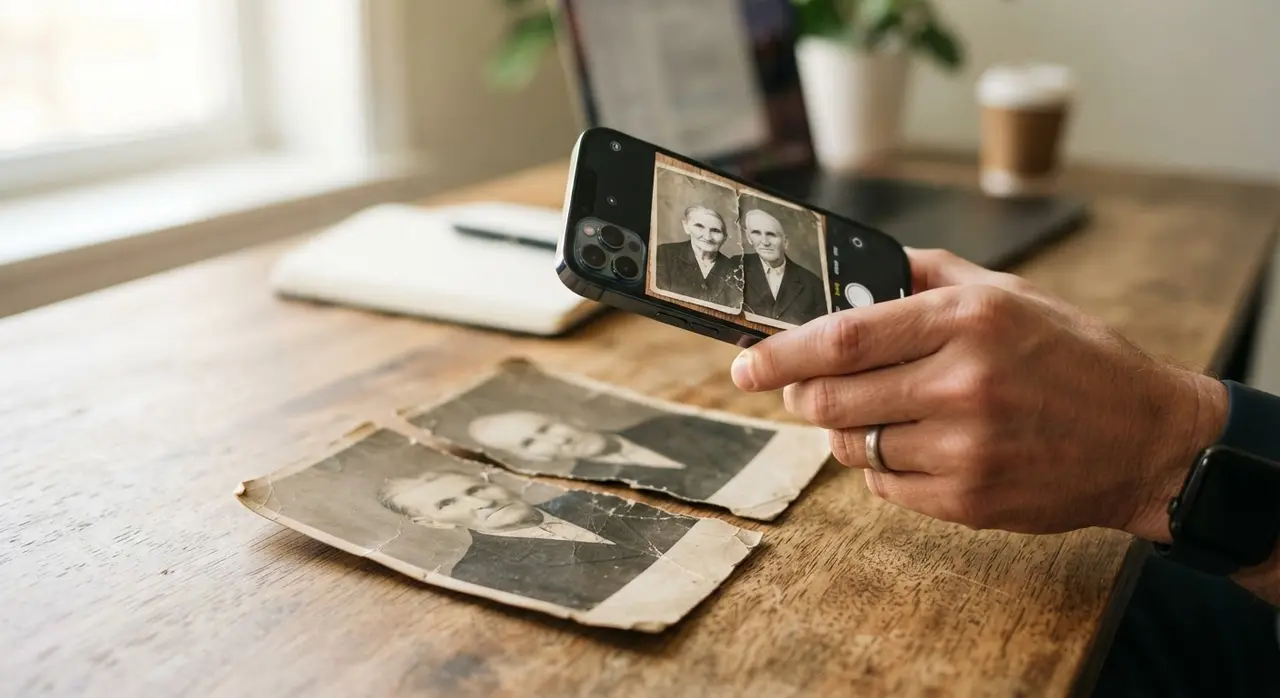
- Keep it steady: Take the photo of your old picture from directly above to prevent distortion.
- Focus on details: Ensure the camera is focused on the faces or the torn areas for better AI recognition.
- Send it over: Simply attach the captured image to a WhatsApp message and send it to our AI.
| Method | Ease of Use | Time Required | Result Quality |
|---|---|---|---|
| Manual Photoshop | Hard | Hours | High |
| AI WhatsApp Service | Very Easy | Minutes | High |
| Offline Scanning | Medium | Days | Variable |
A real-life transformation
We recently helped a customer who had a single, badly torn portrait of her grandmother from the 1950s. She thought the memory was lost forever due to a large tear running across the cheek and eye. Using the Vídeo com IA restoration tool, we were able to reconstruct the missing facial features and remove the yellowing from the original print. The customer received the high-resolution, restored file directly on her phone, allowing her to frame it as a gift for her family’s reunion.
Frequently asked questions
Can I really restore a photo via WhatsApp?
Yes, you can. Our AI-powered service is designed to receive your photo, process it through sophisticated algorithms, and return the restored version directly to your chat in minutes.
Does the AI colorize the photo too?
Yes, our restoration process can include colorization, turning your black-and-white memories into vivid, lifelike images that feel closer to the present moment.
How should I take the photo of the old picture?
Place the photo on a flat, neutral surface under even lighting. Ensure your phone is parallel to the photo to avoid angles, and make sure there are no reflections from windows or lamps on the surface of the picture.
Is the restoration cost-effective?
Restoring a photo through our service is highly affordable compared to traditional professional restoration services. You get high-quality results without the need for expensive software or technical skills.