
How to Turn Photos into Videos with AI in Just a Few Steps
Learn how to transform your favorite memories into emotional videos using AI. No app installation required—just send your photos via WhatsApp.
- AI video creation
- photo restoration
- nostalgia
- AI animation
- WhatsApp AI
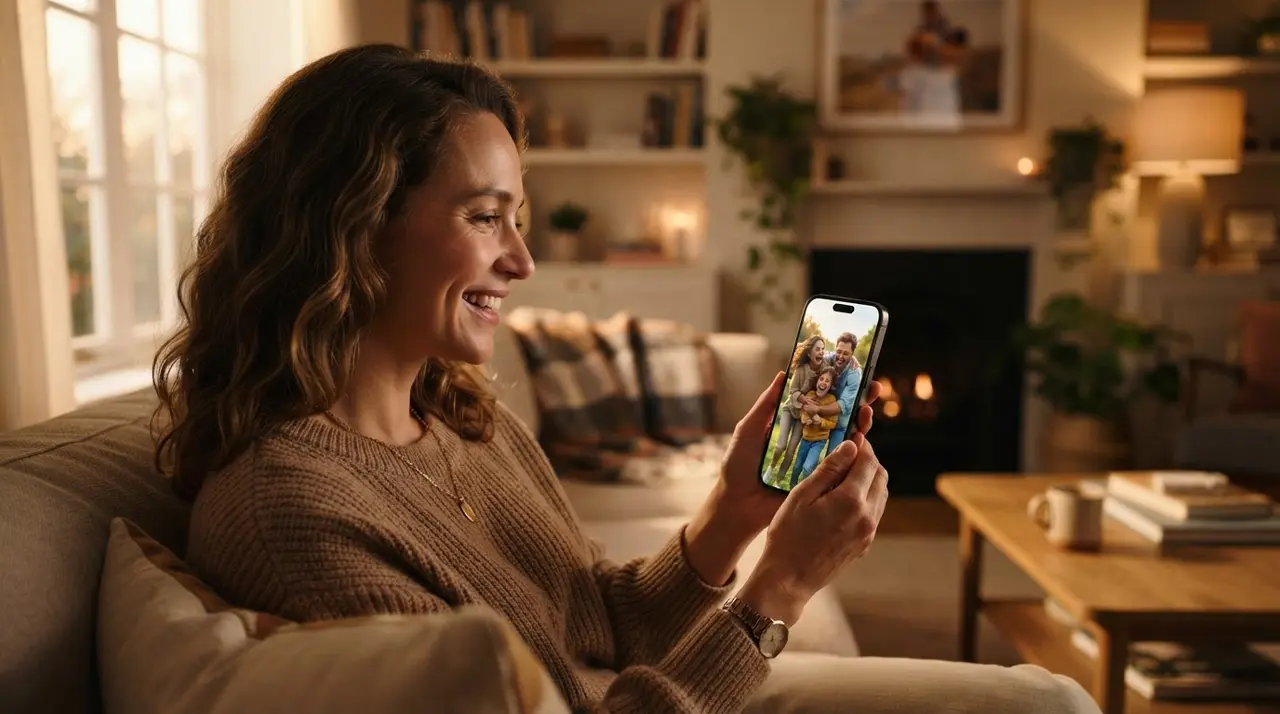
Creating a video with your photos using AI is a straightforward process where you simply send an image and receive a professionally edited result. This method allows anyone to transform a static image into a dynamic, emotional video without needing complex software or advanced technical skills.
In today's fast-paced digital world, preserving memories has become easier than ever. Whether you are looking to restore old photos or bring life to a silent portrait, AI technology handles the heavy lifting, ensuring your family history remains vivid and shareable.
The Simplicity of AI-Driven Video Creation
AI-driven video creation simplifies the production process by automating complex editing tasks that once required hours of manual labor. Instead of learning professional software, users can leverage conversational interfaces to achieve cinematic results.
At Vídeo com IA, we prioritize accessibility. You do not need to install heavy applications or subscribe to expensive, complicated platforms. The entire workflow is designed for the average person who values their time and their memories.
How the Process Works on WhatsApp
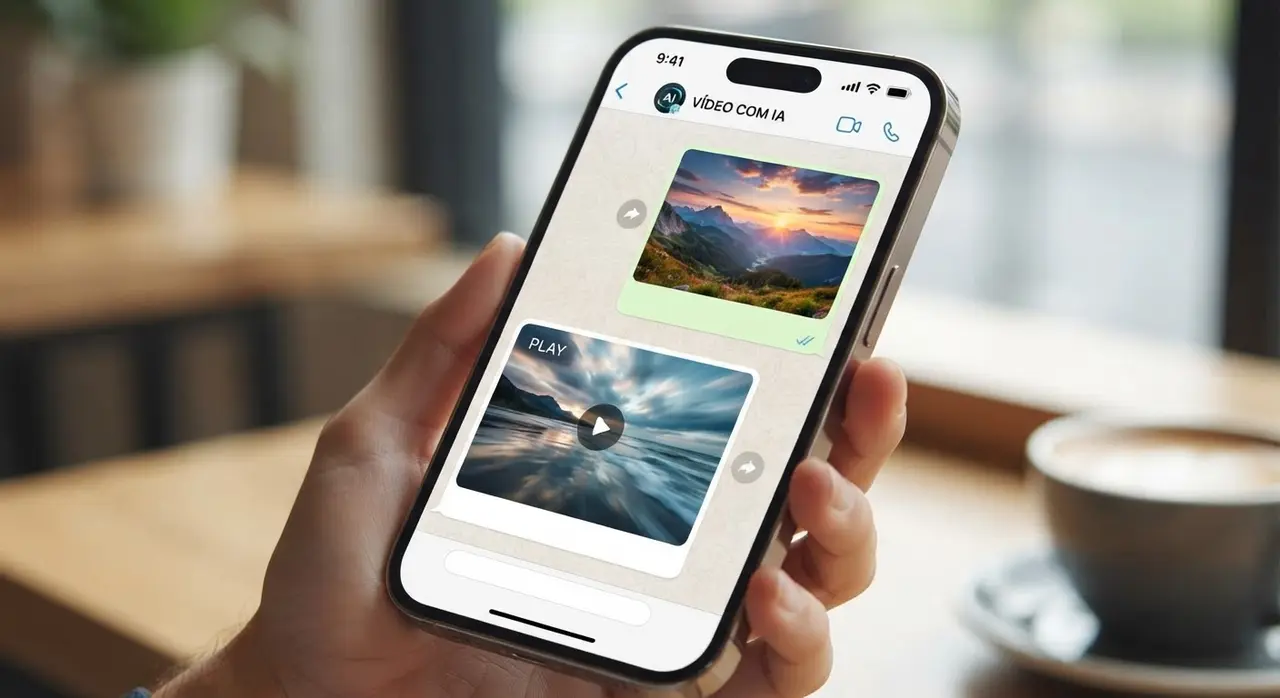
You can create a video with photos by following a simple three-step flow directly through your WhatsApp messenger. This eliminates barriers to entry and makes the service available to anyone with a smartphone.
- Send your photo: Simply upload the image you wish to transform directly into the chat.
- Choose your style: Select from pre-set options like resolution, duration, and whether you want to animate a portrait or create a montage.
- Receive the result: Our AI processes the media and sends the final, high-quality video file back to your conversation.
Before the final generation, the system provides a clear preview of the service requirements and costs. This transparency ensures that you are comfortable with the final outcome before the AI begins its work.
Comparison of Photo-to-Video Methods
| Method | Ease of Use | Time Required | Software Installation |
|---|---|---|---|
| Traditional Editing | Low | Hours | Required |
| Online AI Tools | Medium | Minutes | None |
| Vídeo com IA WhatsApp | Very High | Seconds | None |
Why Families Choose AI for Nostalgia
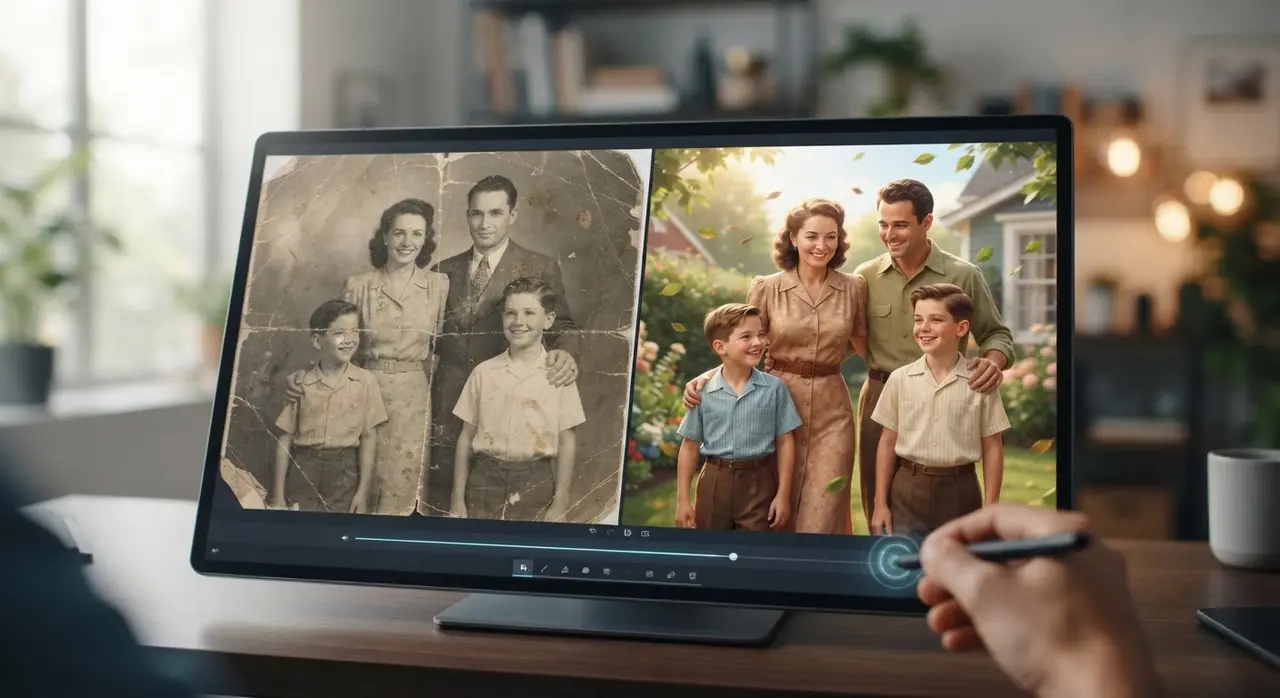
Choosing to create emotional reels using AI helps families reconnect with their heritage in a meaningful way. A small-scale case study involves a family that had a single, damaged photo of a great-grandmother from the 1950s. By sending it to Vídeo com IA, they were able to restore the image quality and animate the portrait. The result was a short video that felt as if the ancestor was smiling, providing immense comfort during a family reunion.
Turning Still Images into Lasting Memories
Learning how to animate a portrait is just one way to leverage this technology. Beyond simple animations, you can bridge the gap between generations by creating evolution videos, where a childhood photo transitions seamlessly into a current one. This creates a powerful narrative that words alone cannot express, making it the perfect gift for birthdays or weddings.
Frequently asked questions
Is it difficult to create a video from a photo using AI?
Not at all. The process at Vídeo com IA is designed for everyone, regardless of their technical skills, as it works directly through WhatsApp without requiring any app installations.
Can I restore old, damaged photos through this service?
Yes, the AI is capable of enhancing quality and colorizing old photographs, making them look sharp and vibrant before converting them into a video format.
Do I need to pay before seeing the result?
We provide a preview of the service and costs before you commit, ensuring full transparency so you know exactly what you are getting before the generation begins.
How long does it take to transform a photo into a video?
Most transformations are completed in just a few minutes after you send the image and confirm your preferences within the WhatsApp chat.