
How to Restore and Animate Old Photos With AI: A Simple Guide
Learn how to restore old photos and bring them to life with AI. Follow our simple steps to improve quality and animate your family memories via WhatsApp.
- AI photo restoration
- animate old photos
- AI image enhancement
- family memories
- restore old photos
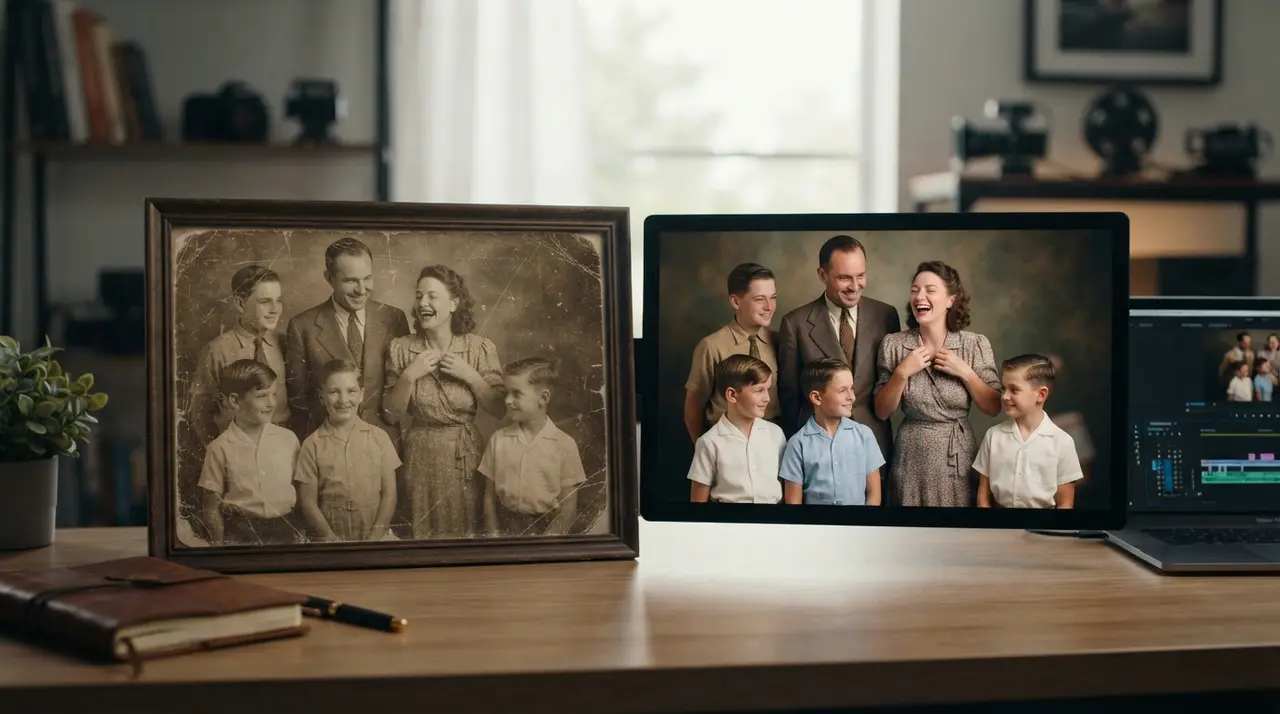
The Power of AI in Restoring and Animating Photos
Restoring and animating old, low-quality photos involves using advanced AI tools to first sharpen facial details and remove physical damage, followed by motion algorithms to add natural movement. This two-step process allows you to transform faded family archives into vivid, emotional video memories without needing complex editing software or professional design skills.
When you start with a poor-quality source, the AI works by reconstructing missing pixels and correcting color imbalances. Once the image is clear, the animation phase adds a layer of life, making the subject blink, smile, or turn their head, which creates a deep emotional connection that a static, blurry photo simply cannot provide.
Why Restoration Must Come Before Animation
You must prioritize image restoration before attempting any animation to ensure the final result looks realistic rather than distorted. When an AI tries to animate a low-resolution or damaged image, the motion algorithms often misinterpret the blurred areas as facial features, leading to strange artifacts or unnatural warping.
By cleaning the image first—improving sharpness and removing scratches—you provide the animation tool with a high-fidelity map of the face. This makes it significantly easier for the AI to track eye movement and mimic natural expressions accurately. If you are looking for more tips on how to restore old family photos, the initial quality is always the foundation of a great video.
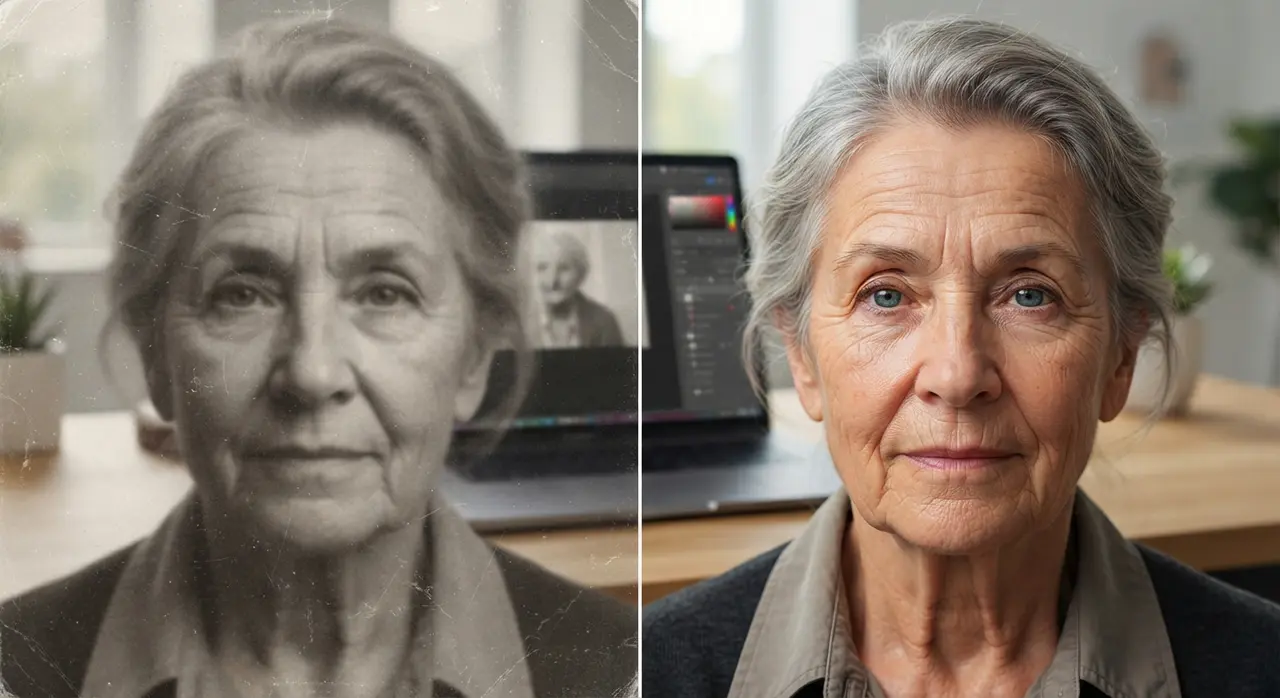
Understanding the AI Enhancement Workflow
The success of your project depends on following a logical sequence that optimizes the image for digital rendering. Below is a breakdown of how the professional restoration and animation workflow functions:
| Step | Focus | Expected Outcome |
|---|---|---|
| Preprocessing | Noise reduction | Cleaner, clearer base image |
| Restoration | Facial sharpening | Defined features and color correction |
| Animation | Motion mapping | Natural blinking and head movement |
| Final Render | Frame interpolation | Smooth, high-quality video file |
Bringing Memories to Life: The Animation Phase
Once your photo is crystal clear, animating it creates a bridge between the past and the present. Using AI to animate a portrait allows you to see expressions that haven't been seen in decades. This technique is particularly powerful for family reunions, anniversaries, or memorial services where you want to honor someone special.
Consider the case of a family who had only one blurry photo of their great-grandmother. By using the services at Vídeo com IA to perform a full restoration and adding a subtle, natural animation, the family was able to display a moving tribute during a birthday celebration. The impact of seeing a loved one 'breathe' and smile was far more emotional than any static image could convey. For those looking to create emotional reels, this process is an absolute game-changer.
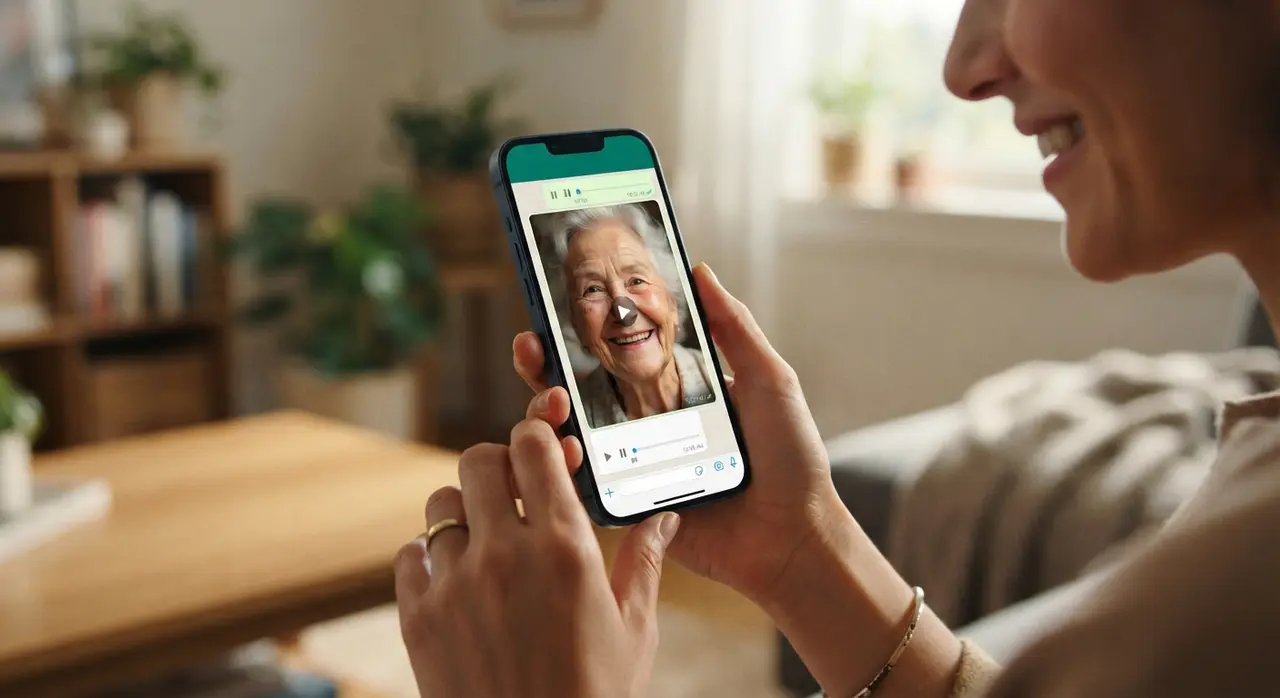
How to Get Started via WhatsApp
You don't need to be a technical expert to achieve professional results. At Vídeo com IA, we have simplified the entire process so you can send your requests directly through WhatsApp, making it accessible for everyone, regardless of their tech-savviness.
- Select your photo: Choose a cherished image that is currently damaged or low-quality.
- Send to our team: Use our dedicated WhatsApp number to upload the file.
- AI Processing: Our system performs the restoration and animation automatically.
- Receive your video: Get your restored, moving memory back in high quality.
Frequently asked questions
Can I restore a photo that is severely damaged?
Yes, modern AI tools are capable of filling in missing gaps and repairing significant scratches in most cases. While results depend on the severity of the damage, most photos can be restored to a clear, high-quality state.
How long does the animation process take?
The processing time varies depending on the complexity of the image, but by using our WhatsApp service, you typically receive your results within a very short turnaround. We focus on speed and quality to ensure you get your emotional content quickly.
Do I need to install any apps?
No, you do not need to install any complex apps or software. We have designed the Vídeo com IA process to be entirely handled via WhatsApp, making it simple for everyone to use.
Is it possible to animate a group photo?
Most animation tools are optimized for individual portraits to ensure the most realistic facial movement. For group photos, we generally recommend focusing on the main faces individually or using other AI features to enhance the group shot as a whole.