
How to Improve Blurry Scanned Photos with AI
Learn how to easily improve blurry scanned photos using AI. Restore old family memories and bring lost details back to life directly through your WhatsApp.
- AI photo restoration
- improve blurry photos
- restore old photos
- AI image enhancement
- photo memory preservation
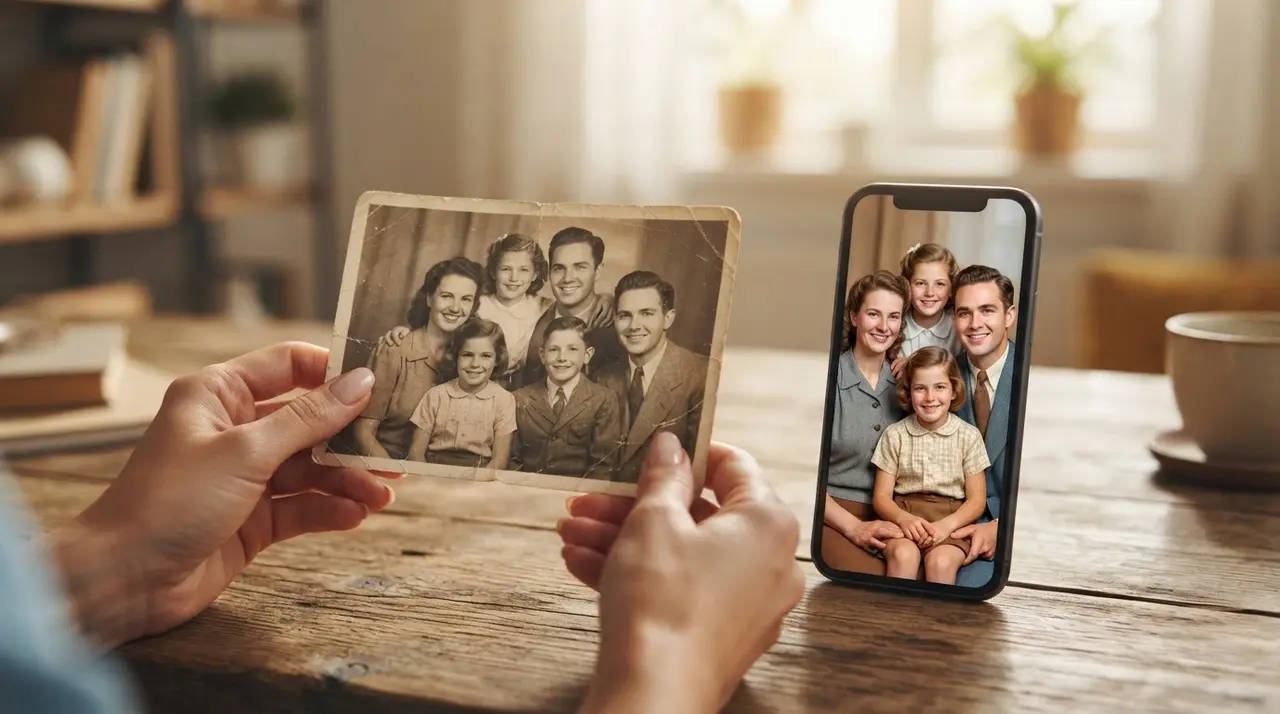
Improving a blurry, scanned photo with AI is the most effective way to recover lost details and restore the original clarity of cherished family memories. Artificial Intelligence uses advanced algorithms to identify facial features and textures, effectively reconstructing pixels that were lost due to poor scanning or low-quality originals.
When you digitize an old photograph at home, the result is often disappointing because paper photos are sensitive to light and movement. Common issues like a slight camera shake, poor ambient lighting, or a low-resolution scanner often leave you with a blurry image that fails to honor the original moment.
Why Scanned Photos Often Look Blurry
Scanned photos suffer from blurriness primarily due to hardware limitations and human error during the capture process. Most home scanners or smartphone cameras lack the depth-of-field capabilities to perfectly capture fine grain, leading to a loss of sharpness that makes faces look soft or out of focus.
- Camera Shake: Even a microscopic movement during the scan or photo capture results in a motion-blurred image.
- Low-Quality Lighting: Dim environments force cameras to boost ISO, creating digital noise that hides fine details.
- Focus Issues: Simple point-and-shoot cameras often fail to lock focus on the specific texture of an aging photograph.
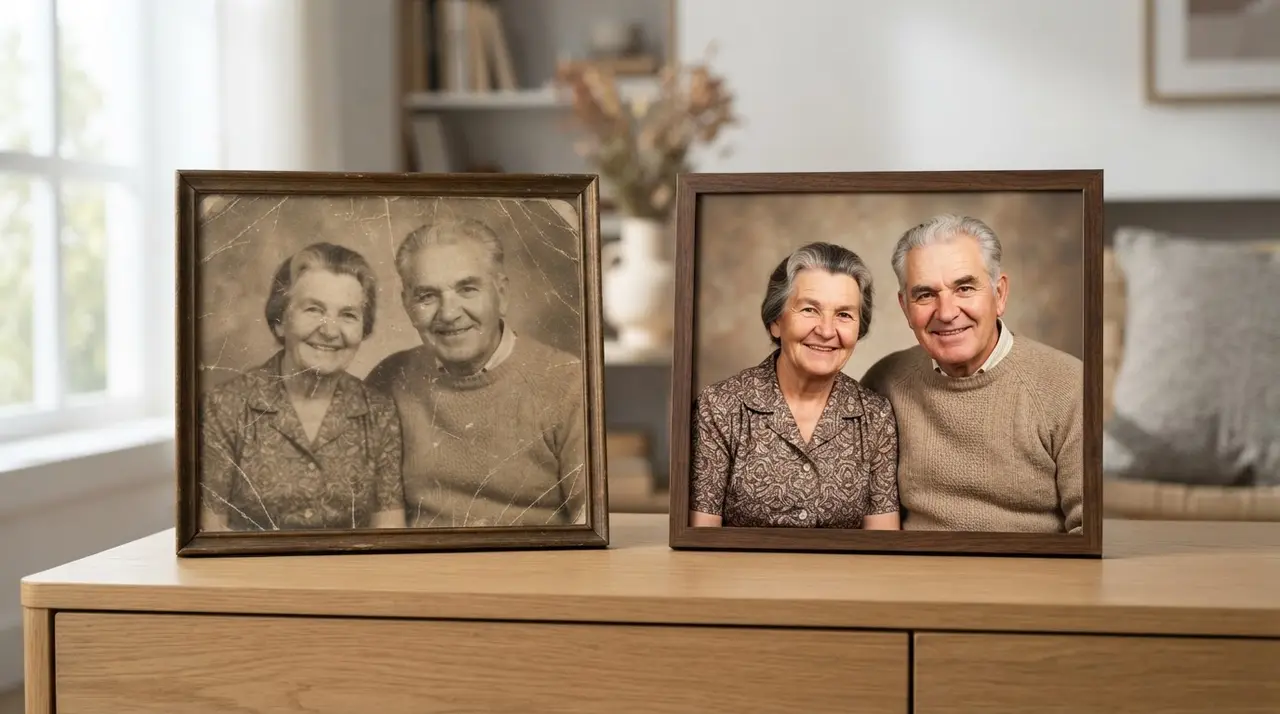
How AI Restores Your Memories Without Distorting Faces
AI-powered photo restoration works by analyzing thousands of high-quality facial patterns to intelligently "rebuild" the details lost to blur. Unlike traditional editing software, which simply sharpens the edges and increases contrast, modern AI models understand what a human eye, skin texture, or hair should look like, effectively filling in the gaps without creating a cartoonish or distorted appearance.
This technology is particularly powerful for those who want to restore old family photos that have been damaged by time. By enhancing the definition, the AI allows you to see the expressions of loved ones clearly again, making these images perfect for printing, framing, or creating sentimental gifts for family members.
Tips for Better Digitalization
Before relying on AI, you can ensure a better final output by improving the way you capture the original source material. Follow this simple comparison to choose the best method for your needs:
| Method | Pros | Cons |
|---|---|---|
| Flatbed Scanner | High detail, no distortion | Slow, requires equipment |
| Smartphone App | Fast, convenient | Needs perfect lighting |
| Direct Photo Capture | Very quick | Risk of glare and shake |
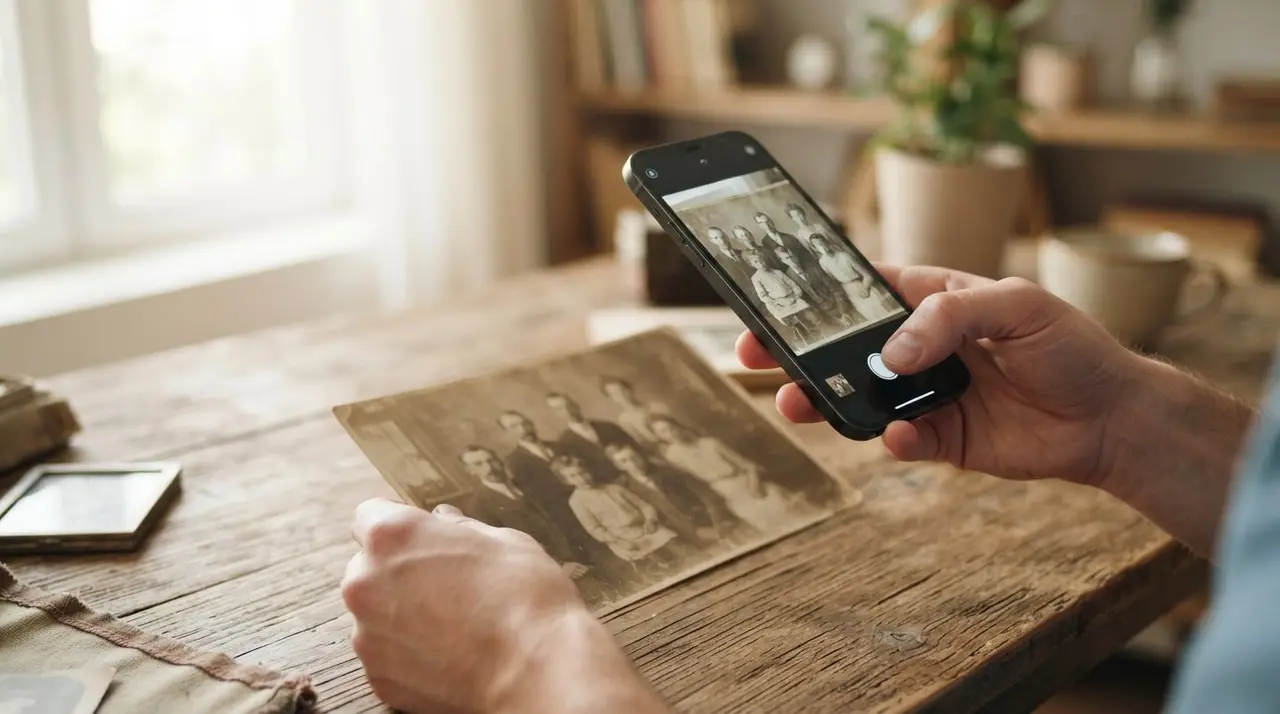
To get the best result when taking a new photo of your old print, use a tripod or prop your phone against a steady object. Ensure you have diffused, natural light—avoid using a flash, as it creates harsh glare on glossy photo paper.
Case Study: Restoring a Faded Wedding Memory
A client recently approached Vídeo com IA with a single, highly blurred photo of their grandparents' wedding from the 1960s. The scan was dark and the faces were unrecognizable, causing significant distress to the family who wanted to display it at an anniversary celebration. By using our AI-driven restoration process, we were able to recover the subtle details of the lace on the dress and the clear expressions of the couple. The family was eventually able to print a 16x20 inch copy of the restored image, turning a lost memory into a centerpiece for their event.
Frequently asked questions
Can AI really fix a completely blurry photo?
AI can significantly improve clarity and sharpness, but the final result depends on the state of the original image. While it cannot magically recover information that isn't there, it does an incredible job of reconstructing facial features and textures to make the image look natural and clear again.
Do I need to install any complex software to use this?
No, you do not need to install any apps or learn complex software. At Vídeo com IA, we handle the entire process directly through WhatsApp, making it accessible for anyone to restore their precious memories with just a few clicks.
Is it better to rescan the photo or use AI?
If your scan is extremely blurry or low-resolution, we recommend a high-quality rescan first using a flatbed scanner or a steady hand in good light. Once you have the best possible base image, our AI can then work its magic to enhance the detail and bring it to professional quality.
Conclusion
Restoring your family history is no longer a task reserved for expensive professionals or complex software. By leveraging AI, you can take those blurry, scanned photos and bring them back to life in high definition. Whether you want to preserve a wedding memory or honor a loved one, the power of AI is at your fingertips. Start your restoration journey today by reaching out to us on WhatsApp and see the difference for yourself.