
How to Extend Old Videos and Continue Scenes with AI
Learn how to extend short videos and continue scenes using AI. Transform your cherished memories into longer, emotional clips directly via WhatsApp.
- AI video
- video extension
- extend video
- AI video tools
- WhatsApp AI
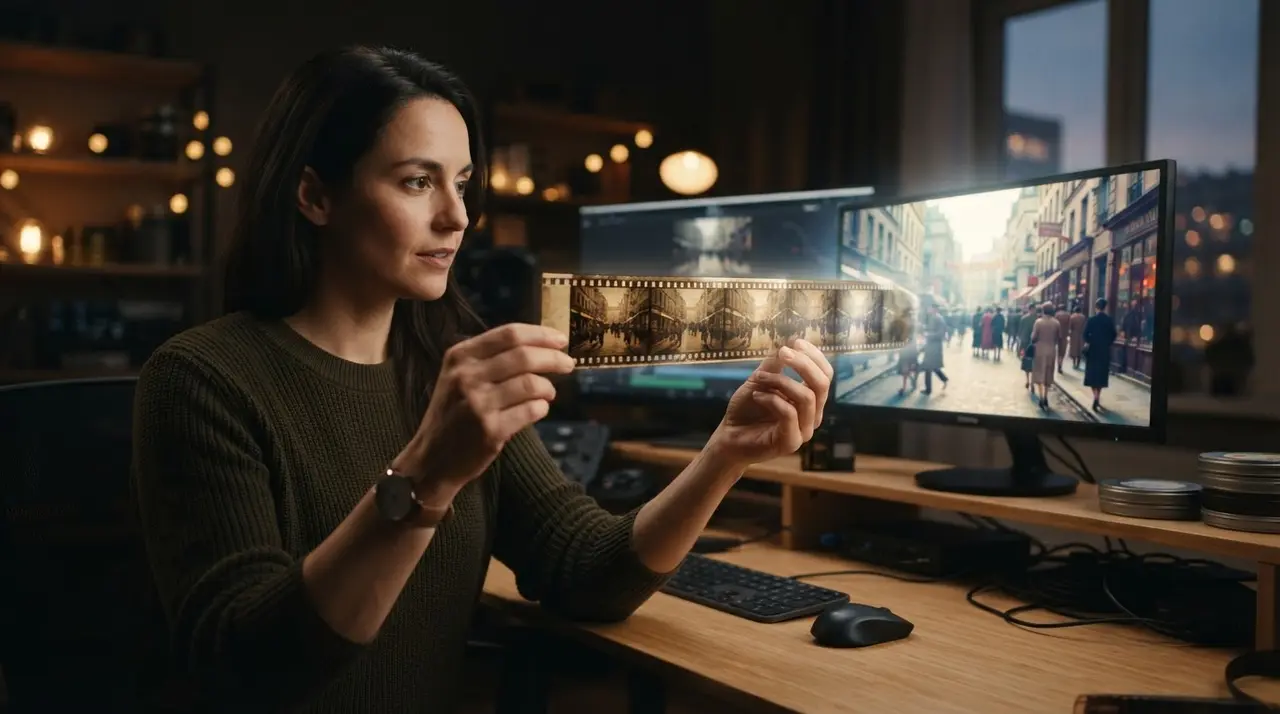
Video extension is the process of using artificial intelligence to generate new frames that continue a recorded clip, effectively creating a longer video from limited footage. By providing a text prompt, you can instruct the AI to create a new, coherent scene that builds upon your original memory, extending its duration and emotional impact.
Many people hold onto short, shaky, or abrupt clips of their most precious moments. These fragments often feel incomplete, leaving us wishing we could see just a few more seconds of a loved one's smile or the completion of a cherished gesture. With the latest advancements in AI, this is no longer just a wish.
What is AI Video Extension?
AI video extension acts as a digital bridge that adds new, realistic footage to the end of an existing clip. By analyzing the final frames of your video, the AI calculates the trajectory of movement and the visual context, then generates a seamless 7-second continuation based on your specific description.
This technology does not just duplicate frames; it intelligently imagines what happens next. Whether you want to extend a video of a child playing or a grandparent waving goodbye, the AI ensures the transition remains fluid and true to the original atmosphere of the recording.

How to Create a Seamless Scene Extension
The secret to a perfect extension lies in the clarity and detail of your text prompt. When you describe the continuation, focus on the specific action, the lighting, and the mood you want to preserve from the original footage.
For instance, if your video shows a relative standing in a garden, describe exactly how they should move next. Instead of a vague instruction, try: "The person slowly turns their head and smiles towards the camera, with soft morning sunlight filtering through the trees." This level of detail helps the AI align the new scene with your expectations.
Comparison: Traditional Editing vs. AI Extension
| Feature | Traditional Editing | AI Extension |
|---|---|---|
| Time required | Hours or days | Minutes |
| Skill level | Professional | Beginner (WhatsApp) |
| Cost | Expensive software | Affordable/Accessible |
| Creative output | Limited to existing footage | Generates new, coherent visuals |
A Real-World Application of AI Extension
Consider the case of the Miller family, who found a 5-second video of their grandfather laughing at a wedding. The clip ended abruptly just as he was about to stand up. By using the AI video extension tools at Vídeo com IA, they were able to describe the scene, allowing the AI to naturally complete the movement. The result was an emotional 7-second sequence that turned a fragmented memory into a finished, heartwarming moment.
Simple Workflow via WhatsApp
You do not need to be a tech expert or install complex editing software to use these tools. At Vídeo com IA, we have simplified the process to ensure that anyone can preserve their history with just a few taps on their phone.
- Send your video: Upload your short clip directly to our WhatsApp number.
- Provide your idea: Write a simple description of how you want the scene to continue.
- Receive the result: Our AI processes the request and sends back a new, extended version of your memory.
If you have other needs, such as the ability to restore old family photos or create a personalized gift for a loved one, our platform is designed to handle those requests with the same simplicity. You can also view our examples of use to see how others are reimagining their archives.

Creative Uses for Extending Memories
Beyond simply fixing abrupt cuts, AI extension allows you to explore "what if" scenarios or enhance the storytelling of your family history. You can imagine a scene that never happened but feels authentic, such as adding a few seconds of a peaceful walk or an affectionate gesture that was missed by the camera.
This is especially powerful for those in mourning who wish to spend more time with a fleeting memory. By breathing new life into these old clips, you are not just editing a video; you are creating a digital legacy that can be shared and cherished for generations to come.
Frequently asked questions
Can I extend any video I have?
Yes, you can extend almost any short video clip. For the best results, ensure your original video is clear enough for the AI to recognize the subjects and the setting.
How long will the extended video be?
The AI generates a fixed, high-quality 7-second sequence to continue your original clip. This duration is optimized to maintain visual coherence and realism.
Do I need professional editing skills?
Not at all, as the entire process is managed via WhatsApp. You simply send the file and a text description, and we handle the technical side of the AI generation for you.
How detailed should my description be?
The more specific you are, the better the result will be. Mention the specific movements, emotional tone, and any key elements you want the AI to include in the extension.