
How to Extend Short Videos and Create New Scenes with AI
Learn how to extend short videos and create new scenes with AI directly via WhatsApp. Turn brief clips into longer, emotional stories effortlessly.
- AI video extension
- video longer
- AI video tools
- WhatsApp AI
- video editing

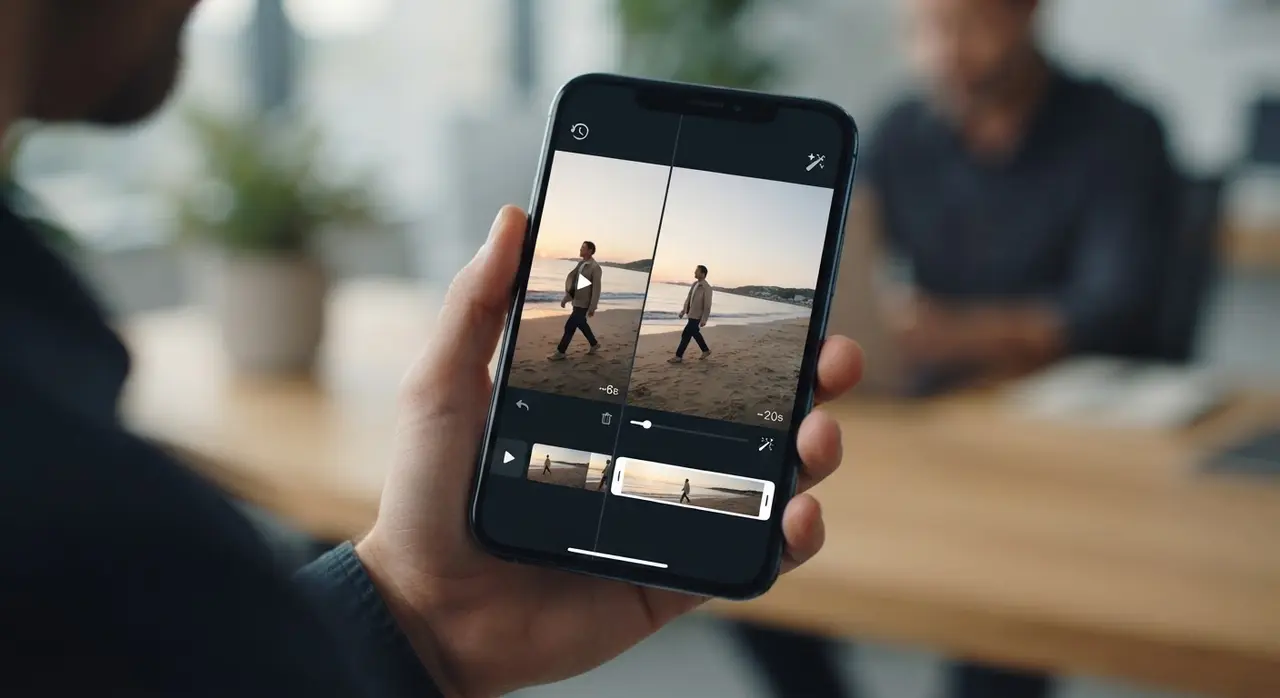
AI video extension allows you to add new, generated scenes to an existing clip, effectively increasing its duration and narrative flow. By using specialized AI tools, you can continue a video by providing a simple text description of what should happen next, giving your original footage more depth and time.
Many people struggle with short, fleeting moments that end too quickly. With the latest advancements in artificial intelligence, you no longer need to be a professional editor to fix these gaps. At Vídeo com IA, we simplify this process, allowing you to breathe new life into your cherished memories without needing to install complex apps.
How AI Video Extension Actually Works
AI video extension works by analyzing the last frames of your existing footage to understand the motion, lighting, and composition. Once the AI grasps the context, it generates a seamless transition that adds a fixed duration—usually 7 seconds—to your video.
This technology essentially predicts the logical continuation of your scene. Whether it is a family member walking into the frame or a landscape shifting slightly, the AI builds upon what already exists. It is a powerful way to make your video longer and more immersive, turning a quick snapshot of a memory into a complete story.
The Simple Process to Continue Your Video via WhatsApp
You can continue your video by following a few straightforward steps on WhatsApp. We designed this workflow to be accessible for anyone who values simplicity and speed.
- Send your clip: Start a chat and upload the original video you wish to extend.
- Describe the outcome: Write a short, clear sentence describing what you want to see in the new scene (e.g., 'the person turns and smiles').
- Choose your settings: Select your preferred resolution and the power level for the AI generation to match your needs.
- Receive the result: Our system processes the request and sends the extended video back to you in minutes.
Comparing Traditional Editing vs. AI Extension
Choosing the right method depends on your technical skill and the time you have available. The table below outlines why AI is often the preferred choice for family memories.
| Feature | Manual Editing | AI Extension (Vídeo com IA) |
|---|---|---|
| Learning Curve | High (Complex Software) | Zero (Chat-based) |
| Time Required | Hours | Minutes |
| Ease of Use | Hard | Very Simple |
| Hardware Needed | Powerful PC | Just a Smartphone |
Real-World Application: Preserving Family History
We recently assisted a client who had a very short, blurry 3-second video of their grandmother waving during a wedding party. By using our service, they were able to estender vídeo capabilities to create a 7-second scene where she turns around and blows a kiss, adding an emotional layer that was previously missing. This is just one of many examples of use where technology meets affection.
Whether you are looking to restore old family photos or create a meaningful childhood-to-today transition video, the goal is always the same: preserving the essence of the moment. By creating new scenes with AI, you are not just editing; you are curating your life's most precious history.

Frequently asked questions
Can I extend any type of video?
Yes, you can extend most videos as long as the footage is clear enough for the AI to analyze the movement and context. We recommend using clips with good lighting for the best results.
How long is the extension added by the AI?
Our AI extension service adds a fixed duration of 7 seconds to your video. This is designed to provide a natural and seamless continuation of your original clip.
Do I need to install any software to use this?
No, you do not need to install any apps or complex software. Everything is handled through our simple and secure WhatsApp channel.
Can I customize what happens in the new scene?
Yes, you can provide a text description telling the AI what you want to happen next. The more specific your description, the better the AI can tailor the new scene to your vision.
Conclusion
Extending your videos and creating new scenes with AI is a simple, effective way to turn short clips into lasting memories. By leveraging the power of Vídeo com IA, you can preserve your family history with ease and emotion. Start your journey today by reaching out on WhatsApp and giving your videos the length and detail they deserve.