
How to Create a Stunning Before and After Transition Video with AI
Learn how to transform two photos into a smooth, emotional before and after transition video using AI. Simple, fast, and perfect for preserving family memories.
- AI video
- photo transition
- before and after
- AI montage
- digital memories
- video evolution
Mastering the Before and After Transition Video
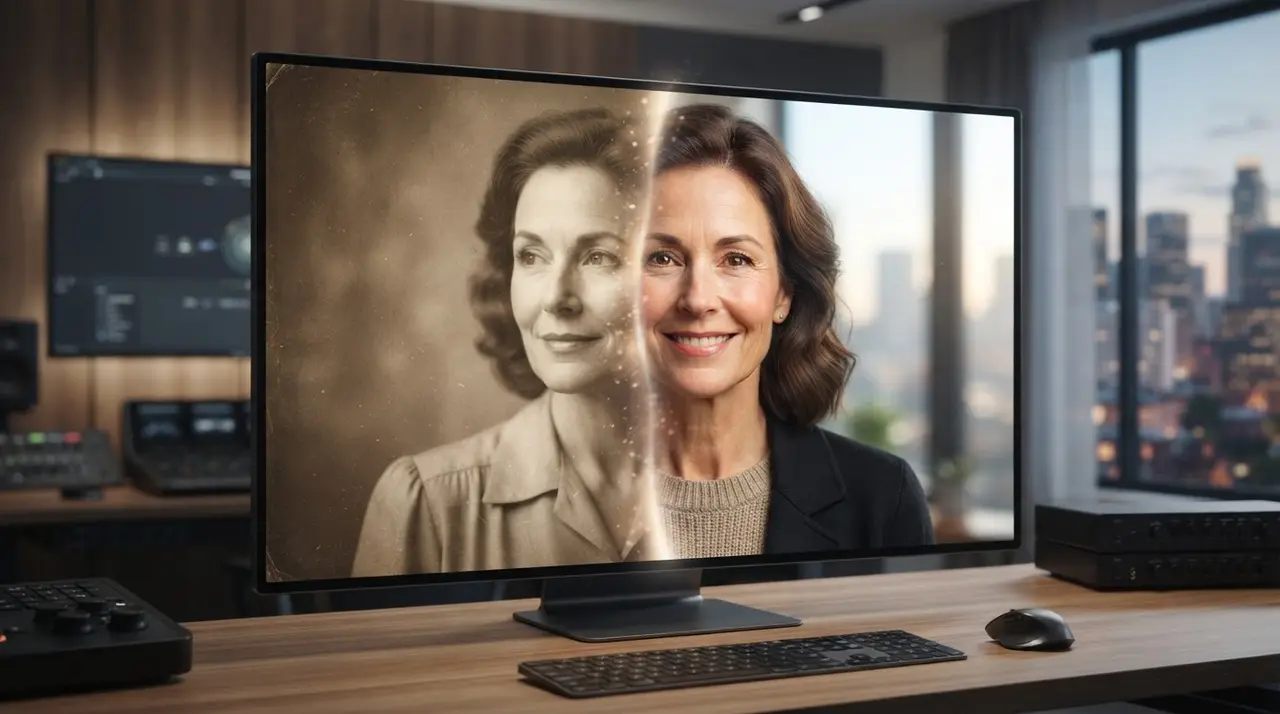
A transition before and after video is a creative way to show the evolution of a person or a moment by smoothly morphing two distinct photographs into one continuous sequence. Using AI to unite two photos allows you to preserve precious family memories in a format that feels alive and deeply personal, turning static images into a dynamic narrative.
The process works by analyzing the key features of both images—such as facial structure, posture, and lighting—to create a liquid, seamless flow between the two states. Whether you are creating a gift for a loved one or documenting a personal milestone, this technique adds a cinematic flair to your before and after transition that simple slideshows just cannot match.
Why You Should Unite Two Photos into a Video
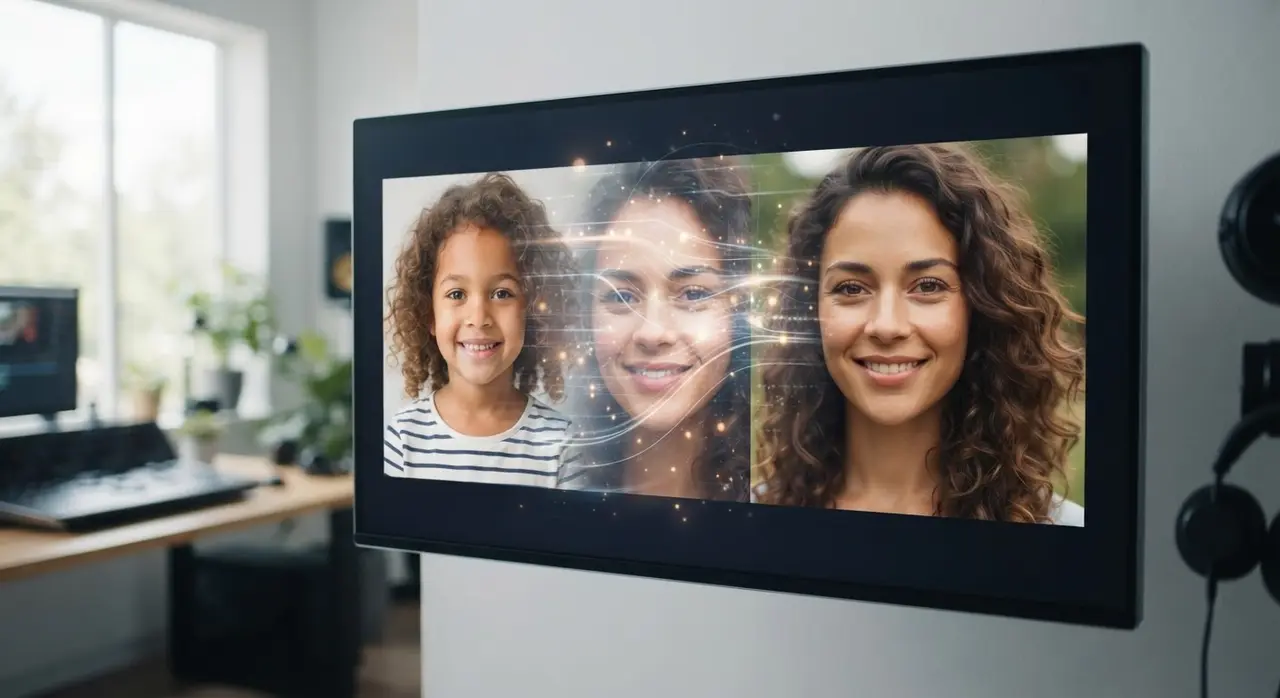
Uniting two photos into a single AI photo montage is an effective tool for storytelling that bridges the gap between the past and the present. By showcasing the evolution of an individual, you create an emotional impact that resonates deeply with family and friends.
This method shines in several scenarios:
- Celebrating Milestones: Perfect for anniversaries or birthdays where you want to show how much someone has changed over the decades.
- Tribute Videos: A meaningful way to honor a loved one by showing their growth or their presence in different life stages.
- Creative Evolution: Demonstrating artistic transformations or the progression of a specific family legacy.
How to Get the Best Results
The secret to a high-quality transition lies in the curation of your images. While AI is powerful, choosing photos with similar composition, lighting, and camera angles will significantly improve the final result and make the evolution in video look more natural.
| Feature | Recommendation |
|---|---|
| Composition | Try to align faces or main subjects |
| Resolution | Use high-quality scans or original digital files |
| Lighting | Similar lighting conditions produce smoother morphs |
| Duration | 4-8 seconds for optimal emotional impact |
Transforming Photos via WhatsApp
You do not need complex software or technical skills to create professional-level content. At Vídeo com IA, we have simplified the process so that anyone can turn their personal archive into a masterpiece directly through your favorite messaging app.
Follow these steps to transform your photos:
- Select your images: Choose two photos that tell a story—an old photo and a recent one work perfectly.
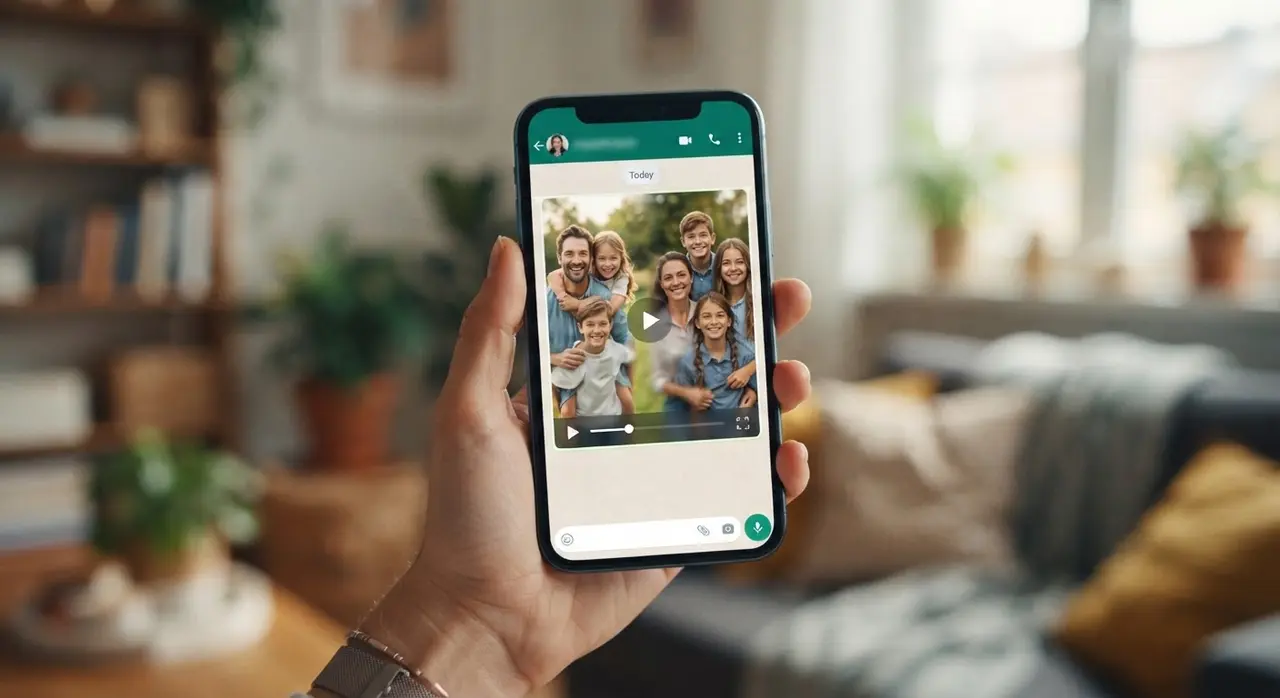
- Send via WhatsApp: Simply send the two images to our AI Nostalgia service at +1 (555) 990-4415.
- Choose your parameters: Define if you want a 4, 6, or 8-second video, and select your resolution preference up to 4K.
- Receive and Share: Within minutes, you will receive your professional transition video ready to be shared with family.
Recently, a customer used our platform to prepare a surprise for her grandmother’s 80th birthday. By providing a wedding photo from the 60s and a current portrait, Vídeo com IA created a beautiful, fluid transition video. The result was not just a video, but a shared moment of tears and joy during the party, proving that emotional technology can bridge generations.
Frequently asked questions
Do I need to install any apps to create these videos?
No, you do not need to install any software or apps. Our entire process is handled directly through WhatsApp, making it accessible and simple for everyone.
What is the ideal duration for a photo transition?
We recommend a duration of 4 to 8 seconds for the best visual effect. This length allows the viewer to appreciate the details of both photos while enjoying the smooth transition.
Can the AI handle photos that are very different?
While the AI is highly capable, photos with similar composition and angles generally yield the best and most realistic transition results. If the photos are drastically different, the transition might appear more abstract and artistic.
What resolutions are available for the final video?
You can request your video in resolutions ranging from 720p for quick sharing to 4K for high-definition viewing on larger screens. Just let our team know your preference when you send your photos.